- Stok Durumu: Stok Var
- Marka: OEM
- SKU: RBZ.100.199
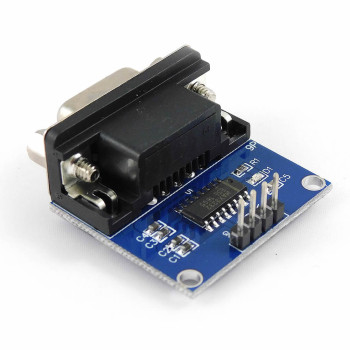
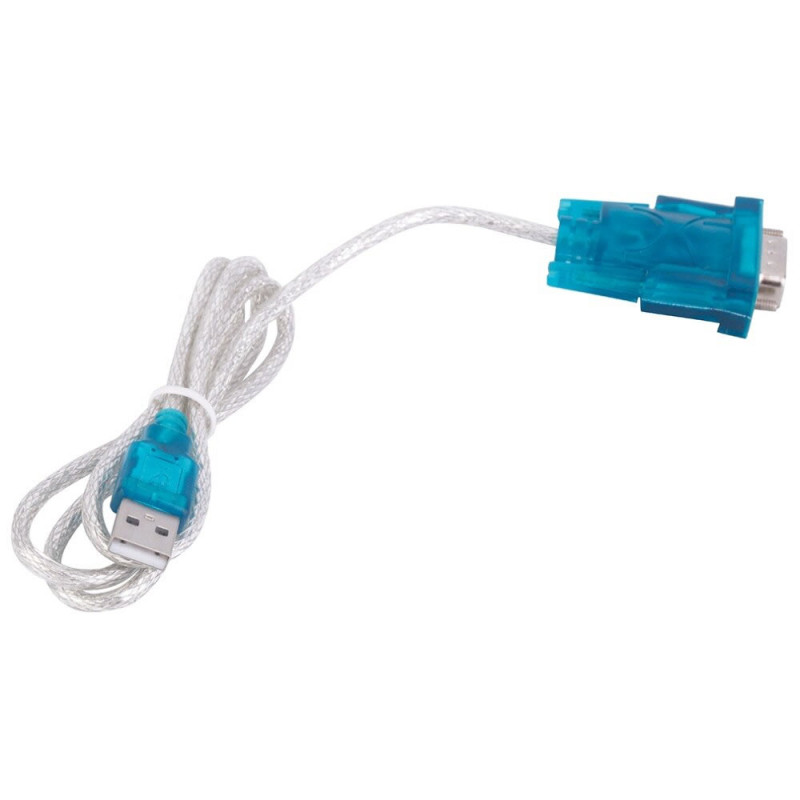
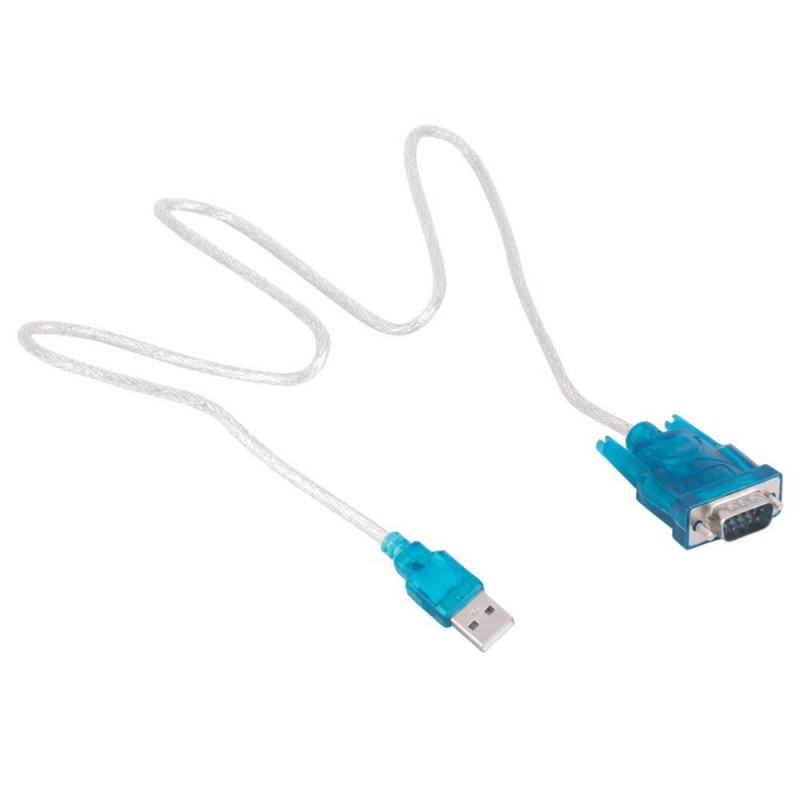
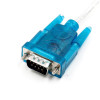
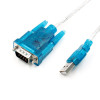
Cabled Usb to Rs232 Converter CH340
Male DB9 1 Mbps
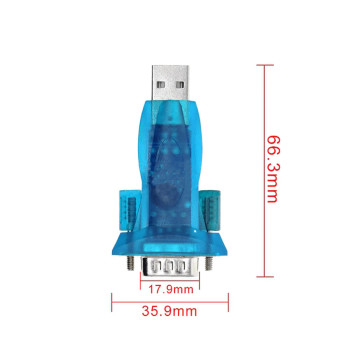
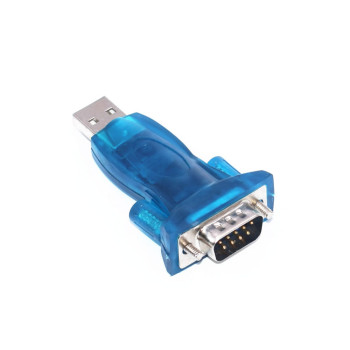
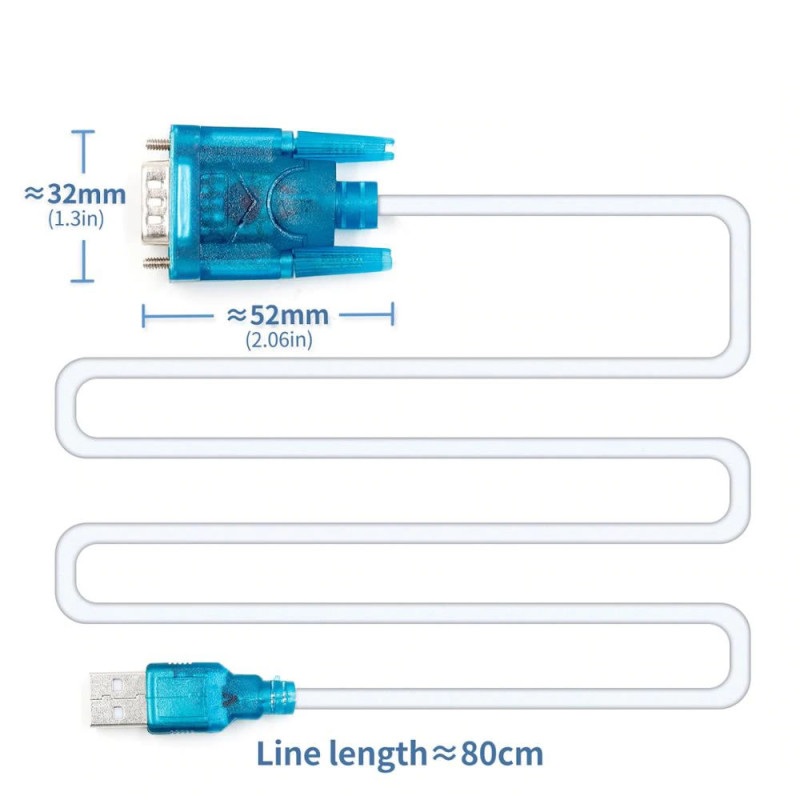
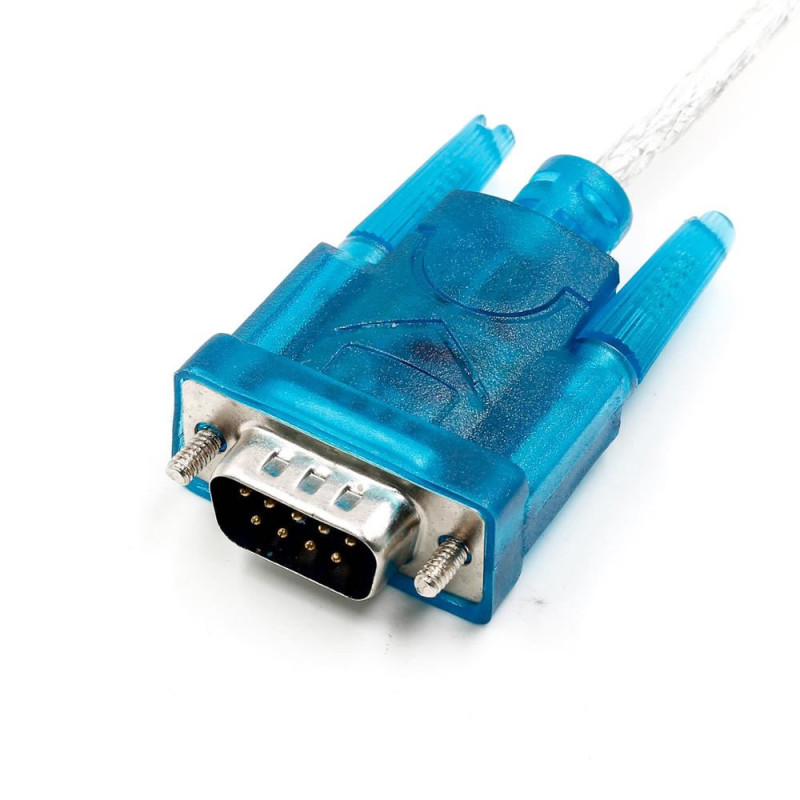
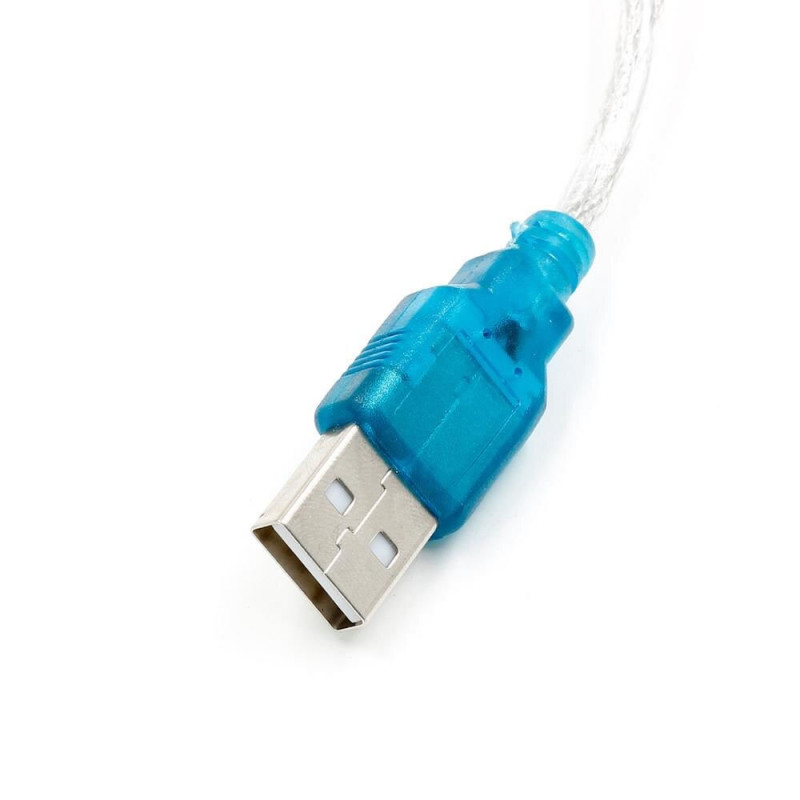
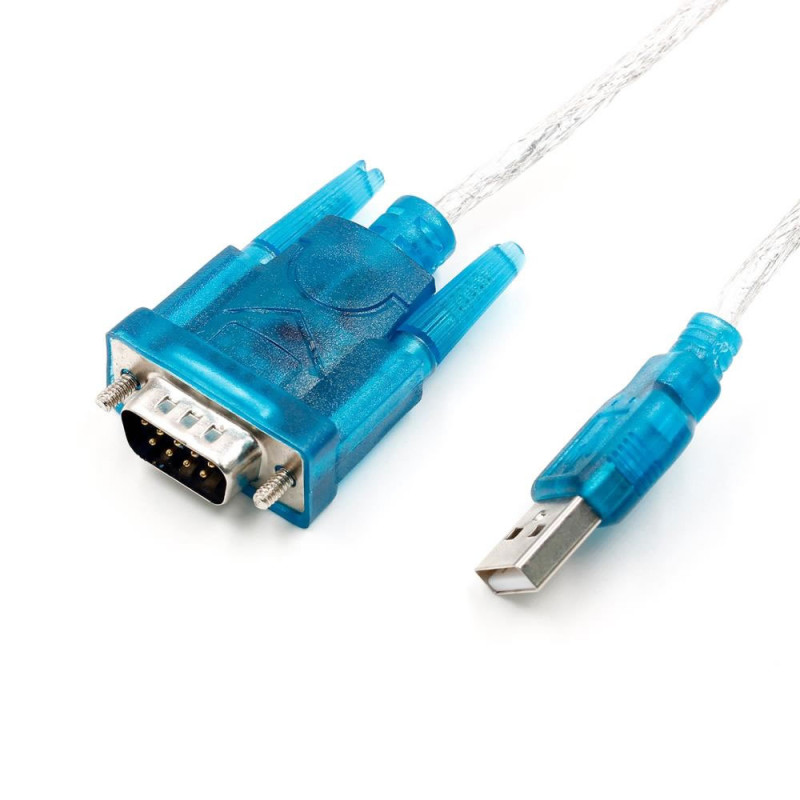
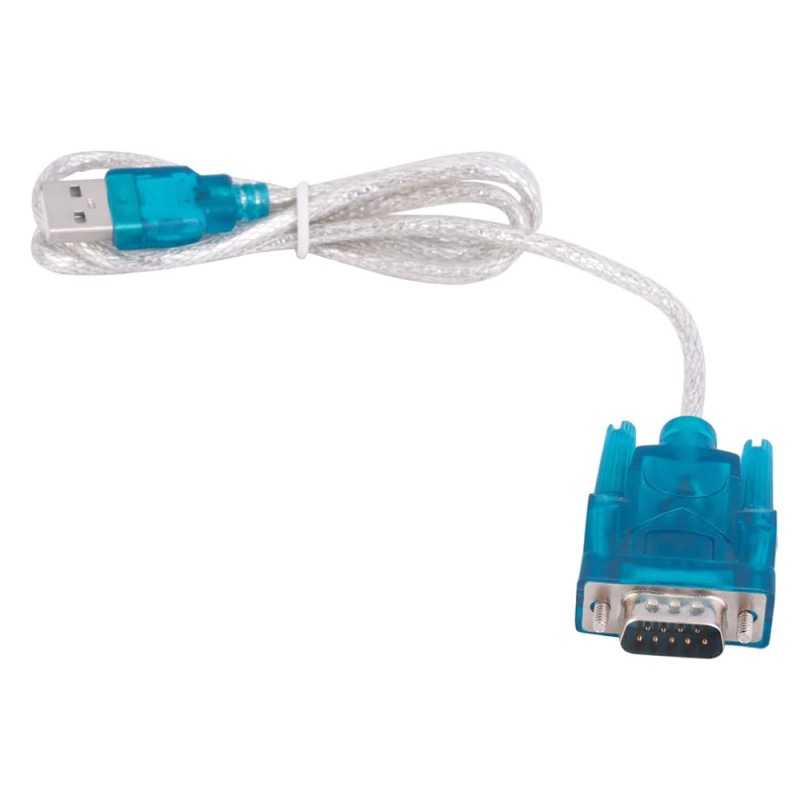
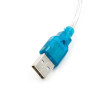
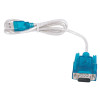
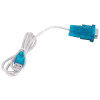
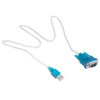
This product is a one-piece cabled converter with a CH340 chip that turns a computer's USB port into an RS232 serial port (COM port). One end has a USB-A male plug and the other end a DB9 male (9 pin) serial port connector with locking screws; the cable between them is approximately 80cm. The converter circuit sits inside the connector housing, no external power is needed; it runs on the 5V it takes from USB.
Once the driver is installed, the computer recognises the cable as a new COM port. This COM port is selected in the settings of software that works with a serial port and is used to communicate with RS232 devices such as PLCs, barcode scanners, scales, cash registers, CNC machines, modems and router or switch console ports. The DB9 end uses true RS232 signal levels and carries all TXD, RXD, RTS, CTS, DTR, DSR, DCD and RI signals; it also works with devices that require RTS/CTS hardware flow control.
It is the most practical way to add a COM port to laptops and new desktop computers that have no serial port. It needs no separate module or cable, takes little space in a bag and suits field service and maintenance.
Key features:
From USB to COM port: Creates a new COM port on a computer without a serial port; works with any program or terminal software where a COM port can be selected.
Full 9 pin RS232: Besides TXD, RXD and GND, the DB9 male connector also has RTS, CTS, DTR, DSR, DCD and RI signals; it communicates with devices that use flow control and modem signals.
CH340 chip: Works with the CH341SER driver on Windows; the driver is built into the Linux kernel. Runs at the common 300 - 115200bps rates; higher rates up to 1Mbps depend on the connected device and line.
No external power: The converter is powered from USB; no adapter or battery is needed, just plug and use.
Screw-lock DB9, 80cm cable: The locking screws of the DB9 connector fix it to the device port so it does not come out under vibration or pulling; the approximately 80cm cable leaves comfortable distance between the computer and the device.
Features:
- Product type: USB - RS232 serial port converter cable
- Chip: CH340
- Computer side: USB-A male, USB 2.0 (USB 1.1 compatible)
- Serial port side: DB9 male (9 pin) with locking screws
- Signal level: RS232 (not TTL)
- Signals: TXD, RXD, RTS, CTS, DTR, DSR, DCD, RI, GND
- DB9 pinout: 1 DCD, 2 RXD, 3 TXD, 4 DTR, 5 GND, 6 DSR, 7 RTS, 8 CTS, 9 RI
- Data rate: common 300 - 115200bps; higher rates up to 1Mbps depend on the connected device and line
- Flow control: RTS/CTS hardware flow control
- Power: 5V from USB, no external power needed
- Appears on the computer as: Virtual COM port (USB-SERIAL CH340)
- Operating systems: Windows 11 / 10 / 8 / 7 (CH341SER driver), Linux (driver built into the kernel), macOS (with driver)
- Connection: Point-to-point RS232; does not support RS485 / RS422
- Isolation: No galvanic isolation
- Colour: Transparent blue connector housings
- DB9 connector size: approximately 52mm x 32mm
- Cable length: approximately 80cm
- Weight: approximately 42gr
Usage information:
- Driver: install the CH341SER driver (CH341SER.EXE) on Windows; on Linux the driver is built into the kernel. After plugging in the cable, check the COM port number that appears under "Ports (COM & LPT)" in Device Manager.
- Select this COM port in the settings of your serial port software; set baud rate, data bits, parity and stop bits to match your device (example: 9600 8N1).
- Plug the DB9 male connector into the device's DB9 female port and tighten the screws. If there is no communication, first check the COM port number and baud rate, then the TX/RX direction of the device.
Application areas:
- PLC programming and serial communication
- Connecting barcode scanners, scales and cash registers (POS)
- Router, switch and server console port management
- Transferring programs to CNC machines
- Satellite receiver software updates
- GSM and analog modem AT command tests
- UPS serial port monitoring
- Data transfer from measuring and laboratory instruments
- Adding a COM port to laptops and desktops without a serial port
- Maintenance, service and setup of legacy serial port devices
Things to consider:
- The DB9 end is at RS232 level (not TTL). Do not connect it directly to the 3.3V / 5V UART (TX/RX) pins of microcontroller boards; the board may be damaged. For TTL level devices use a USB-TTL converter or an RS232 - TTL level converter module.
- The connector is DB9 male and plugs into the DB9 female port of the device. If the device also has a male port, a female-female gender changer is needed; between two computers or two DTE devices a null modem cable that crosses TX/RX is needed.
- This cable does not work on RS485 / RS422 lines; it is only for point-to-point RS232 connections.
- There is no galvanic isolation. For industrial devices with different ground potentials or for long lines, prefer an isolated converter.
Package contents:
- 1 Piece Cabled USB RS232 Converter CH340
- Note: A driver CD is not included in the package; the driver is downloaded from the internet.