- Stok Durumu: Stok Var
- Marka: OEM
- SKU: RBZ.100.340
MAX3232 RS232 To TTL Uart Converter Module
DB9 Uart 250kbps DC 3V 5V Serial Port Communication Arduino Mcu Satellite Receiver Dvd GSM Phone Firmware Update
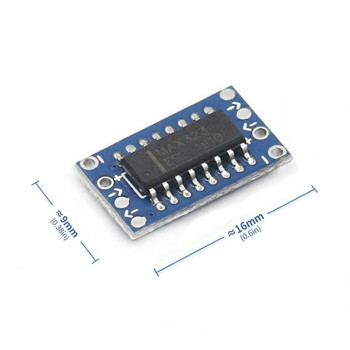
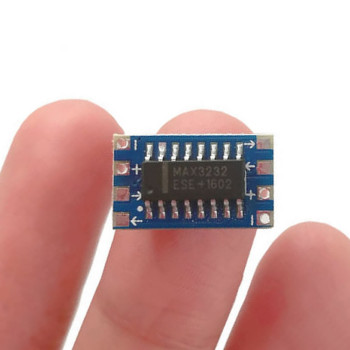
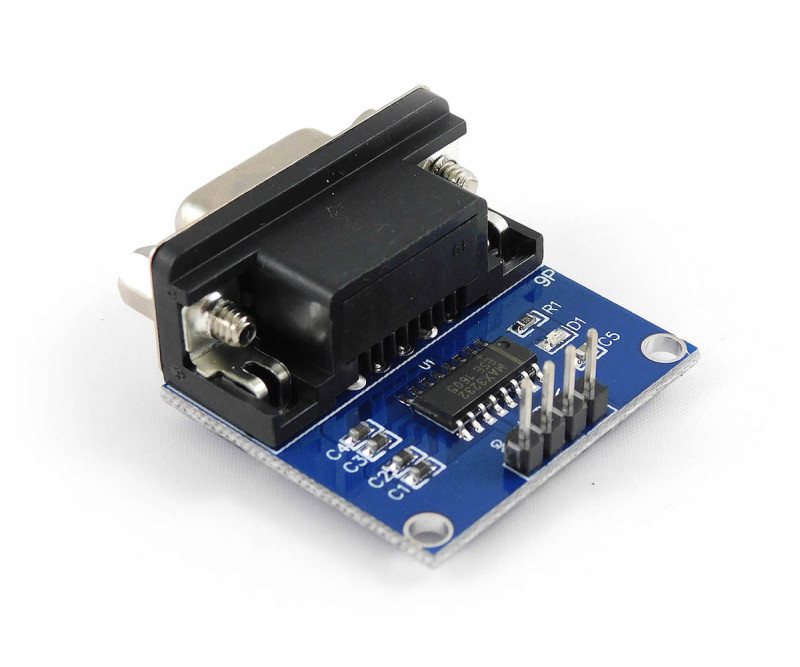
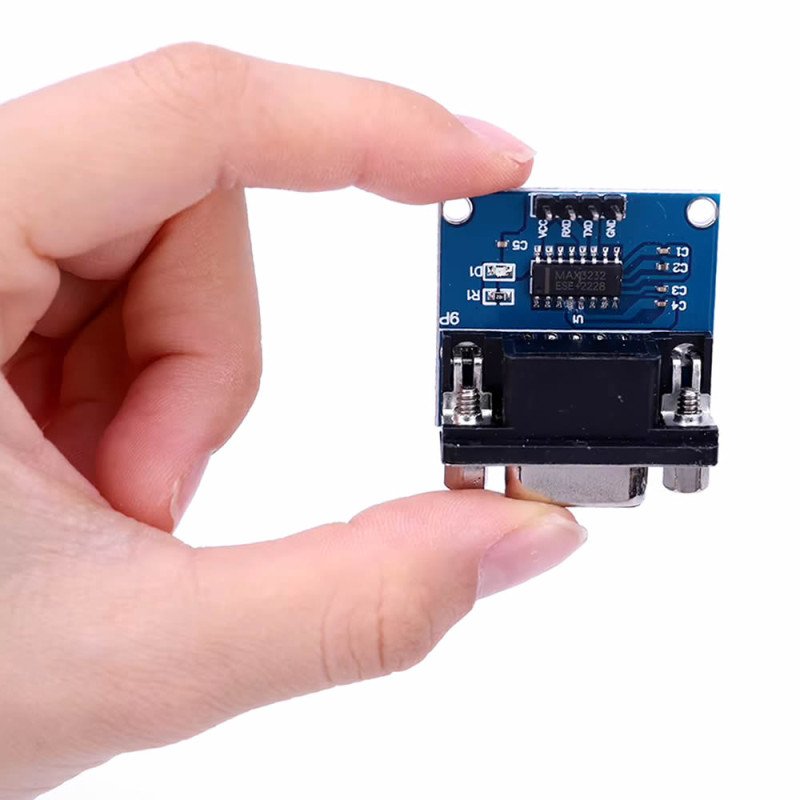
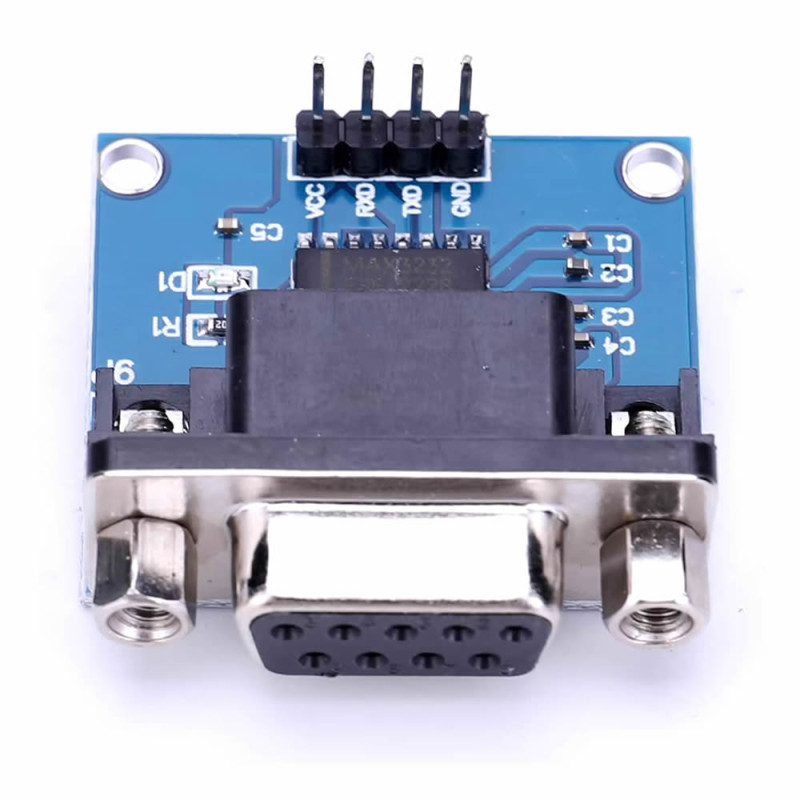
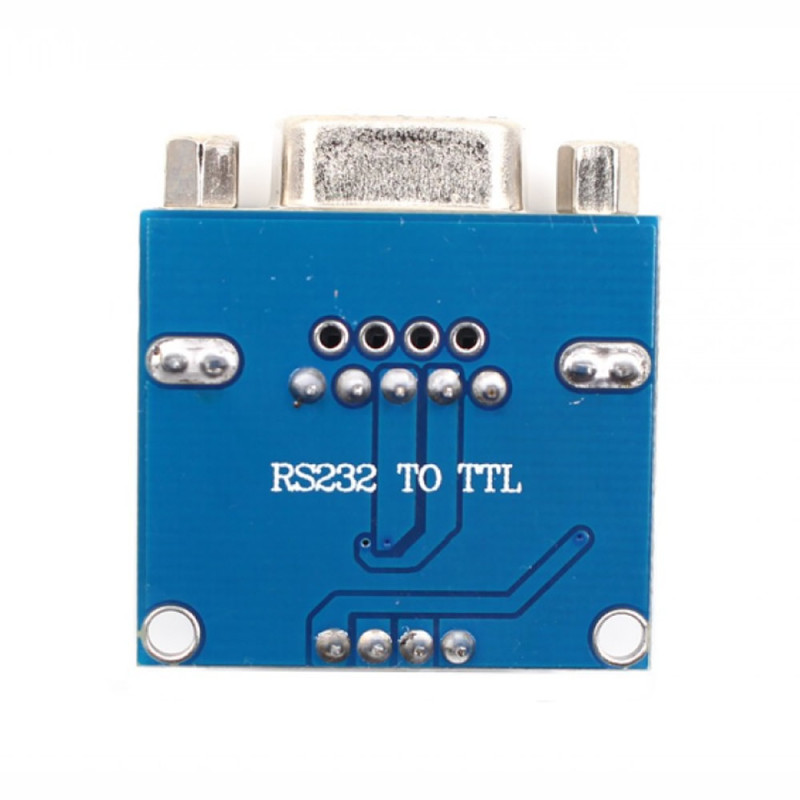
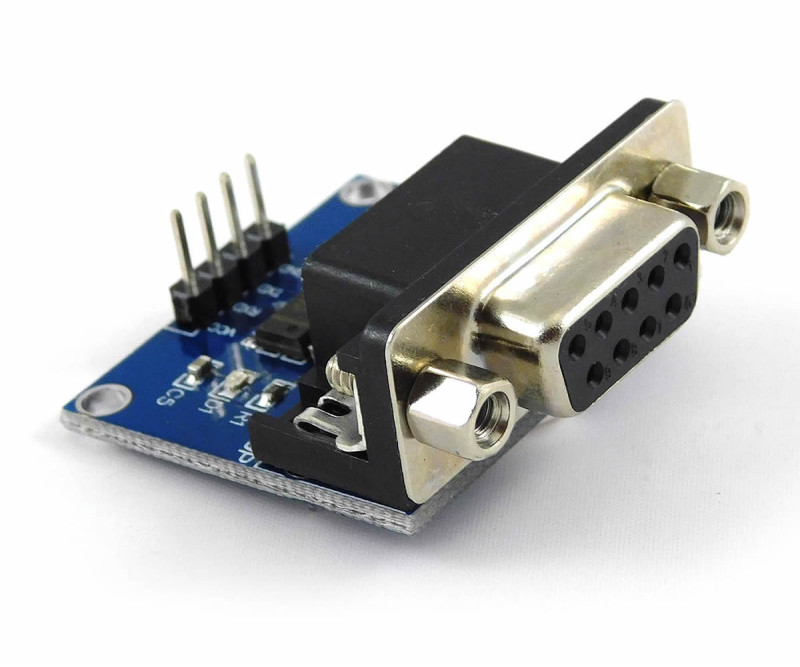
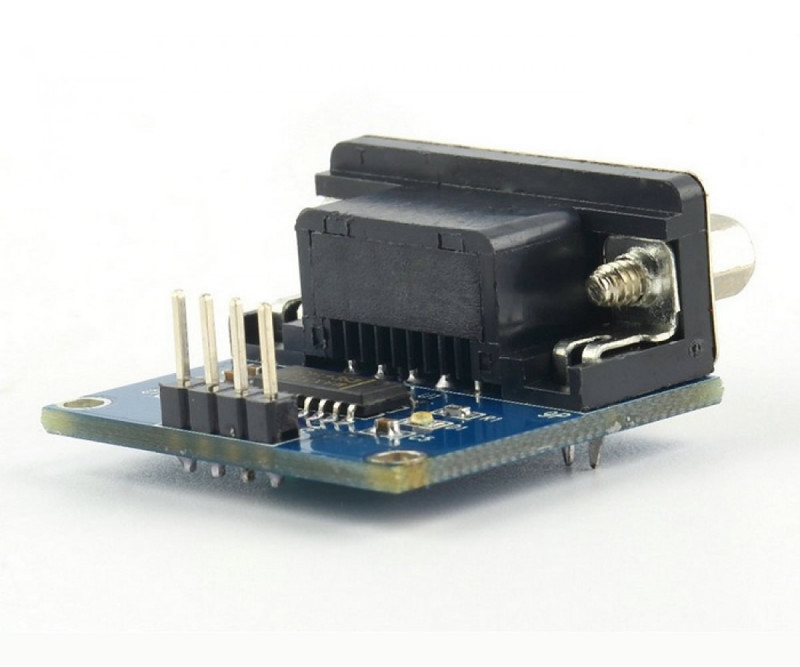
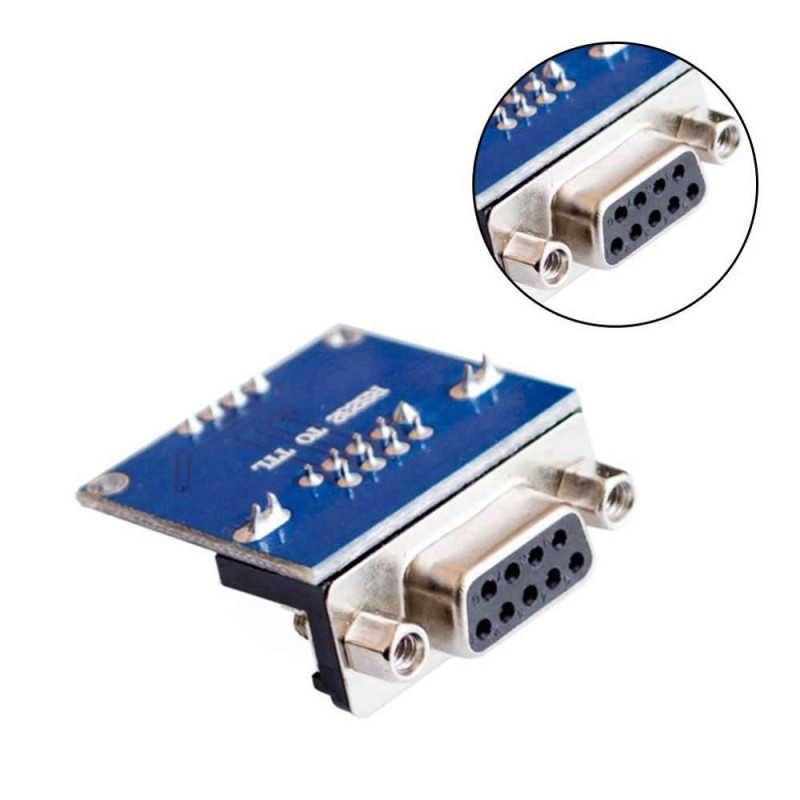
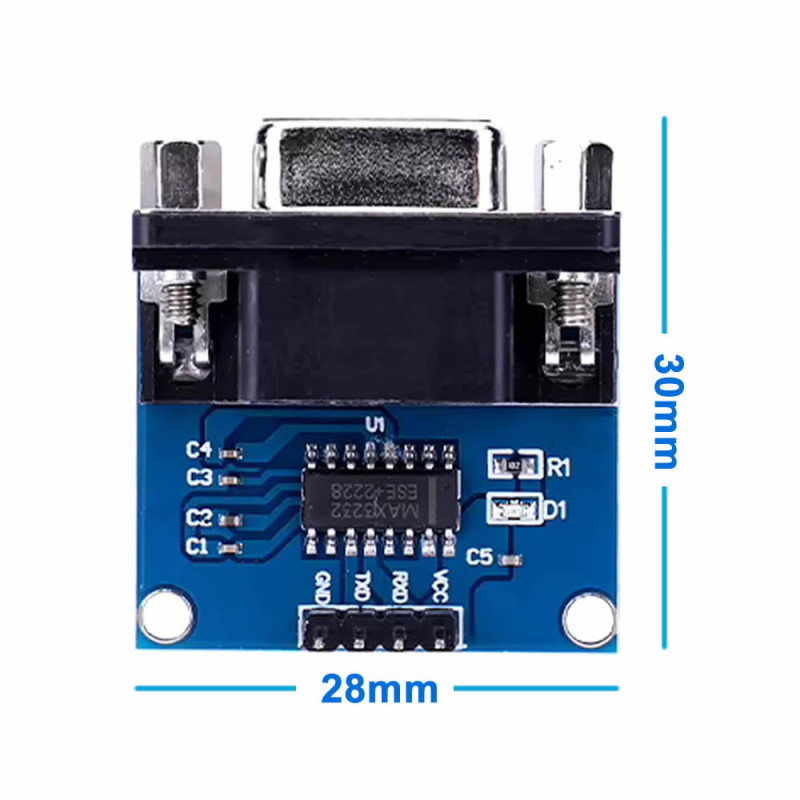
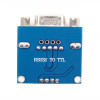
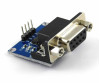
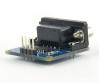
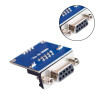
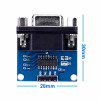
The MAX3232 Module is a ready-made board that converts the ± voltage levels of the RS232 serial port of a computer or device to 3.3V or 5V TTL (UART) level, and TTL level back to RS232 level. One end of the board has a DB9 female connector with screws, the other end has a 4-pin 2.54mm pin header marked VCC, RXD, TXD, GND. The MAX3232 IC and the charge pump capacitors are soldered on the board; no external parts are needed.
The board is powered from 3.3V - 5V and the logic level on the TTL side is the same as the supply voltage. This way it can be used directly with microcontroller boards running at either 5V or 3.3V. The guaranteed data rate of the IC is 120kbps; most sellers state that it works up to 250kbps. One power LED shows that the board is powered. The board measures 28mm x 30mm and weighs approximately 12gr; it is fixed with two mounting holes and the DB9 screws.
It is used to let RS232 port devices such as satellite receivers (firmware update), PLCs, barcode readers, scales, GSM modems and CNC machines communicate with a microcontroller or a USB-TTL converter.
Key features:
3.3V and 5V compatible: The MAX3232 IC works from 3.3V - 5V; the TTL output is 3.3V or 5V depending on the supply voltage. No separate level shifter is needed for 3.3V boards.
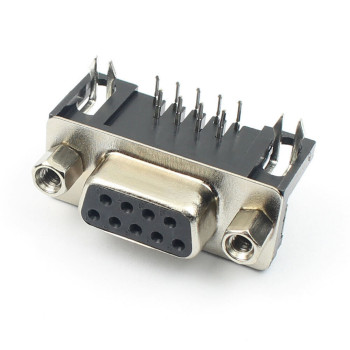
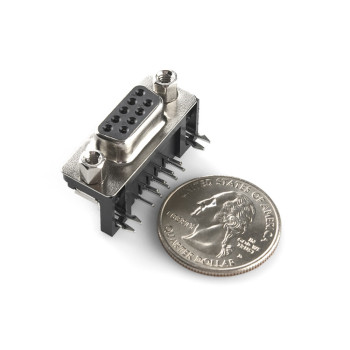
DB9 female connector with screws: A standard 9-pin serial cable plugs in directly and is secured with screws; the connection does not loosen under vibration.
On-board charge pump: The positive and negative voltages needed for RS232 are generated from the supply voltage by the IC and the capacitors on the board; no separate ±12V supply is needed.
Simple 4-pin connection: The VCC, RXD, TXD, GND pins have 2.54mm pitch; they connect without soldering with jumper wires or on a breadboard.
Low current: It draws approximately 6mA while operating; it can be powered from the board's own 3.3V or 5V output.
Features:
- Product type: RS232 - TTL (UART) level converter module
- IC: MAX3232 (the IC on the board is marked MAX3232ESE)
- Supply voltage: 3.3V - 5V (IC 3V - 5.5V)
- TTL logic level: same as the supply voltage (3.3V or 5V)
- Data rate: 120kbps guaranteed (IC value); most sellers state up to 250kbps, lower with long cables
- Channels: 1 TX + 1 RX, full duplex (sending and receiving at the same time)
- RS232 connector: DB9 female, with screws
- DB9 pins used: 2 and 3 (data), 5 (GND); the other pins are not connected
- Flow control: none; RTS/CTS and other control lines are not connected
- TTL connection: 4-pin 2.54mm male pin header: VCC, RXD, TXD, GND
- Operating current: approximately 6mA (power LED included)
- Indicator: 1 power LED
- External parts: not needed; charge pump capacitors are on the board
- Operating temperature: -40°C - +85°C (IC value)
- Mounting: 2 mounting holes and DB9 screws
- Colour: Blue board, black DB9 connector
- Dimensions: 28mm x 30mm x 14mm
- Weight: approximately 12gr
Usage information:
- Connect the VCC pin to the logic voltage of your controller board (3.3V or 5V) and GND to GND. Do not power the module with 5V on a 3.3V board; the module's TTL data output (the pin going to the board's RX input) is at supply level and stresses the board's input.
- Connect the data lines crossed first: the module's TXD pin to the board's RX input, the module's RXD pin to the board's TX output. Since the direction described by the TXD/RXD label varies from maker to maker, if there is no communication, power off, swap these two wires and try again.
- Connect the DB9 side to the RS232 device with a serial cable. If communication cannot be established, the direction of DB9 pins 2 and 3 may be reversed for that device; use a crossed (null modem) cable or an adapter.
- Baud rate, data bits, parity and stop bits must be set the same on both sides (e.g. 9600 8N1).
Application areas:
- Satellite receiver and DVD player firmware update
- PLC and operator panel serial port communication
- Barcode reader, scale and cash register connection
- Sending AT commands to GSM and analog modems
- Reading data from CNC machines and RS232 port measuring instruments
- Reading GPS receivers with RS232 output
- Router, switch and server console port connection
- Communication between a computer serial port and microcontroller boards
- Programming microcontrollers such as STC and STM32 via serial bootloader
- Adding an RS232 port to Arduino, ESP32, STM32 and Raspberry Pi
Points to consider:
- The RS232 line carries ± voltages. Do not connect the RS232 device's cable to the module's 4-pin TTL side or directly to a microcontroller pin; plug it only into the DB9 connector.
- The supply must not exceed 5.5V. Do not reverse VCC and GND.
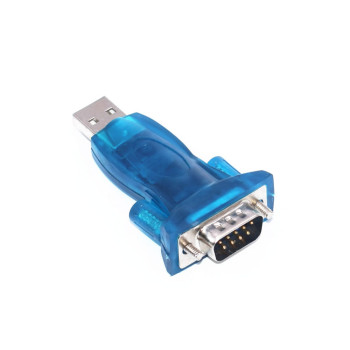
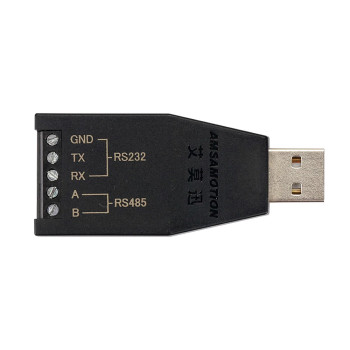
- This board is not a USB converter. If your computer has no DB9 serial port, a separate USB-RS232 or USB-TTL converter is needed for the computer connection.
- RTS/CTS flow control is not connected on the board. On devices that require hardware flow control, turn flow control off in the device settings.
- Communication may fail at high speeds and with long cables; if there is a problem, lower the baud rate or shorten the cable.
Package contents:
- 1 Piece MAX3232 Module RS232 TTL Level Converter
- 1 Piece DB9 female connector ( Assembled )
- 1 Piece 4-pin pin header ( Assembled )
- Note: Serial cable, jumper wires and USB converter are not included in the package.