- Stok Durumu: Stok Var
- Marka: OEM
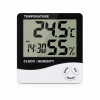
Digital Temperature and Humidity Meter Thermometer With Clock
Hygrometer Incubator Calendar Alarm LCD Display Sensor Ambient Meter Room Temperature Room Humidity Home Type Desktop Wall Type Greenhouse
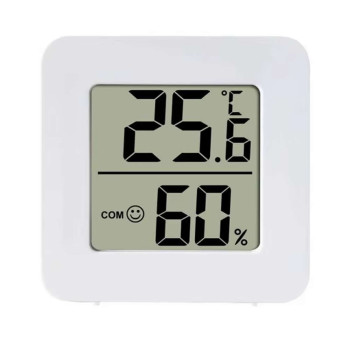
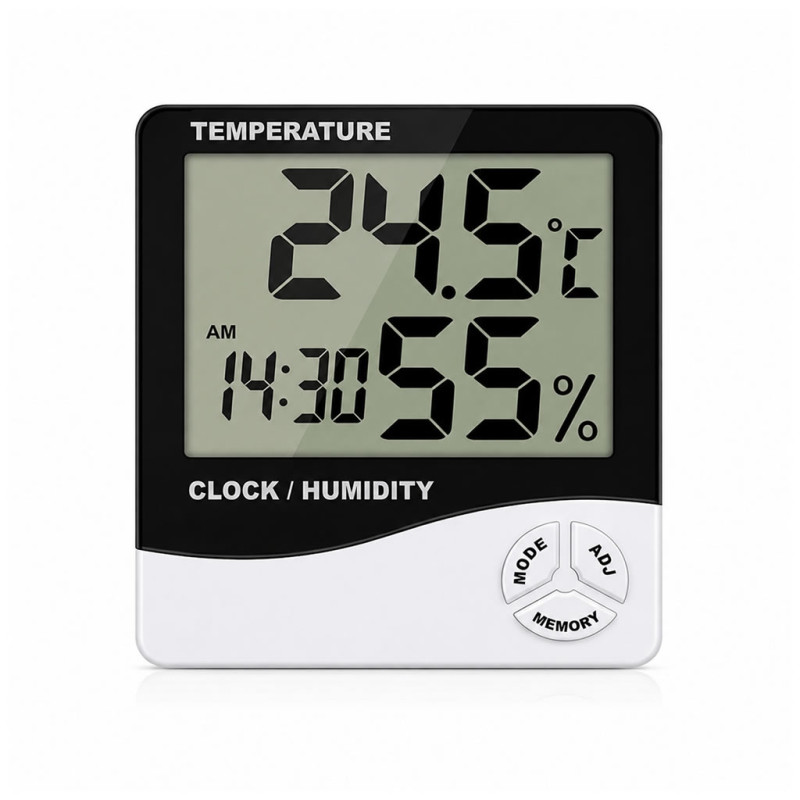
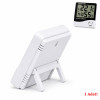
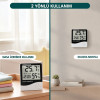
It is a digital temperature and humidity meter device designed to track ambient temperature and humidity values instantly. Thanks to its wide measurement range, it can be used in homes, offices, warehouses, greenhouses, incubation environments, work areas and various indoor applications. Thanks to its large screen, temperature, humidity, time and date information can be viewed easily.
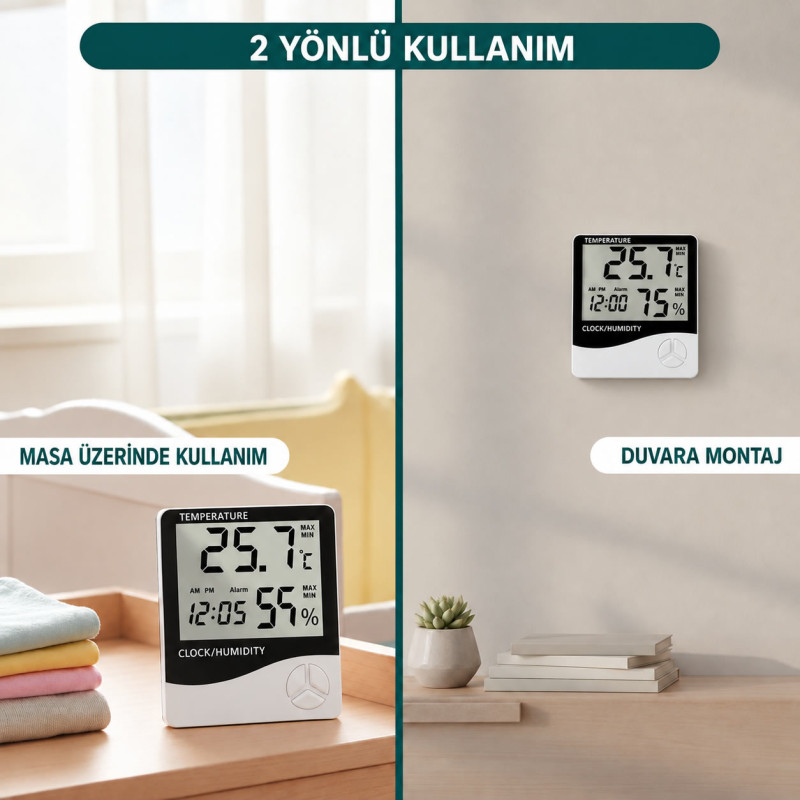
Thanks to the maximum and minimum value memory, it helps to track changes in ambient conditions. With its clock, alarm, calendar and hourly chime features, it can be used not only for temperature and humidity tracking but also as a practical desktop clock for daily use. Thanks to its compact design, it can be used comfortably on a desk or in suitable areas.
Features:
- Measures ambient temperature and humidity level instantly
- Large and readable LCD screen
- Temperature and humidity display
- Maximum and minimum value memory function
- Clock and calendar display
- Daily alarm feature
- Hourly chime function
- 12 hour and 24 hour display support
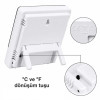
- Celsius (°C) and Fahrenheit (°F) unit selection
- Suitable for home use
- Use in offices and work areas
- Use in warehouse and archive environments
- Use in greenhouses and plant growing areas
- Use in incubation and controlled environment applications
- Design suitable for desktop use
- Low power consumption
- Compact and portable structure
- Temperature measurement range: -10°C to +50°C
- Fahrenheit measurement range: -14°F to +122°F
- Temperature accuracy: ±1°C
- Temperature resolution: 0,1°C
- Humidity measurement range: 10% to 99% RH
- Humidity accuracy: ±5% RH
- Humidity resolution: 1% RH
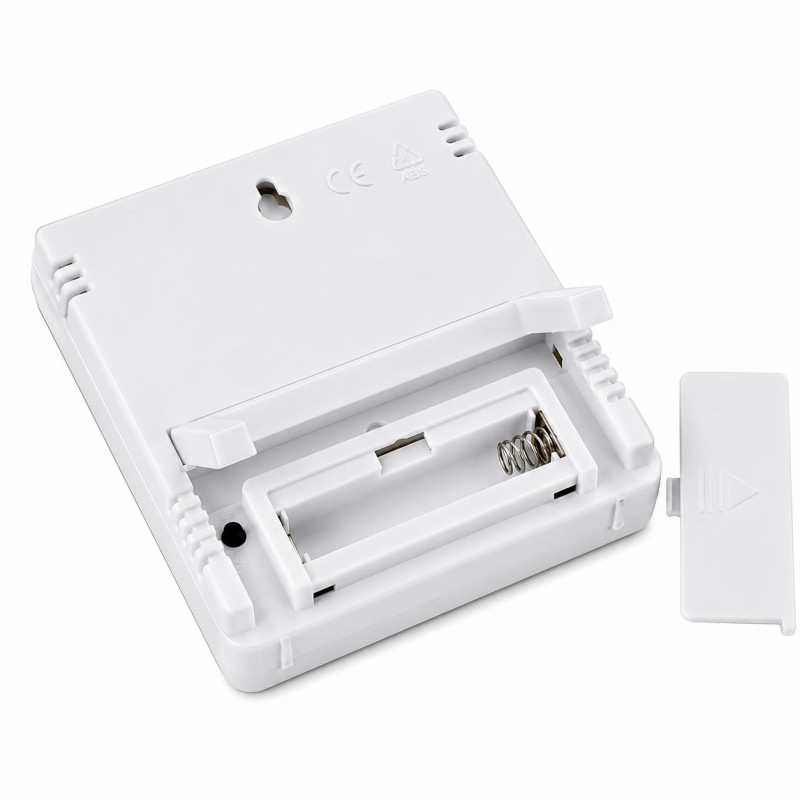
- Power source: 1 pcs AAA 1.5V battery
- Material: ABS Plastic
- Color: White
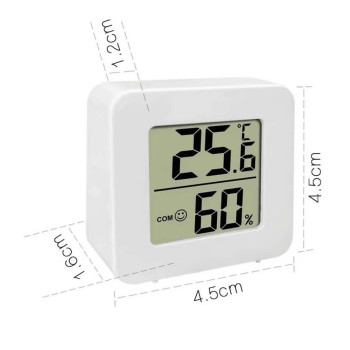
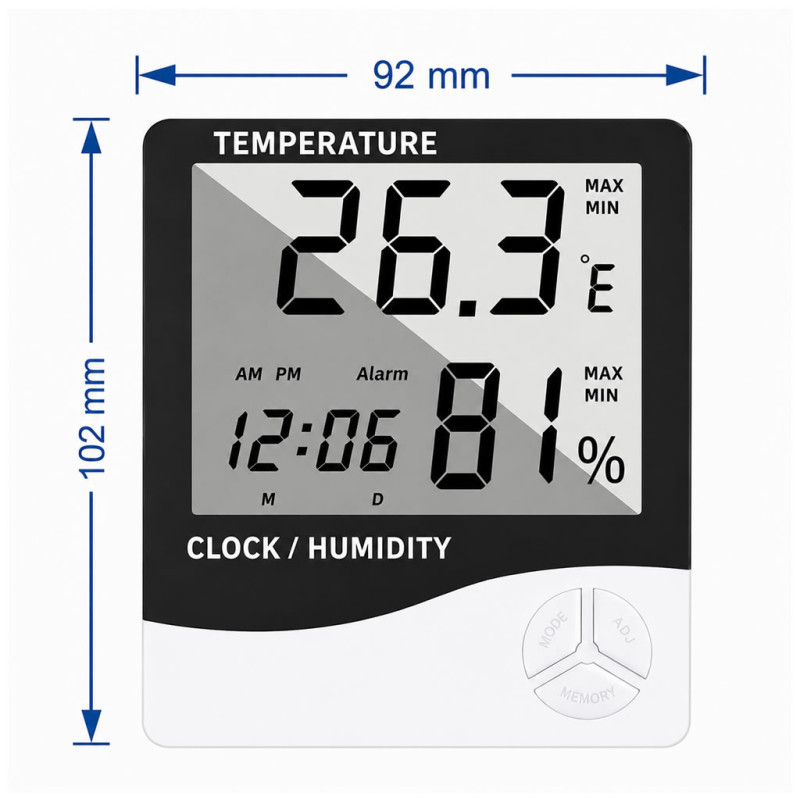
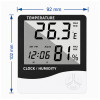
- Dimensions: 102mm x 92mm x 21mm
- Weight: 84gr.
Basic Functions
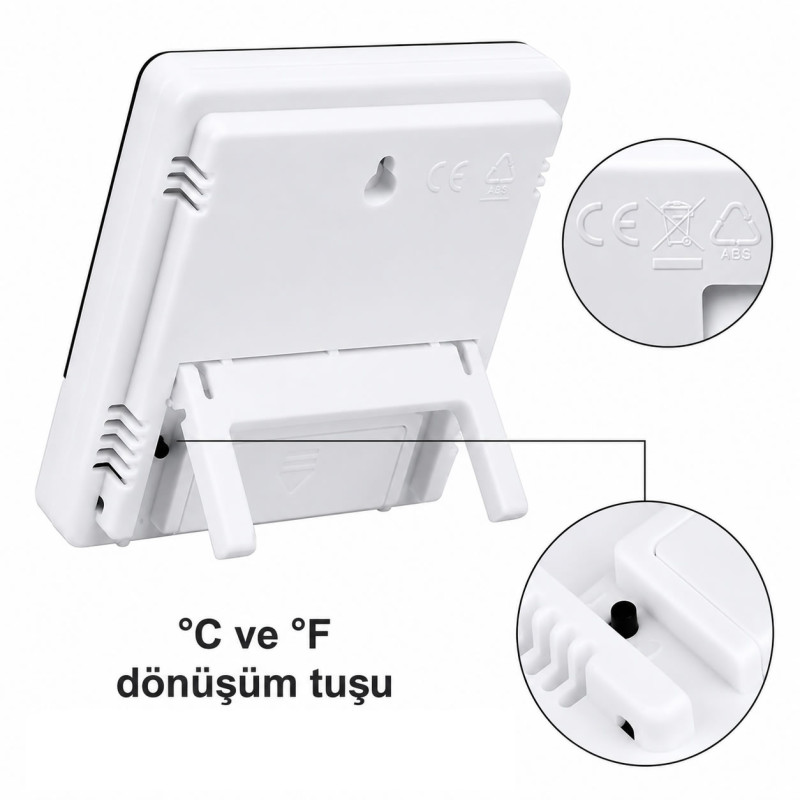
- °C / °F temperature unit switching button
- Maximum and minimum temperature/humidity memory function
- 12/24 hour clock format
- Hourly chime/bell function
- Daily Temperature / Humidity display
- Alarm
- Calendar display
Usage Instructions
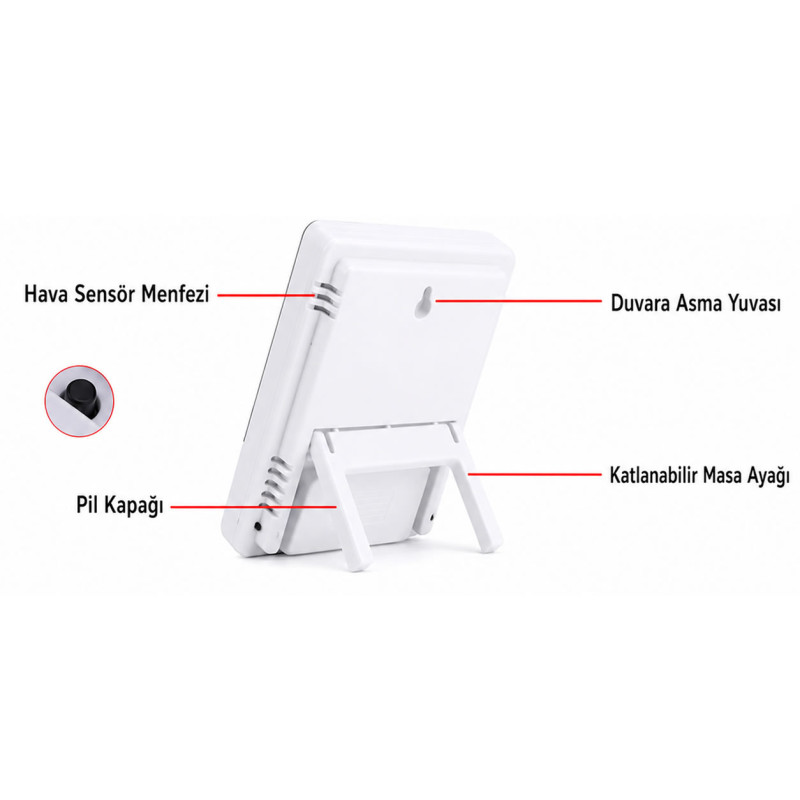
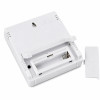
- Battery Installation: Open the battery cover by pushing it backwards, insert the battery and then close the battery cover; the device will be ready for use.
- Button Features:
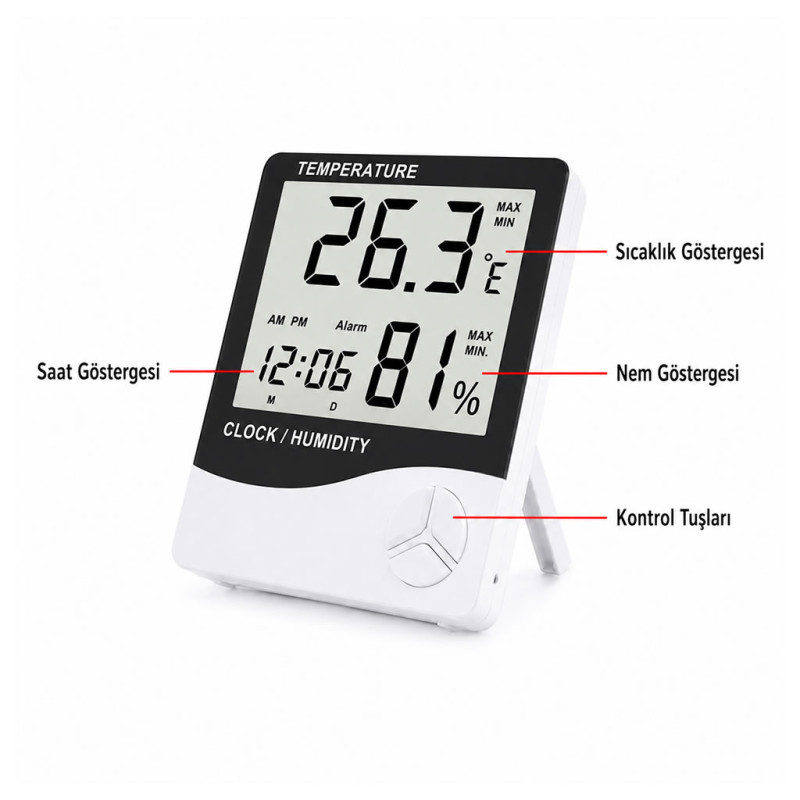
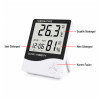
- [MODE]: Allows switching between clock and alarm display modes; sets the current time, the alarm time, the 12 or 24 hour format and the date.
- [ADJ/SET]: Works with the [MODE] button to change the value of the item to be set.
- [MEMORY]: Displays the highest (Maximum) and lowest (Minimum) temperature and humidity values in memory / clears this memory.
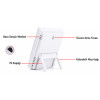
- [°C / °F]: (Located on the back of the device) Allows changing the temperature unit to Celsius (°C) or Fahrenheit (°F).
- Time and Date Setting: While on the first screen (normal clock mode) press and hold the [MODE] button for 2 seconds; the seconds digit will start flashing. Press the [ADJ/SET] button to set the minutes and the hour. Then proceed by pressing the [MODE] button to make the Hour, 12/24 hour format, Month (M) and Day (D) settings respectively.
- Alarm and Hourly Chime Setting: While in normal clock mode (while the colon between the hour and minute is flashing) press the [MODE] button once to switch the screen to alarm mode (the colon stops flashing). Then, press the [ADJ/SET] button to turn the "Alarm" function or the "Hourly Chime" function (a special symbol appears on the screen) on and off. To set the alarm time, press and hold the [MODE] button for 2 seconds, set the time and complete the operation.
- Exiting Alarm Mode: If no operation is performed for 1 minute while in alarm mode, the device automatically returns to normal clock mode. You can press the [ADJ/SET] button to view the calendar; after 3 seconds the screen will automatically return to clock mode.
- Memory (Max/Min) Display: Press the [MEMORY] button to see the highest and lowest values stored in memory. To clear (reset) the memory, press and hold the [MEMORY] button for longer than 2 seconds.
Package Contents:
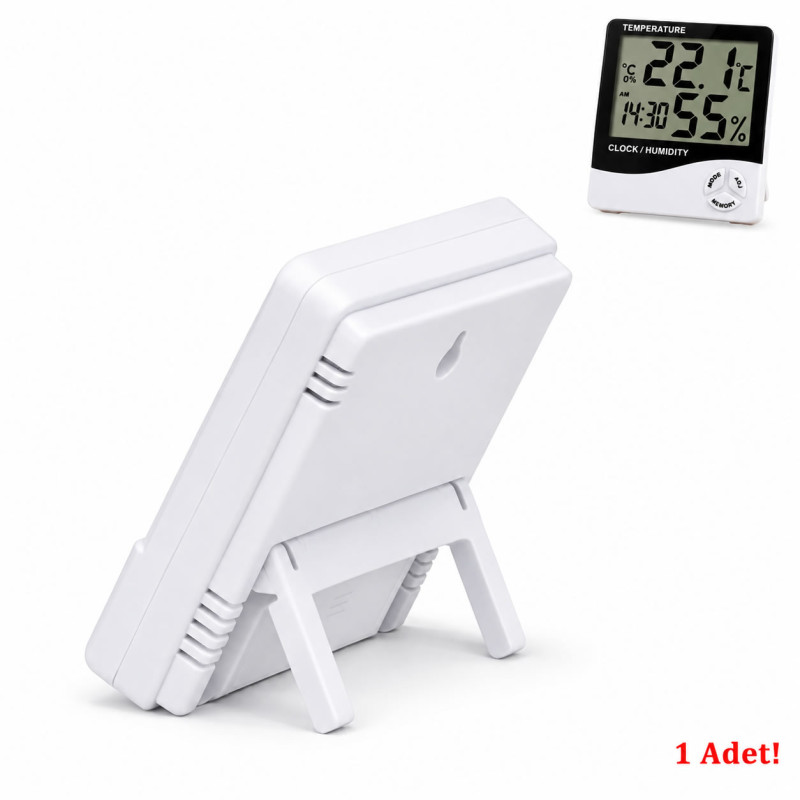
- 1 pcs HTC-1 Humidity Meter and Thermometer With Clock