- Stok Durumu: 10-15 Days
- Marka: OEM
- SKU: RBZ.101.752
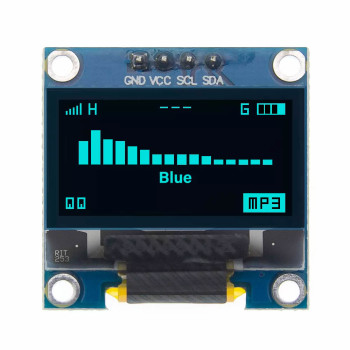
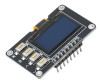
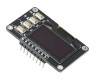
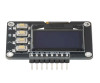
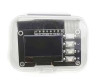
0.96 Inch Blue Oled Module With 4 Buttons
3.3V 5V SSD1306 128x64 Pixel IIC I2C Serial 0.96” Screen Lcd Indicator Arduino STM32 ESP32
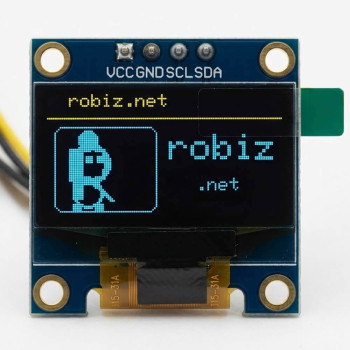
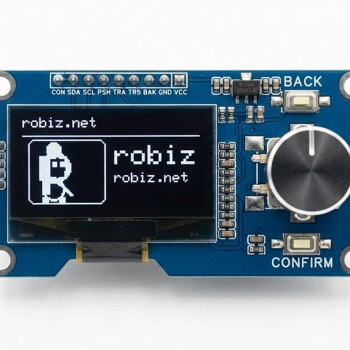
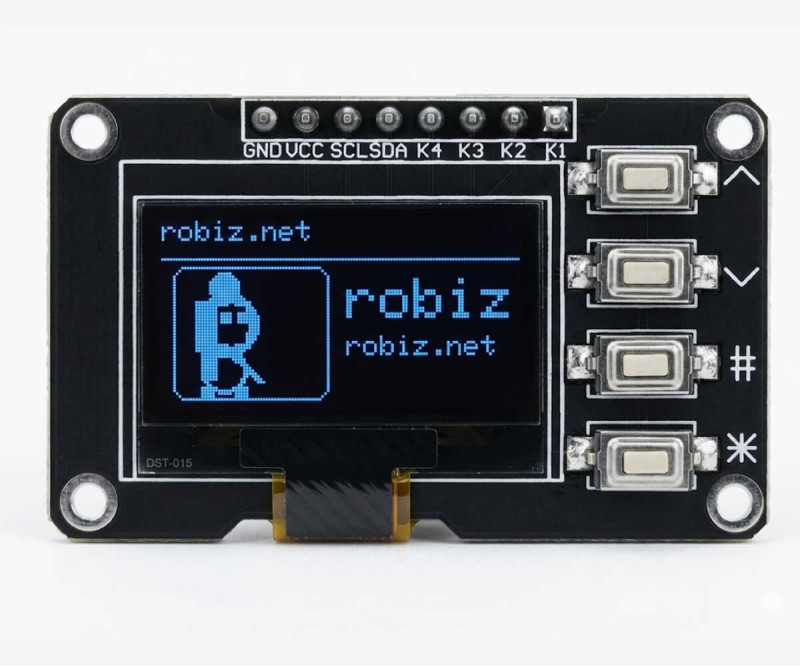
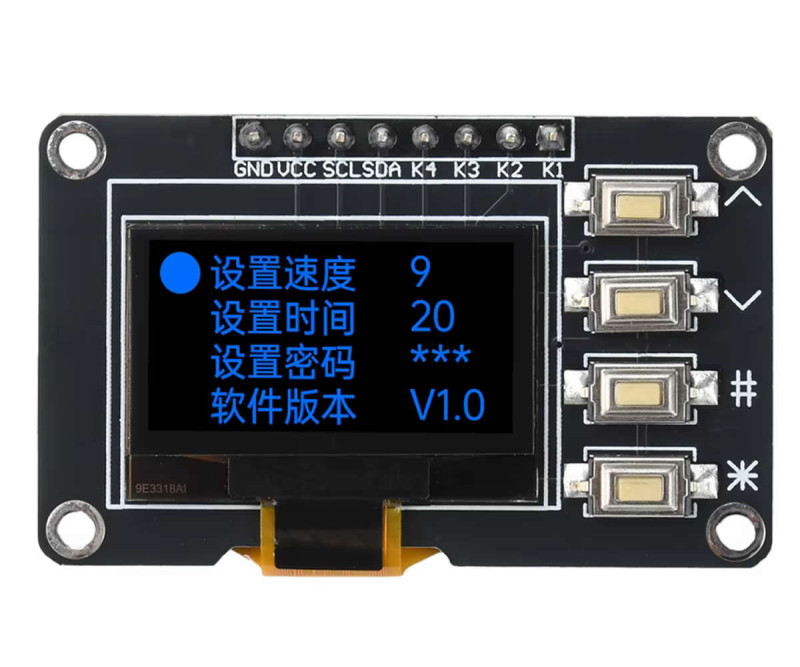
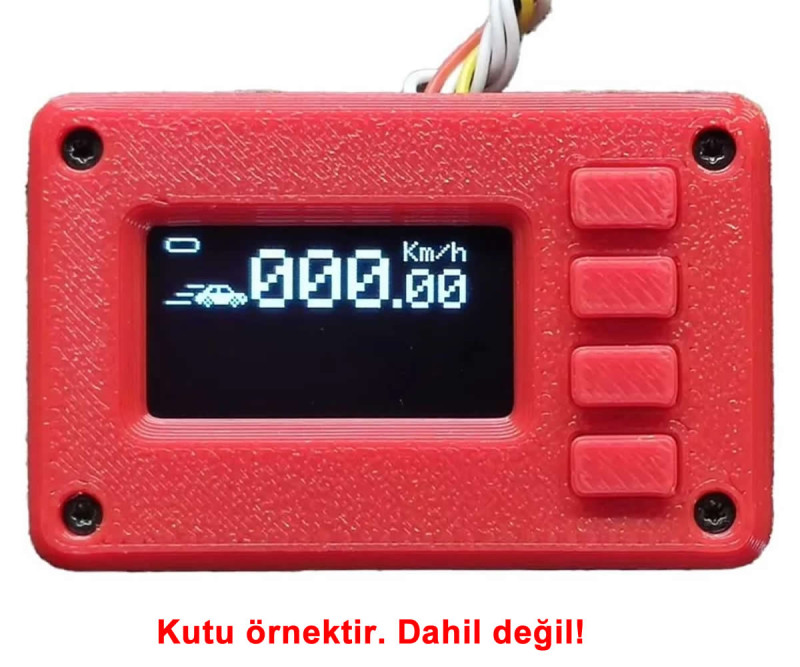
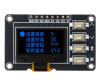
It is a ready interface module offering an SSD1306 driven 0.96 inch blue oled display and 4 buttons together. With 128x64 pixel resolution and high contrast ratio, it provides a readable image despite its small size. It works with bright blue pixels on a black background, requires no backlight and consumes low power.
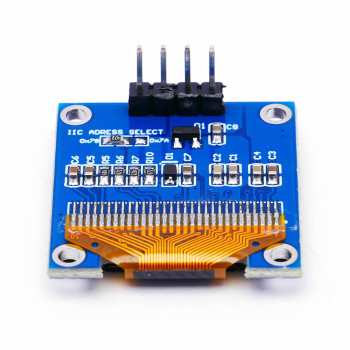
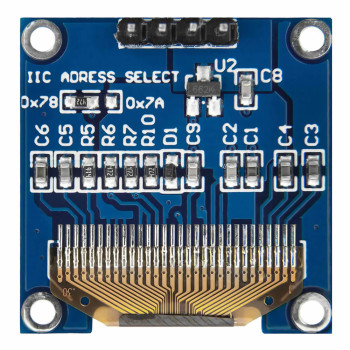
It connects to the microcontroller over only two signal lines (SCL, SDA) with the I2C communication protocol. Since the SSD1306 driver IC is embedded inside the display, no external component is required. It can be used directly with Arduino, ESP32, STM32, MSP430 and 8051 series microcontrollers. It can be run with the Adafruit SSD1306 library. The I2C address of the products in stock may vary, it is recommended to perform an address scan before use.
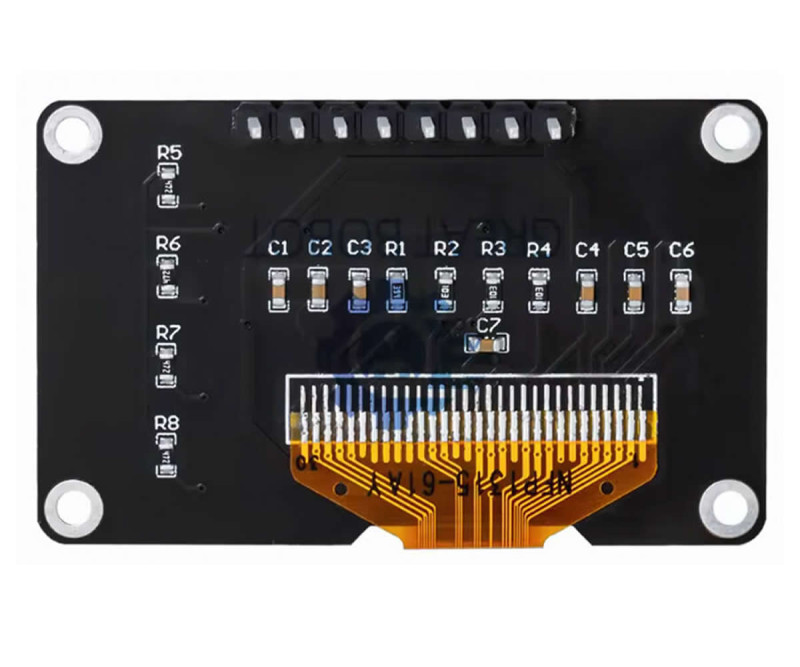
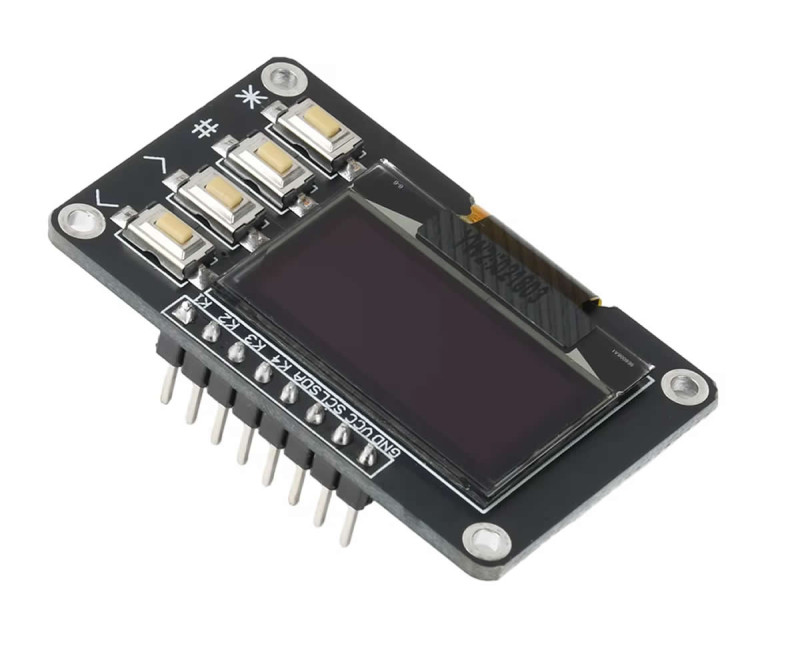
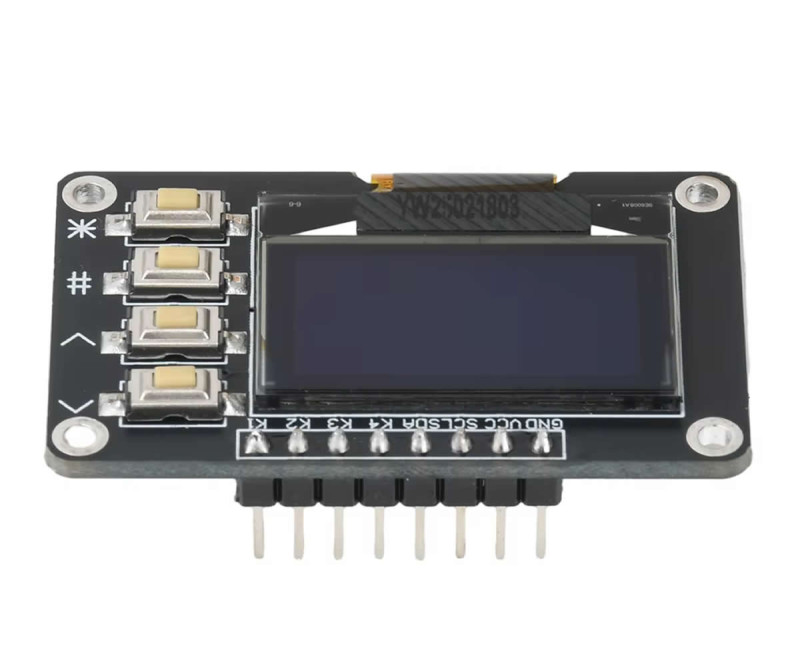
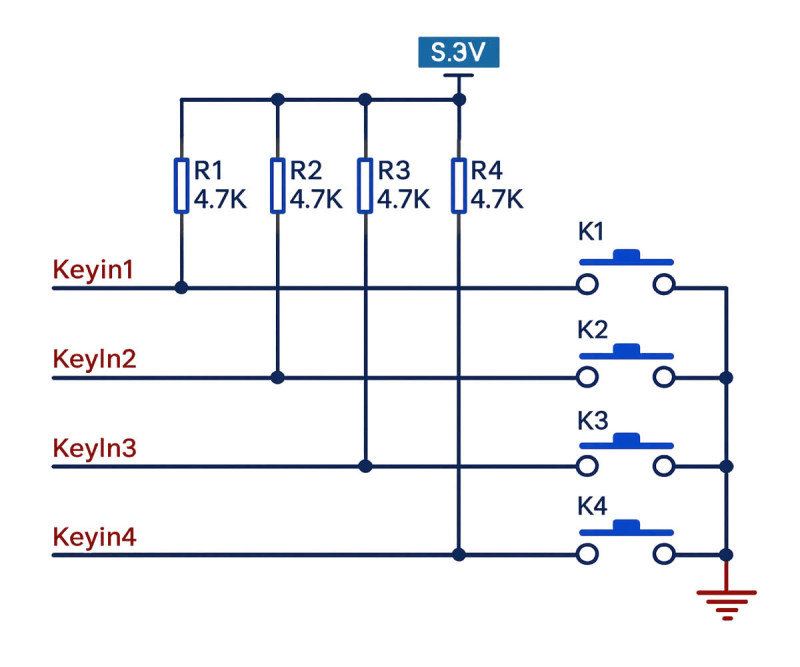
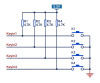
The 4 buttons on the board have 4.7K pull-up resistors and pull to ground when pressed. With this structure, menu navigation and user input operations can be implemented without requiring additional circuitry. Connection is provided over an 8 pin male header. It works with 3.3V or 5V supply.
Features:
- Display size: 0.96inch
- Display driver: SSD1306
- Communication: I2C (IIC)
- Display color: Blue
- Operating voltage: DC 3.3V / 5V
- Resolution: 128 x 64 pixel
- Number of buttons: 4 pieces, 4.7K pull-up resistors, 3.3V reference
- High brightness contrast
- It can be used with Arduino, 8051 series mcu, MSP430, STM32 and similar ICs.
- Operating temperature: -30C / 70C
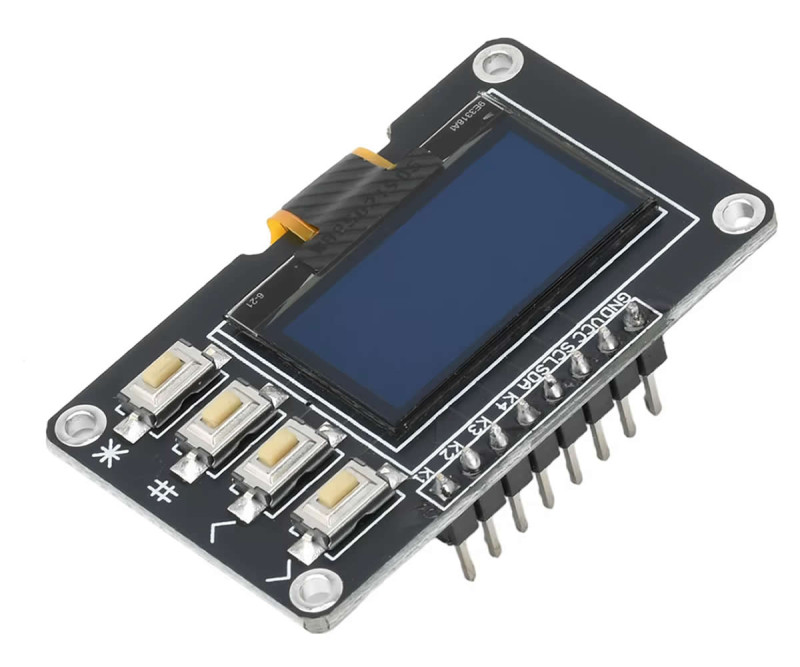
- 8 Pin connection header
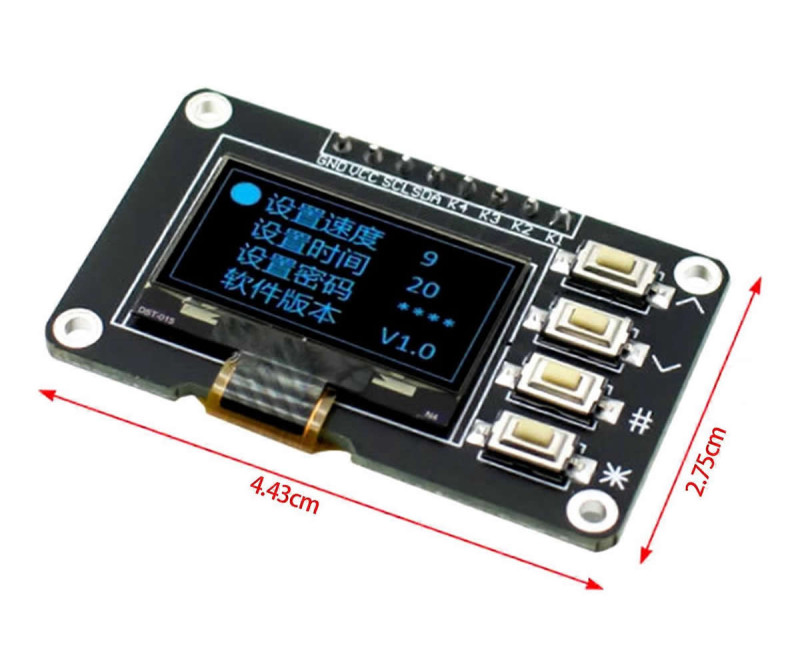
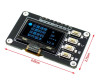
- Dimensions: 27.5mm x 44mm
- Weight: 6gr
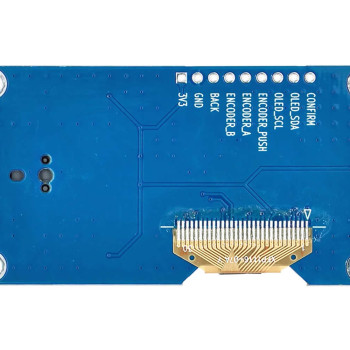
Pin description:
- GND: Ground
- VCC: Supply
- SCL: I2C Clock
- SDA: I2C Data
- K4: Button 4
- K3: Button 3
- K2: Button 2
- K1: Button 1

Areas of use:
- Menu interface in Arduino, STM32, ESP32 and similar microcontroller projects
- Embedded system designs requiring a parameter setting panel
- Industrial automation prototypes
- User input module in wearable and portable devices
- Laboratory and measurement device interface
Package contents:
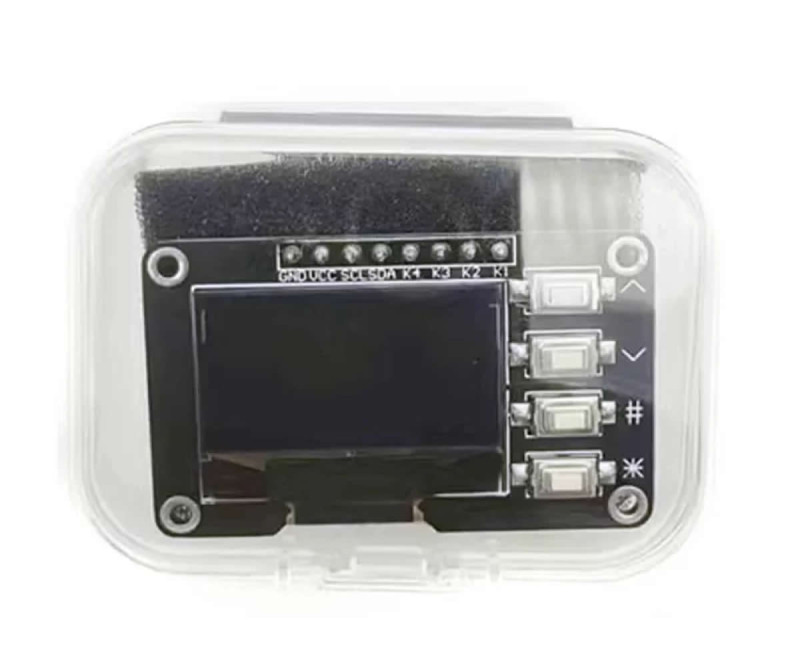
- 1 Piece 0.96 128x64 Oled Lcd Blue With Buttons
Example code:
#include <Wire.h>
#include <Adafruit_GFX.h>
#include <Adafruit_SSD1306.h>
#define SCREEN_WIDTH 128
#define SCREEN_HEIGHT 64
Adafruit_SSD1306 display(SCREEN_WIDTH, SCREEN_HEIGHT, &Wire, -1);
#define LX 4
#define LY 16
void drawLogo() {
display.drawRoundRect(LX, LY, 56, 47, 5, SSD1306_WHITE);
display.fillCircle(LX + 18, LY + 7, 5, SSD1306_WHITE);
display.fillRect(LX + 10, LY + 12, 6, 28, SSD1306_WHITE);
display.fillCircle(LX + 19, LY + 20, 11, SSD1306_WHITE);
display.fillCircle(LX + 19, LY + 20, 7, SSD1306_BLACK);
display.fillRect(LX + 8, LY + 12, 12, 18, SSD1306_WHITE);
display.fillRect(LX + 16, LY + 14, 10, 13, SSD1306_BLACK);
display.fillRect(LX + 17, LY + 16, 4, 4, SSD1306_WHITE);
display.fillRect(LX + 23, LY + 16, 4, 4, SSD1306_WHITE);
display.drawLine(LX + 16, LY + 27, LX + 30, LY + 40, SSD1306_WHITE);
display.drawLine(LX + 17, LY + 27, LX + 31, LY + 40, SSD1306_WHITE);
display.drawLine(LX + 18, LY + 27, LX + 32, LY + 40, SSD1306_WHITE);
display.drawCircle(LX + 18, LY + 36, 8, SSD1306_WHITE);
display.drawCircle(LX + 18, LY + 36, 7, SSD1306_WHITE);
display.fillRect(LX + 10, LY + 42, 5, 4, SSD1306_WHITE);
display.fillRect(LX + 22, LY + 42, 5, 4, SSD1306_WHITE);
}
void drawYellowBar(const char* text) {
display.setTextColor(SSD1306_WHITE);
display.setTextSize(1);
display.setCursor(0, 0);
display.print(text);
display.drawLine(0, 13, 127, 13, SSD1306_WHITE);
}
// Screen 1: Logo + robiz.net
void screen1() {
display.clearDisplay();
drawYellowBar("robiz.net");
drawLogo();
display.setTextSize(2);
display.setTextColor(SSD1306_WHITE);
display.setCursor(66, 20);
display.print("robiz");
display.setTextSize(1);
display.setCursor(66, 40);
display.print("robiz.net");
display.display();
}
// Screen 2: Line pattern
void screen2() {
display.clearDisplay();
drawYellowBar("robiz.net");
for (int i = 0; i < display.width(); i += 8) {
display.drawLine(0, 16, i, 63, SSD1306_WHITE);
}
for (int i = 16; i < display.height(); i += 8) {
display.drawLine(0, 16, 127, i, SSD1306_WHITE);
}
display.display();
}
// Screen 3: Circle pattern
void screen3() {
display.clearDisplay();
drawYellowBar("robiz.net");
for (int r = 4; r <= 22; r += 4) {
display.drawCircle(63, 40, r, SSD1306_WHITE);
}
display.display();
}
void setup() {
if (!display.begin(SSD1306_SWITCHCAPVCC, 0x3C)) {
while (1);
}
}
uint8_t idx = 0;
unsigned long last = 0;
void loop() {
if (millis() - last >= 5000) {
last = millis();
switch (idx) {
case 0: screen1(); break;
case 1: screen2(); break;
case 2: screen3(); break;
}
idx = (idx + 1) % 3;
}
}