- Stok Durumu: Stok Var
- Marka: OEM
- SKU: RBZ.101.672
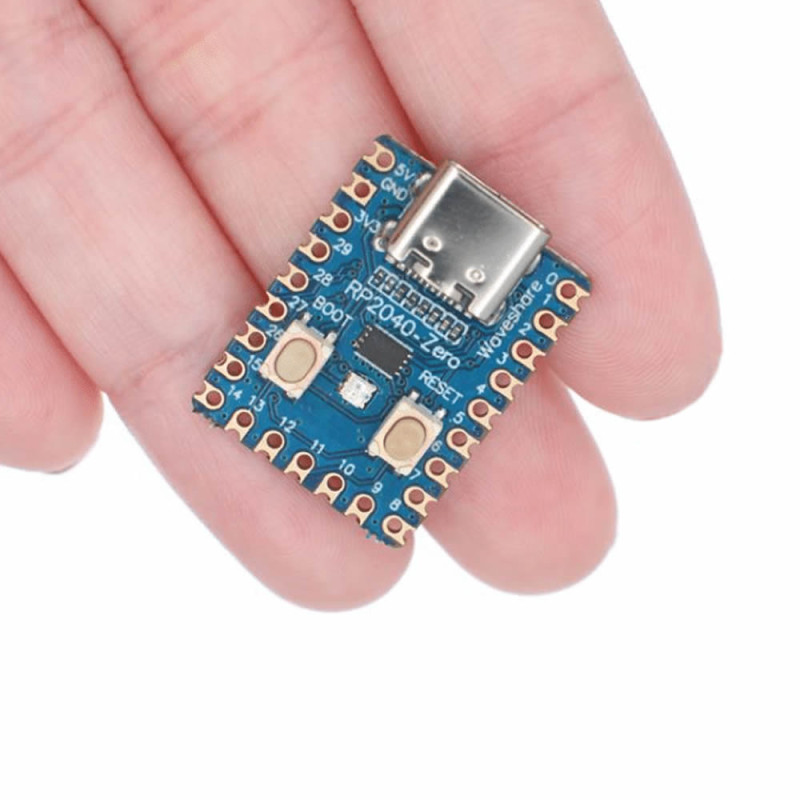
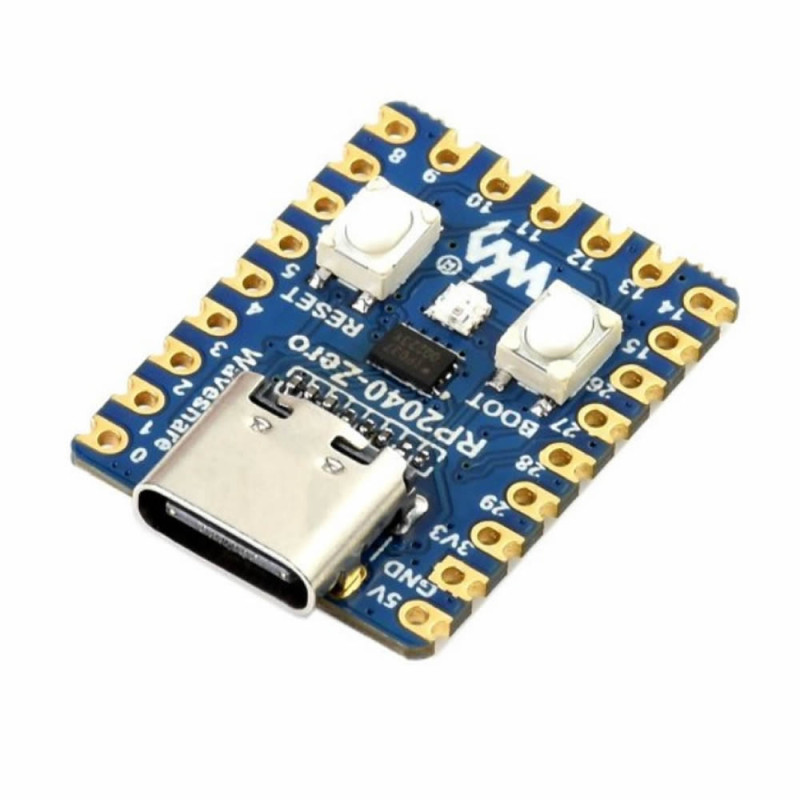
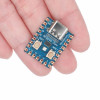
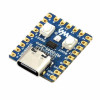
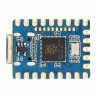
Raspberry Pi Zero RP2040 (Without Headers) Dual Core 133Mhz 2Mb Module
Arm Cortex-M0+ 264Kb Type C Mini Computer Micropython Ws2812 Rgb Led Micro Controller Development Board
( This is the version where the pin headers are not soldered.)
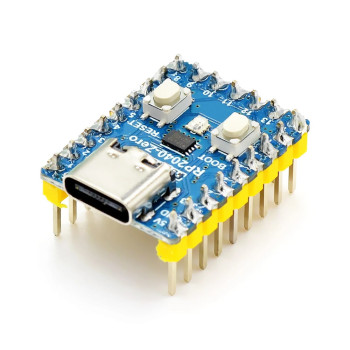
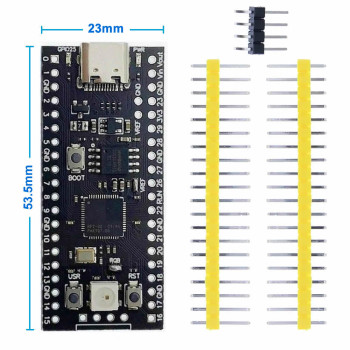
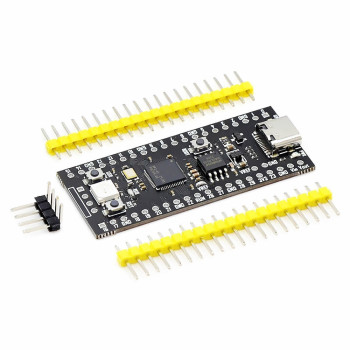
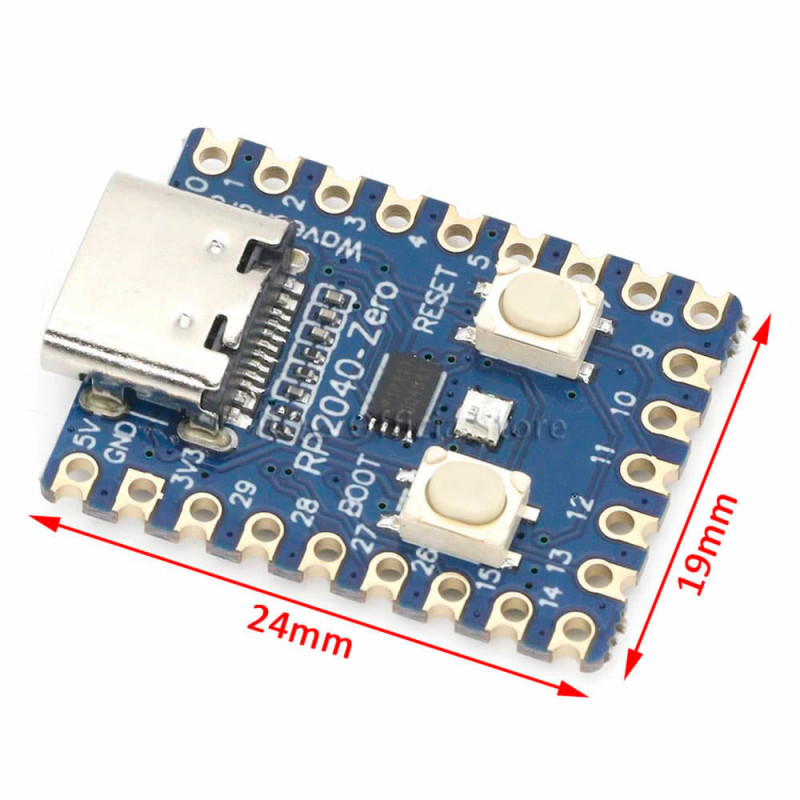
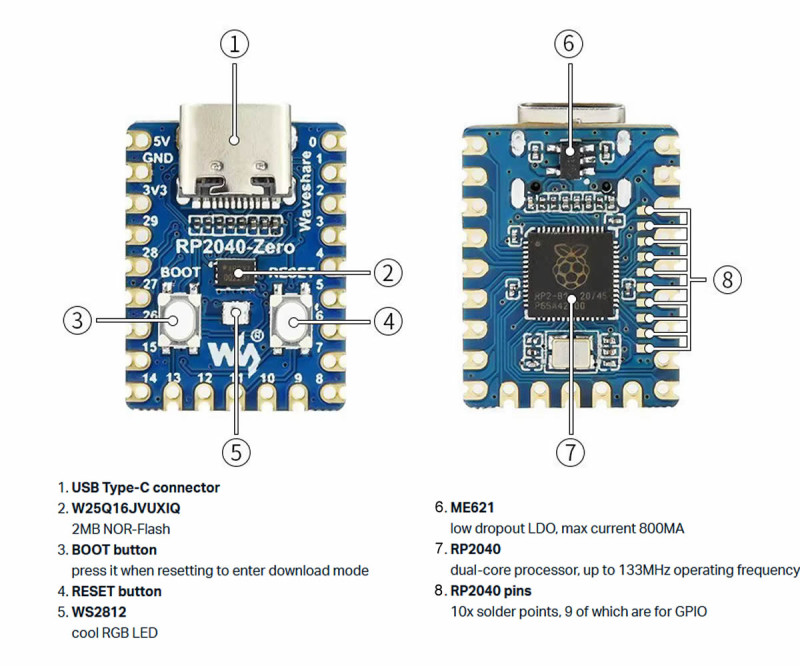
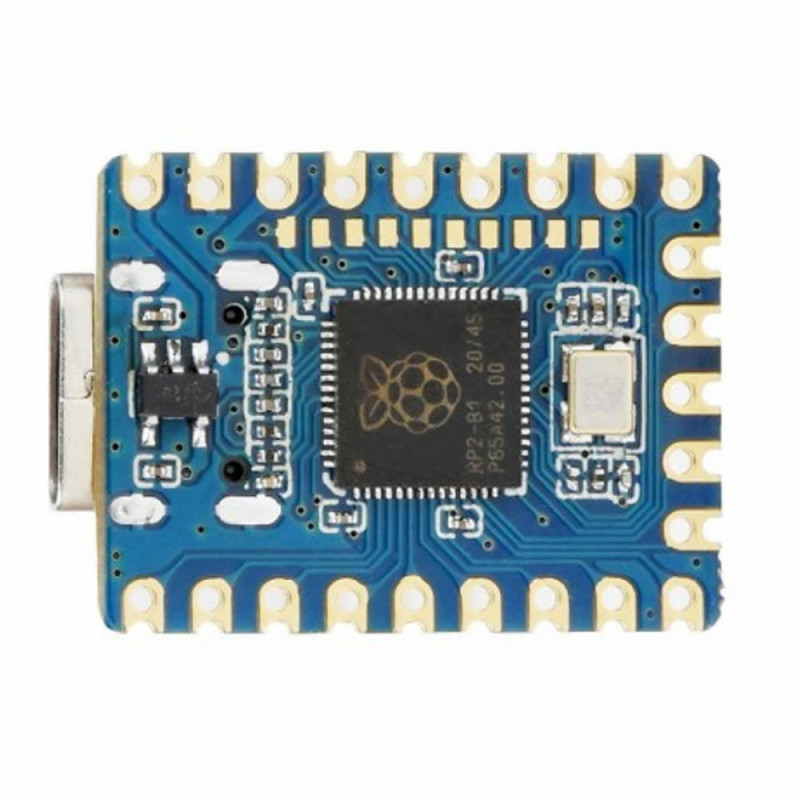
It is a mini development board built with the Raspberry pi rp2440 processor. RP2040 is a dual core arm cortex mo+ high performance processor running at 133mhz. It has 16mb flash and 264Kb ram memory. Hardware such as the Type c usb connection and rgb led are on the board. It can be programmed with software such as C/C++, micropython, circuitpython and arduino.
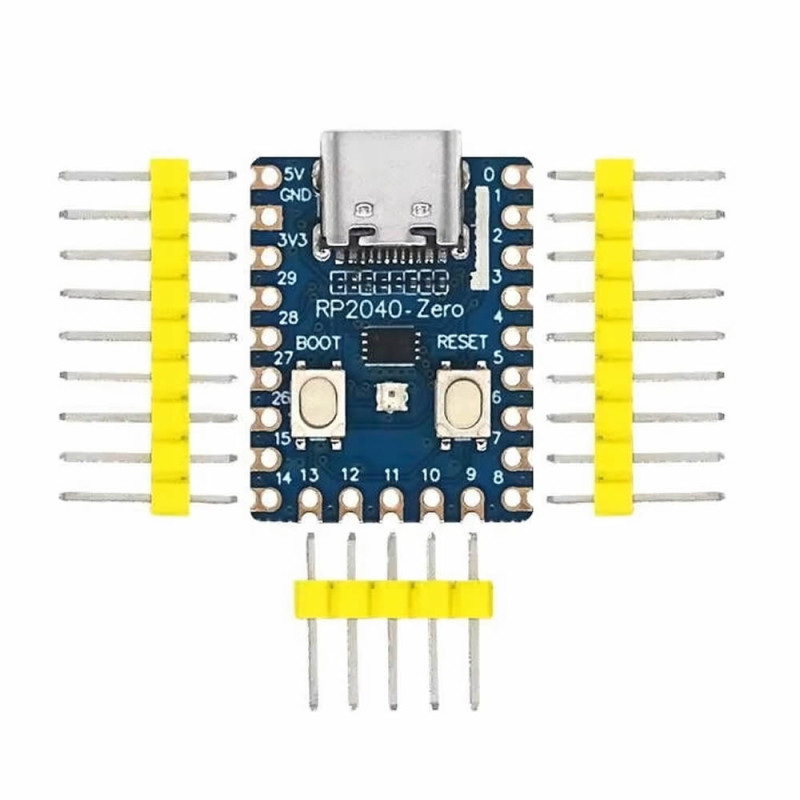
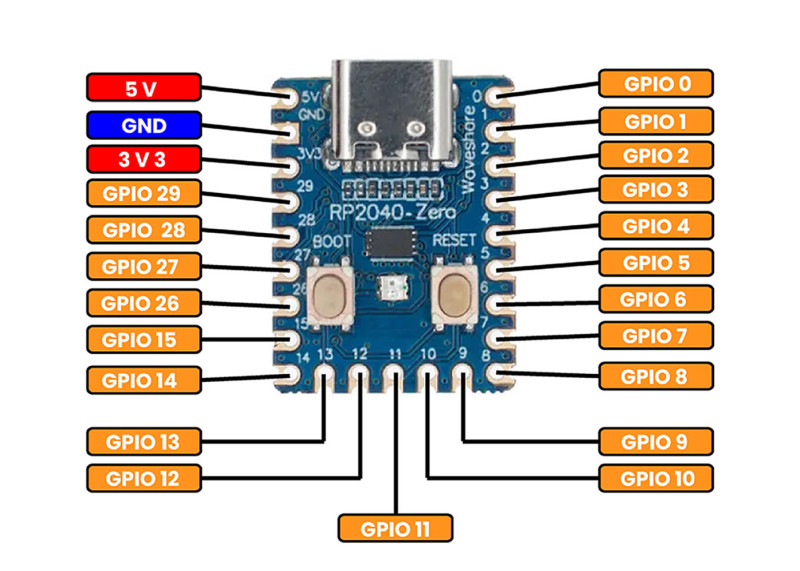
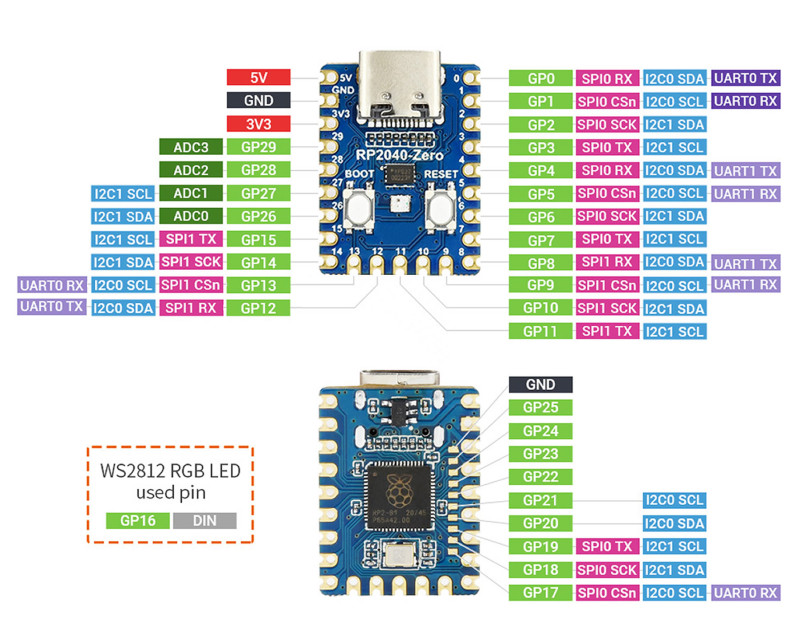
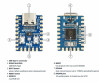
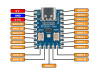
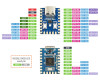
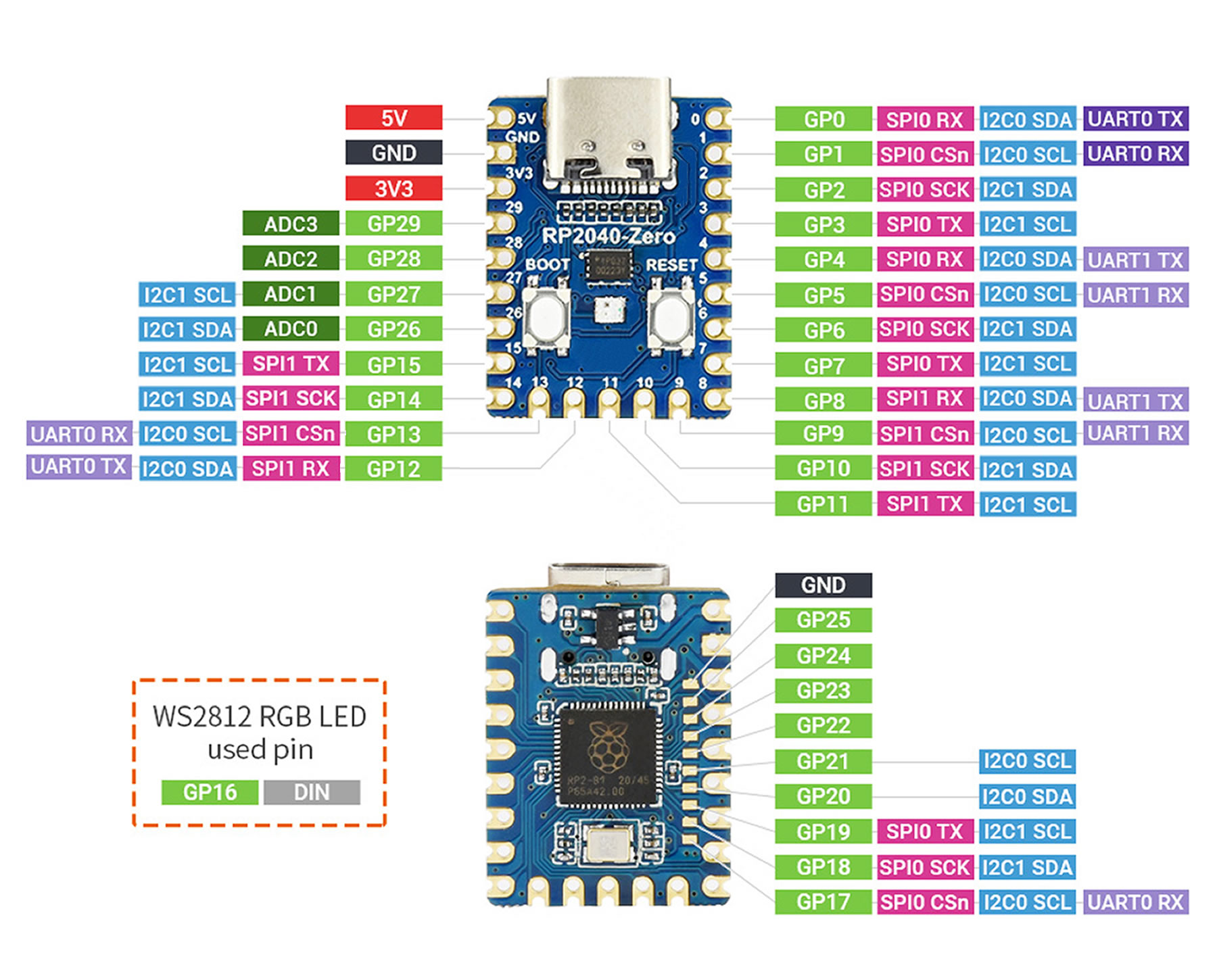
It has a nine pin connection socket on two edges and a five pin male header connection socket on the bottom section. Power supply and communication operations are carried out over Type c. There is l2C, spi, pio, uart and usb communication support. The Ws2812 rgb led is controlled over io 16. You can produce the color you want by using red green and blue colors at different levels.
Features:
- IC: Raspberry Pi RP2040
- Cpu: Dual core arm cortex m0+
- Cpu speed: 133MHz
- Flash memory: 2MB ( w25q16jvuxiq )
- Sram: 264Kb
- Communication and power supply: Type C usb socket
- Operating voltage: DC 3.3V
- Digital io: 20 pieces ( 9 solderable pads )
- Programmable io ( pio ): 8 Pieces
- Analog io: 4 pieces 12-bit
- Iic: 2 Pieces
- Spi: 2 Pieces
- Uart: 2 Pieces
- Reset button
- Boot button
- WS2812 rgb led
- Drag and drop programming support over usb
- Internal crystal
- Internal temperature sensor
- Voltage regulator
- C/C++, micropython, circuitpython and arduino software support.
- Color: Blue
- Operating temperature: -10C / 65C
- 2 sockets of 9 pins on 2 edges of the board. 100 mil pin pitch
- 5 pin socket on the bottom section. 100 mil pin pitch
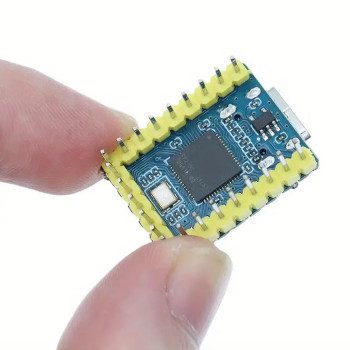
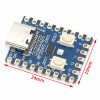
- Dimensions: 18mm x 23.5mm
- Weight: 3.5gr
Code update:
- Connect to the pc over the Type C socket.
- Press and hold the Boot button
- Press and release the Reset button.
- Release the boot button after 1 sec
- The pc detects a removable disk
- Copy the programming files to the disk. Press the reset button again.
Software support:
- raspberrypi.com/products/raspberry-pi-pico/
- forums.raspberrypi.com
- raspberrypi.com/documentation/
- docs.micropython.org/en/latest/rp2/quickref.html
- thonny.org
- waveshare.com/wiki/RP2040-Zero
Arduino:
-
In the File / Settings /  "Additional boards manager URLs" section ; add the link below with a ; separator.
https://github.com/earlephilhower/arduino-pico/releases/download/global/package_rp2040_index.json
- In the Board manager section search for RP2040 and install the board library that appears.
- Plug in the usb cable while pressing the Boot button.
Package contents:
- 1 Piece RP2040 Zero Module Without Headers