

- Stok Durumu: Out of Stock
- Marka: OEM
- SKU: RBZ.101.756
1 Channel Type C Usb Relay Control Module Lcus1
Device On Off From Computer CH340 Com Serial Port NO NC 220V 10A Switch Lamp Motor Smart Home Automation
( Long term use above 7A is not suitable. Contacts may stick. )
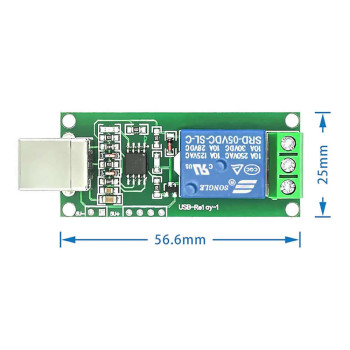
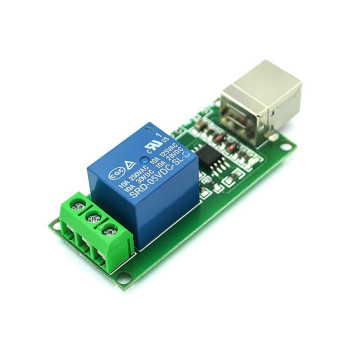
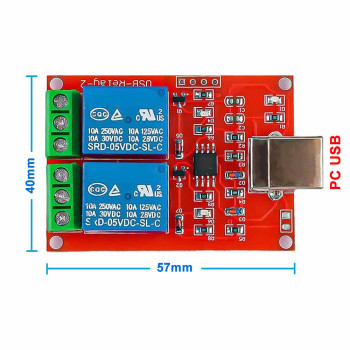
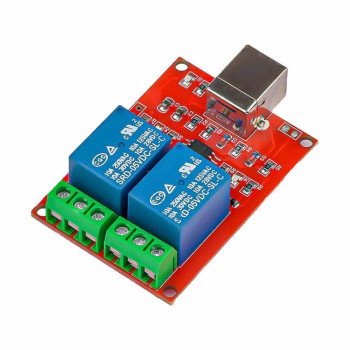
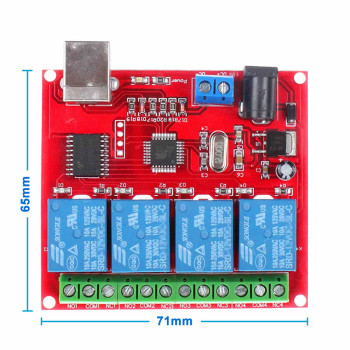
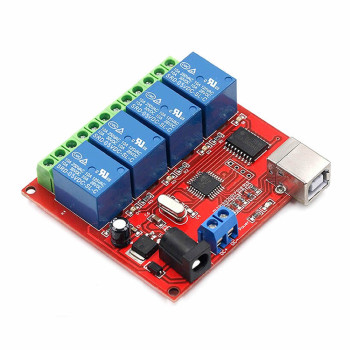
1 Channel relay module controlled over the type c usb port. There is a 220V 10A relay on the board. A CH340 usb serial port converter is integrated. When you connect it to the PC, a com port is created. You can turn the relay on and off using the com port. It can work with all operating systems where the com port can be controlled. There is Windows mac linux android driver support.
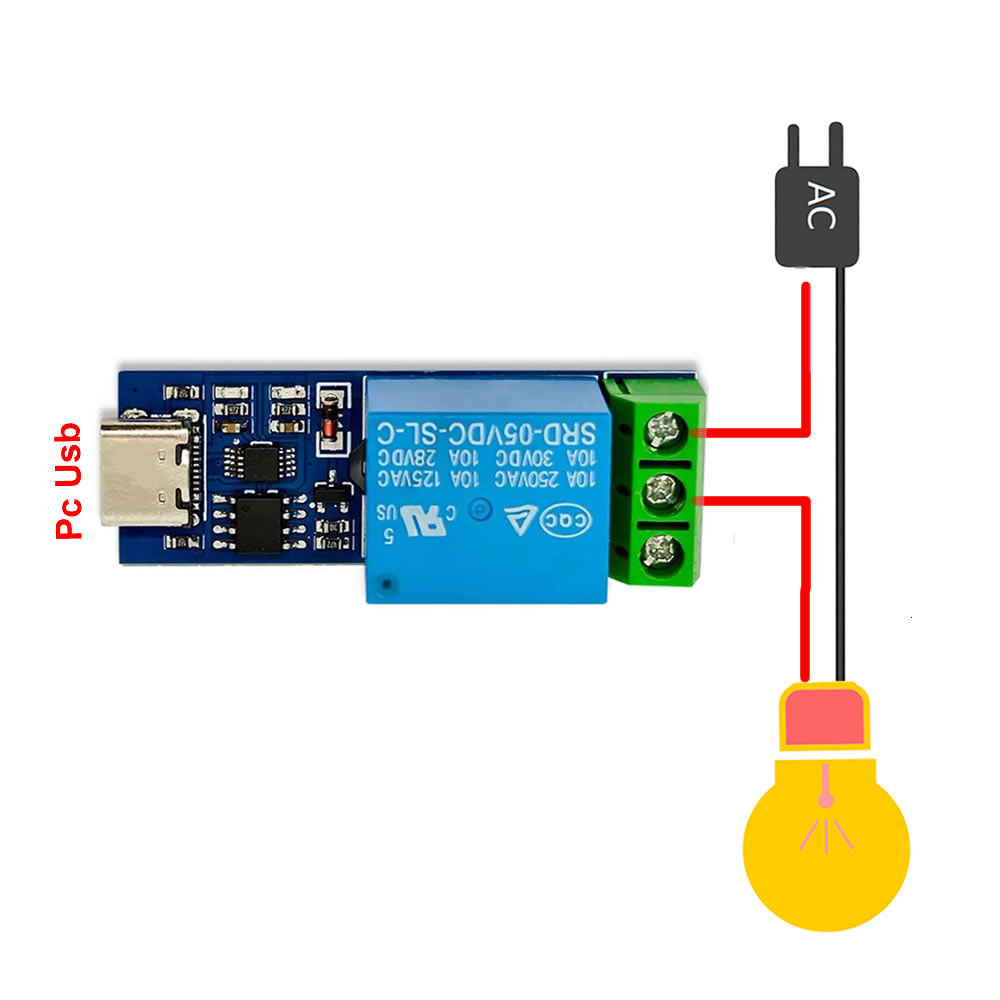
You can turn the relay on and off from the PC using the com port. It is plugged directly into the PC usb port. The line to be controlled is connected to the screw type terminal. One end of the cut line is connected to the com end (middle end). The relay switch works so as to switch the com end to NO or NC. The other cut end of the line that the relay will join is connected to one of the NO or NC terminals. If the board works exactly the opposite of what you want, it will work as you wish if you connect the cable you attached on one side to the other side.
Features:
- Usb relay control board
- CH340 Usb serial port communication chip
- Operating voltage: Type c usb port ( DC 5V )
- Relay power: AC 220V 10A / DC 30V 10A ( It should not be used above 7A in long term use. )
- Power indicator led (Red)
- Relay status indicator led (Blue)
- Relay life: 10.000.000 on off
- Operating system: Windows / Mac / Linux / Android
- It uses the LC usb switching protocol.
- Operating temperature: -10C / 80C
- Screw type 3 pin relay output terminal ( NC / COM / NO )
- Dimensions: 16mm x 50mm
- Weight: 13gr
LC Communication Protocol: The protocol consists of 4 data.
- Data 1: Identity information = 0xA0
- Data 2: Address information = 0x01 ( means 1st channel )
- Data 3: Relay status= 0x00 “Off" / 0x01 "On"
- Data 4: Control
Example:
- On code: A0 01 01 A2
- Off code: A0 01 00 A1
Terminal Program: Hterm: der-hammer.info/pages/terminal.html
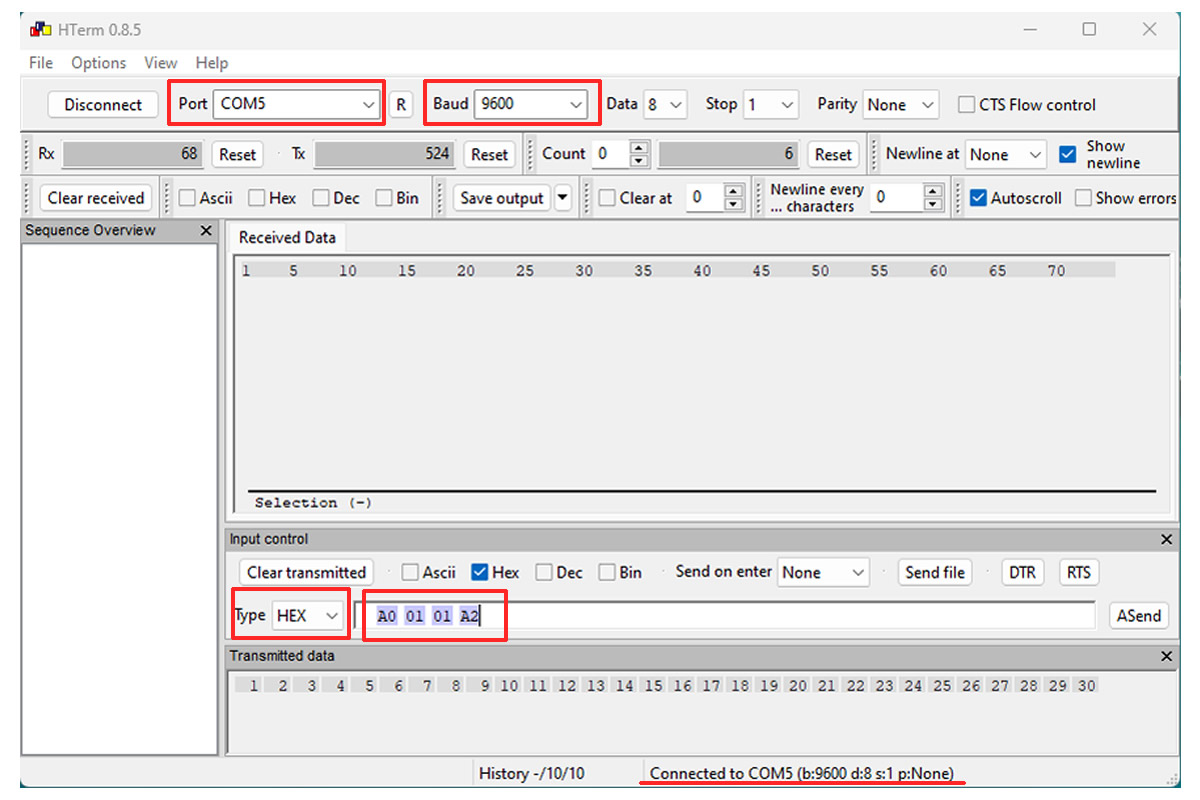
You can use a terminal program with which you can send hex code. Download the Hterm program. When you open it, select the com port from the port section and set 9600 as the baudrate. Click the Connect button. When you connect, you will see the information line at the bottom right as “Connected to Comx…”.
As shown in the picture, set HEX as the data type in the transmit data section. Write the on off commands in the section next to it and send the commands with enter. You can follow the opening and closing of the relay with the led on it and the relay sound. In addition, if the code you sent has been processed, it is returned to you. When you see the code coming back, you can understand that the command has been applied. If the command did not come back, send the same command again.
Driver : The CH341SER.EXE file should be downloaded via Google and installed. When you connect the board to the computer, a new com port is created in “ports”. This com port is selected and used in the relevant program.
wch-ic.com/products/CH340.html
Package contents :
- 1 Piece 5V 1 Channel Type c Usb Relay Control Module
.