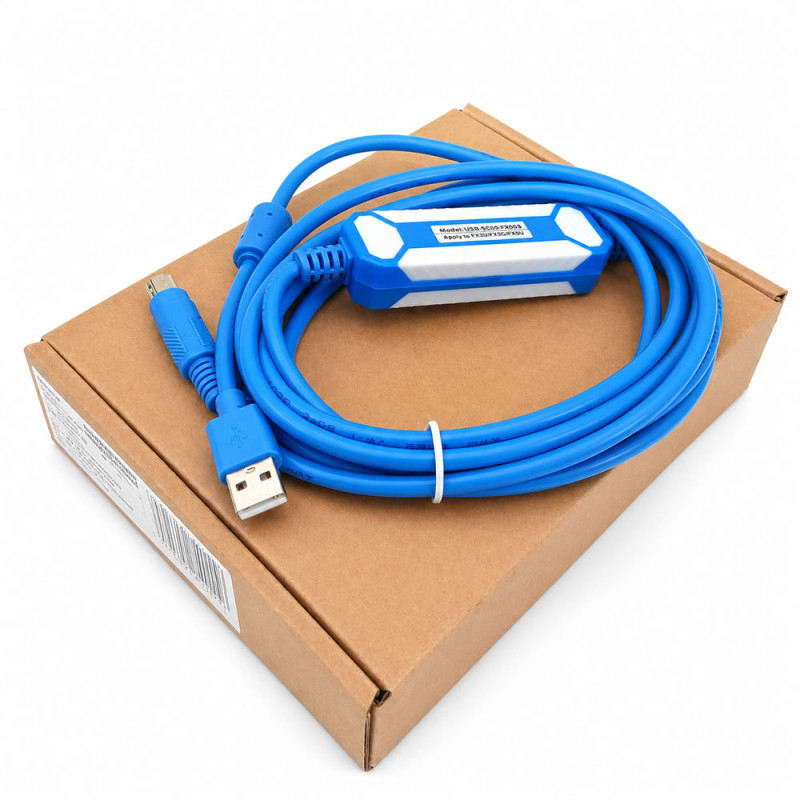
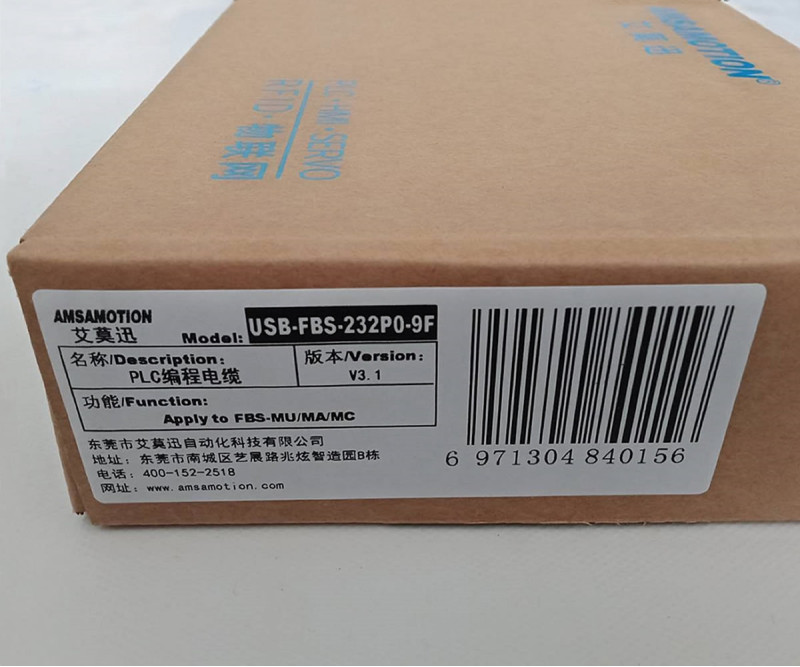
- Stok Durumu: Stok Var
- Marka: OEM
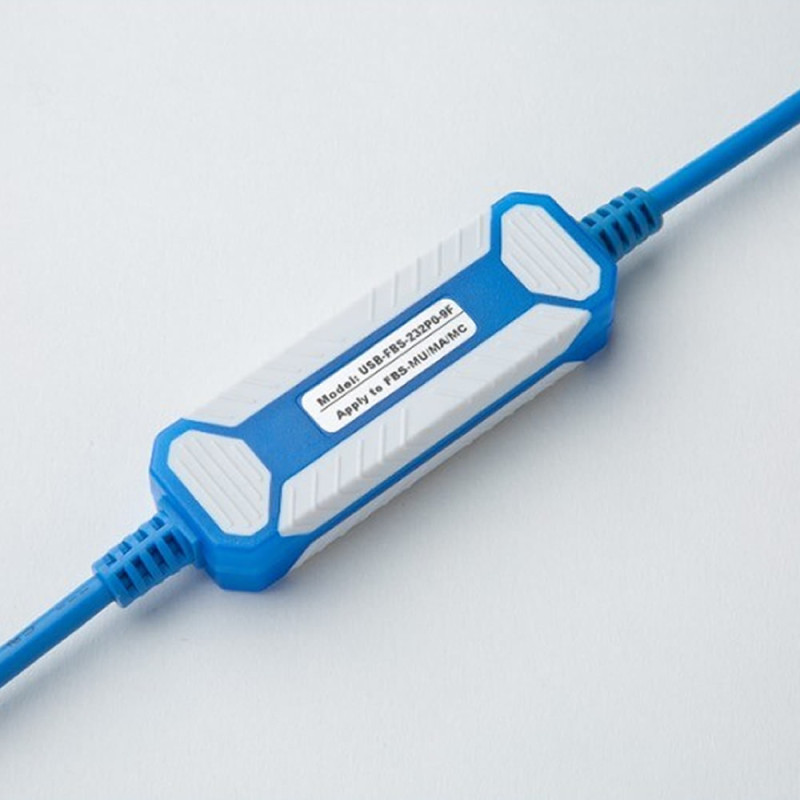
- Model: USB-FBS-232P0-9F PLC Programlama Kablosu
- SKU: RBZ.101.775
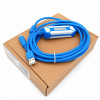
USB-FBS-232P0-9F Fatek PLC Programming Cable
FBS FB1Z B1 B1Z Plc Download Cable Industrial Automation
It is a usb programming cable used to establish a programming and communication connection between the computer and the PLC on Fatek FBS, FB1Z, B1 and B1Z series PLC devices. It can be used in PLC program upload, download, maintenance, service and fault detection operations.
The product is used to provide communication via computer on Fatek PLC systems that do not have a usb connection or that require an RS232 programming connection. It offers a practical connection solution especially in industrial maintenance, automation panel service operations, access to old PLC systems and field programming applications.
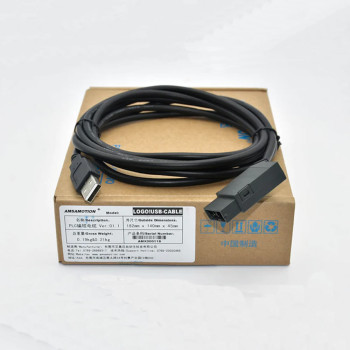
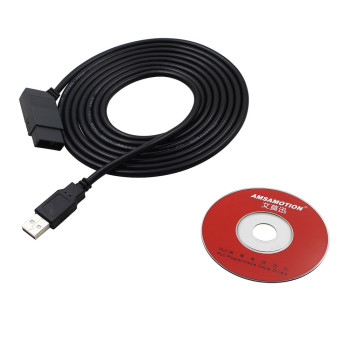
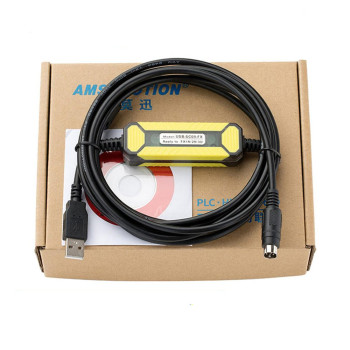
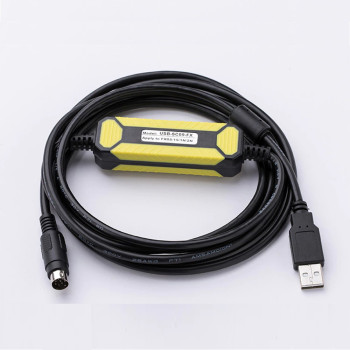
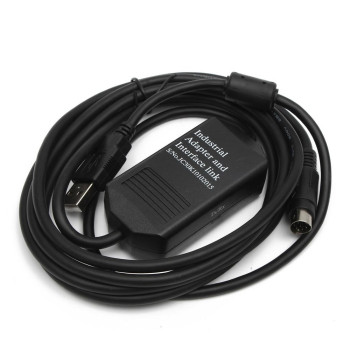
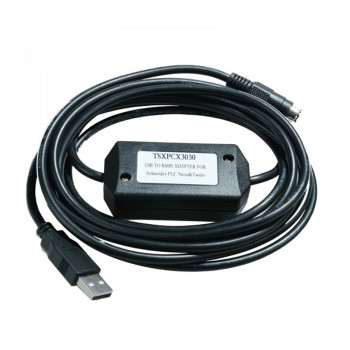
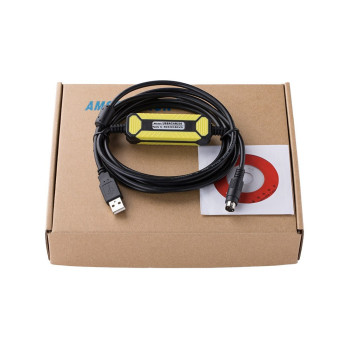
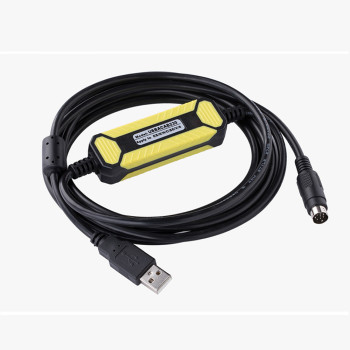
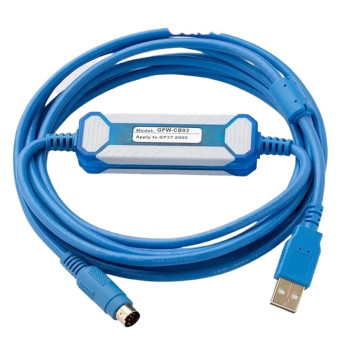
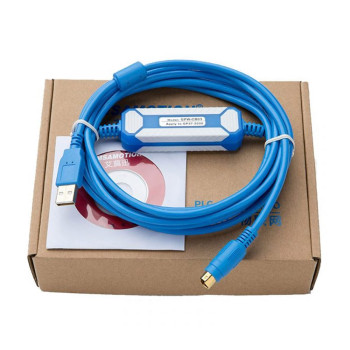
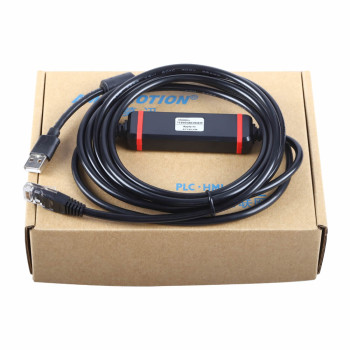
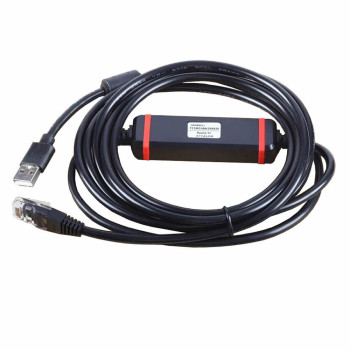
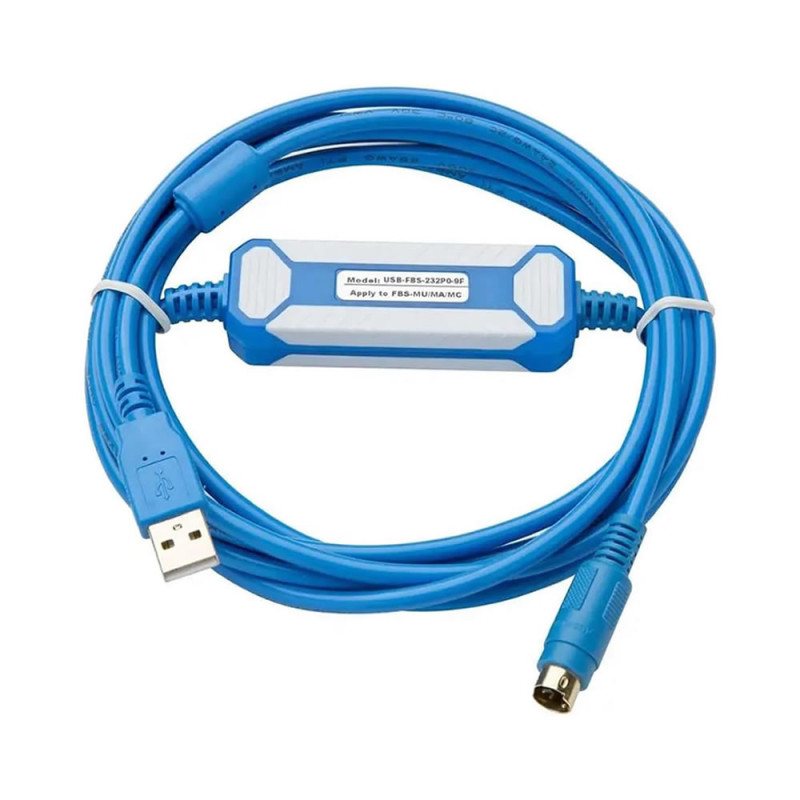
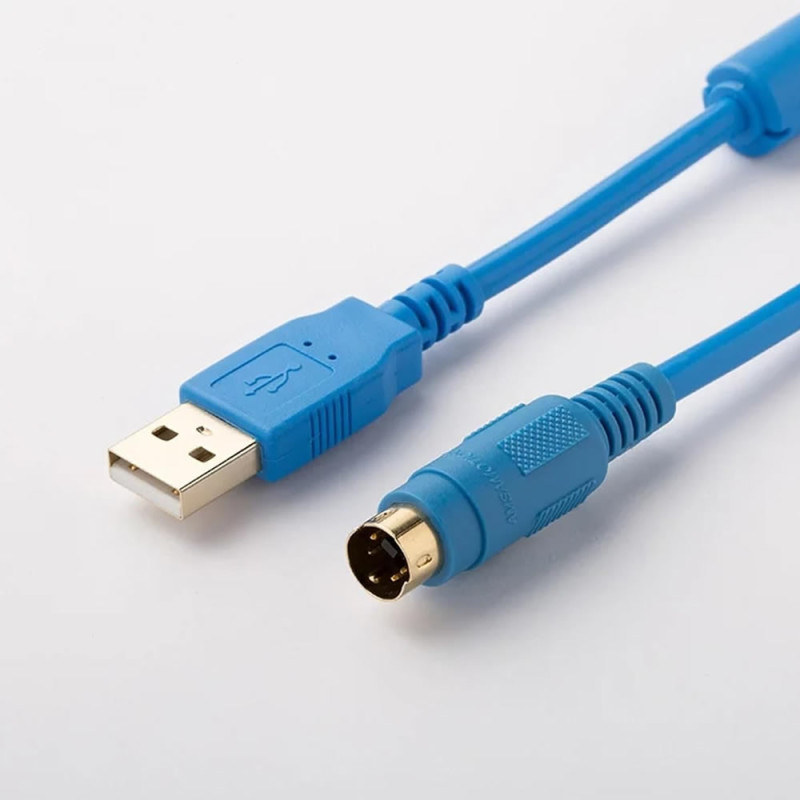
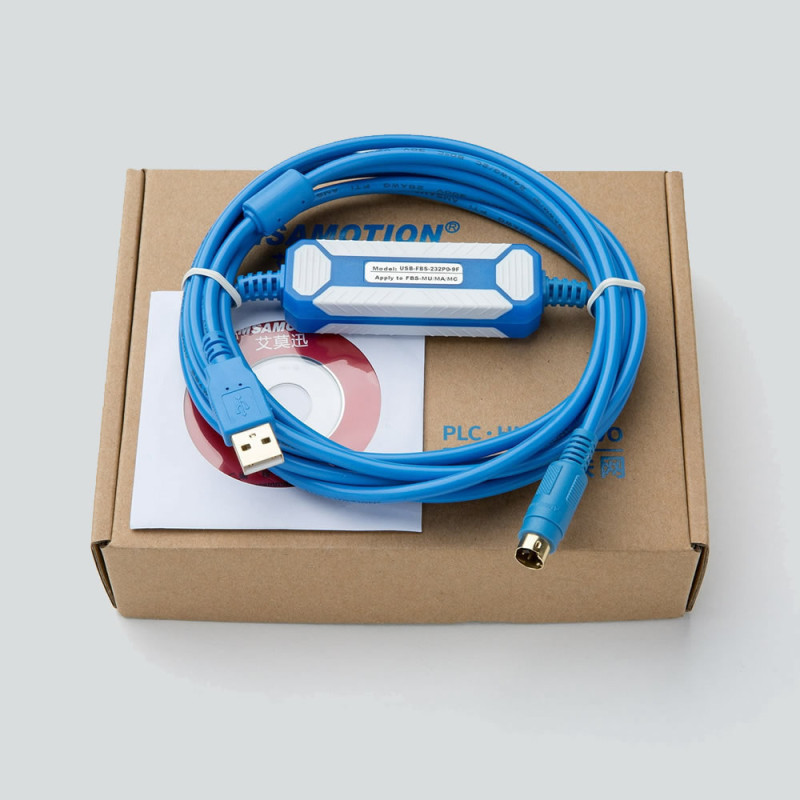
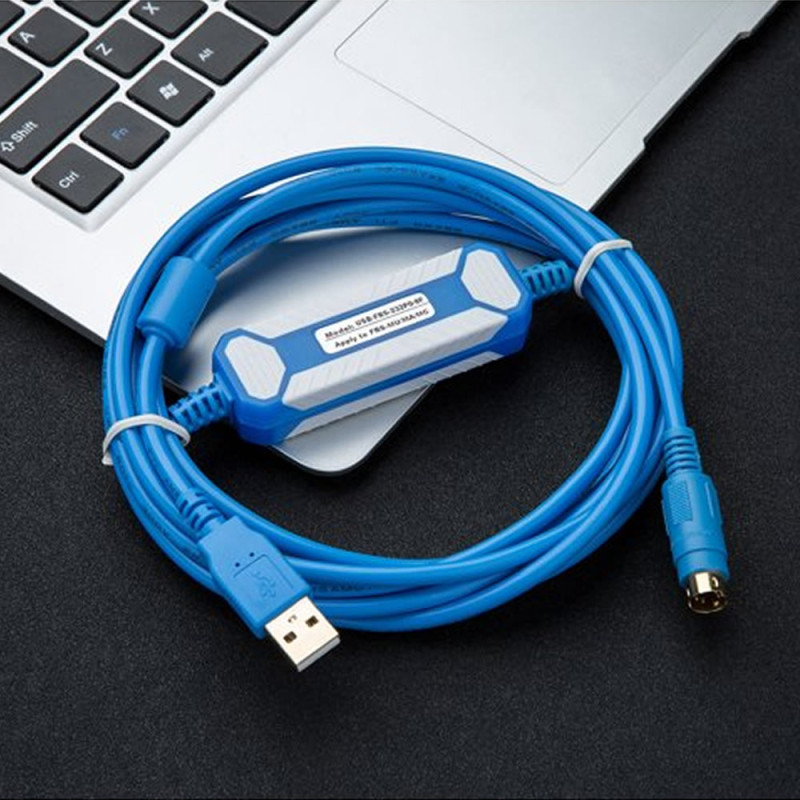
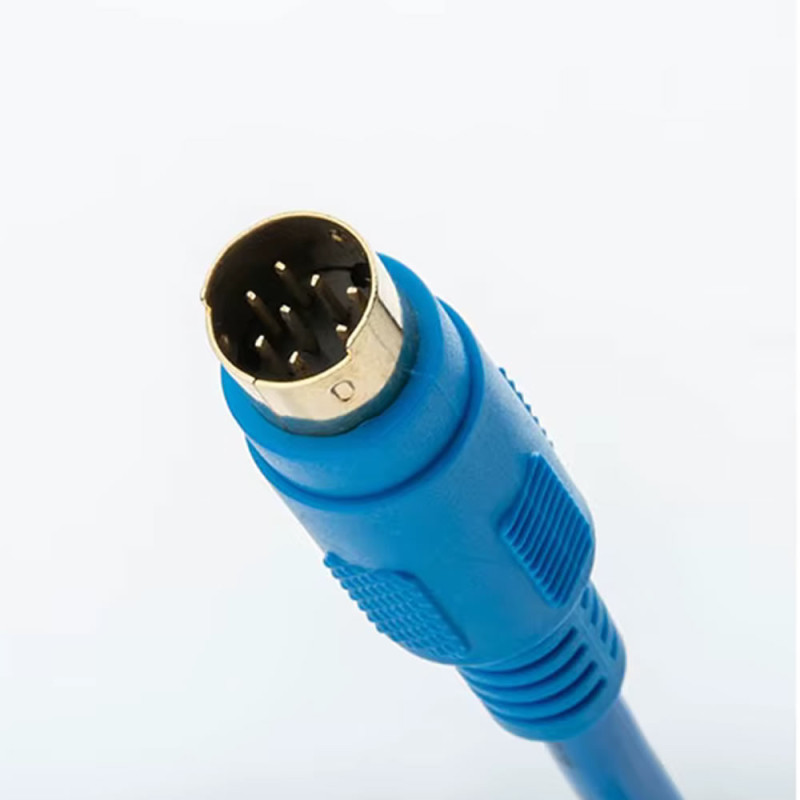
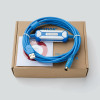
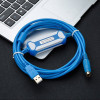
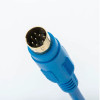
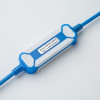
The cable has a usb Type-A male connection end and a round 4 pin connection end for the Fatek PLC side. Thanks to the approximately 2.5 meter cable length, it provides ease of use inside the panel or in a desktop test environment. The product is AMSAMOTION branded and is manufactured with the USB-FBS-232P0-9F model code.
Features:
- Model: USB-FBS-232P0-9F
- Brand: AMSAMOTION
- Usage Type: Fatek PLC programming and communication cable
- Computer Connection: usb Type-A male
- PLC Connection: Round 4 pin
- Communication Type: RS232 based PLC communication
- Compatible Series: Fatek FBS, FB1Z, B1, B1Z series PLC devices
- Cable Length: 2.5 meters
- Length Tolerance: +/-5cm
- Supported Systems: WIN7 32/64 bit, XP, VISTA
- Operating temperature: -10C / +75C
- Area of Use: Program upload, program download, PLC maintenance and service operations
- Weight: 200gr
Areas of use:
- Fatek FBS series PLC programming
- PLC software upload and download operations
- Industrial automation maintenance operations
- In-panel PLC service work
- Access to old PLC systems via computer
- Machine maintenance and fault detection applications
- Field service and technical support operations
:
Usage information:
The usb end of the cable is connected to the computer, and the round 4 pin PLC connection end is connected to the compatible Fatek PLC programming port. After the PLC is powered, the connection can be established by selecting the correct COM port via the Fatek programming software. The COM port number can be checked from the Device Manager section of the computer.
Points to be considered:
This product is not an ordinary general purpose usb cable. It is a special communication cable used for Fatek PLC programming operations.
Before purchasing, you should make sure that your PLC model is compatible with the Fatek FBS, FB1Z, B1 or B1Z series.
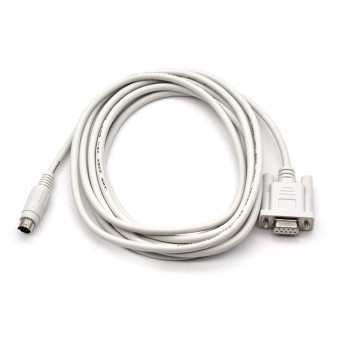
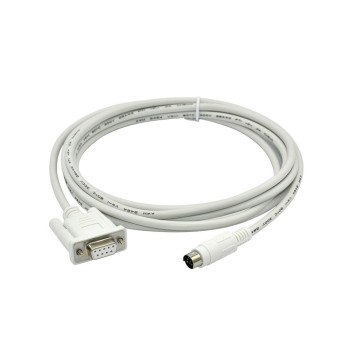
The connection on the PLC side has a round 4 pin structure. You should make sure that the connection type in the image is the same as the programming port of your own device.
A programming connection can only be established when used with a compatible PLC and appropriate software. Compatibility is not guaranteed with the wrong PLC series or a different port structure.
Driver : The CH341SER.EXE file should be downloaded via Google and installed. When you connect the board to the computer, a new com port is created under “ports”. This com port is selected and used in the program you will use.
wch-ic.com/products/CH340.html
Package contents:
- 1 Piece USB-FBS-232P0-9F Fatek PLC Programming Cable