- Stok Durumu: Stok Var
- Marka: OEM
- SKU: RBZ.101.152
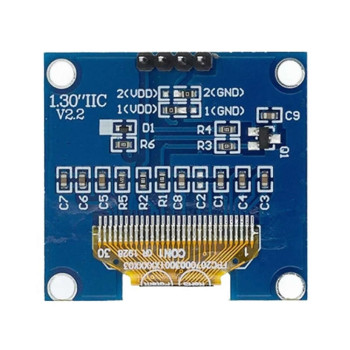
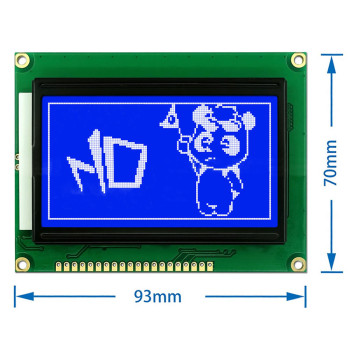
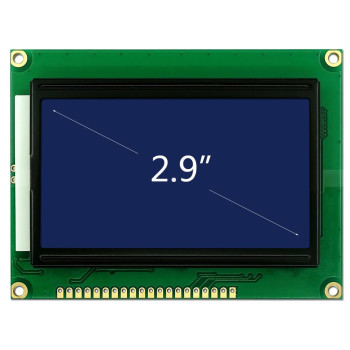
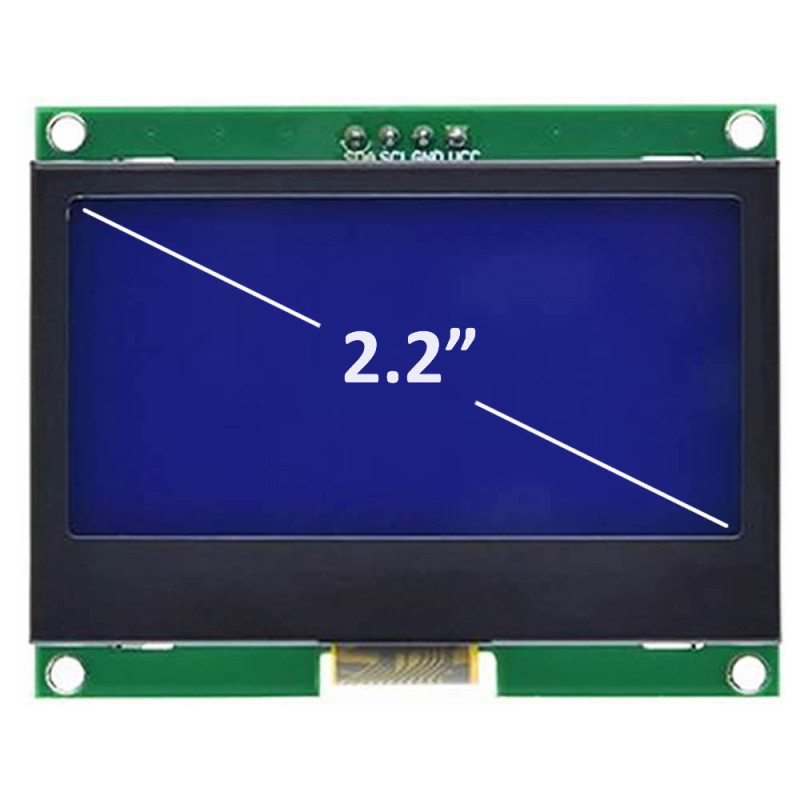
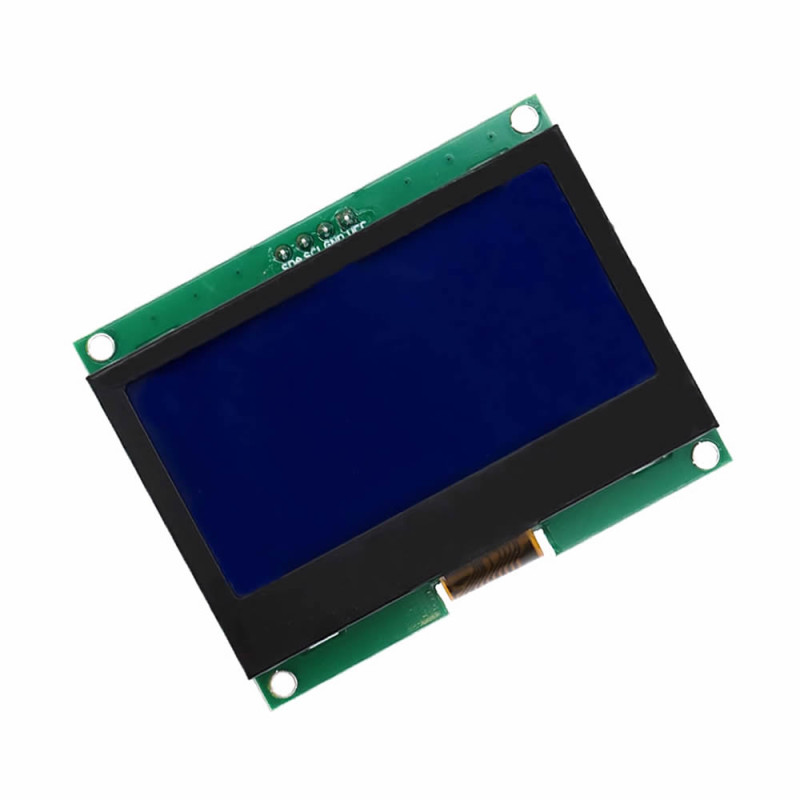
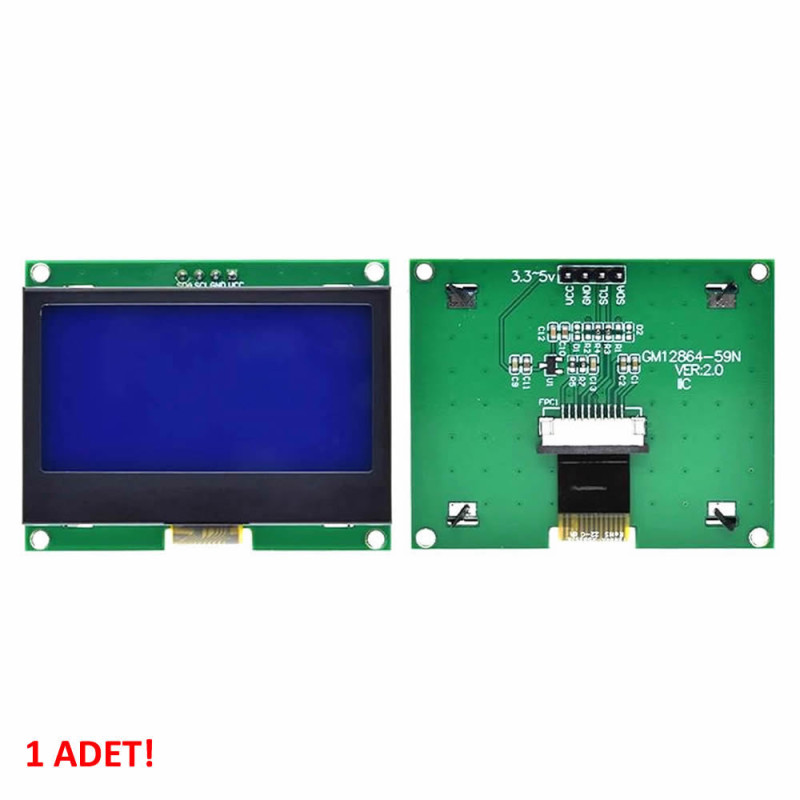
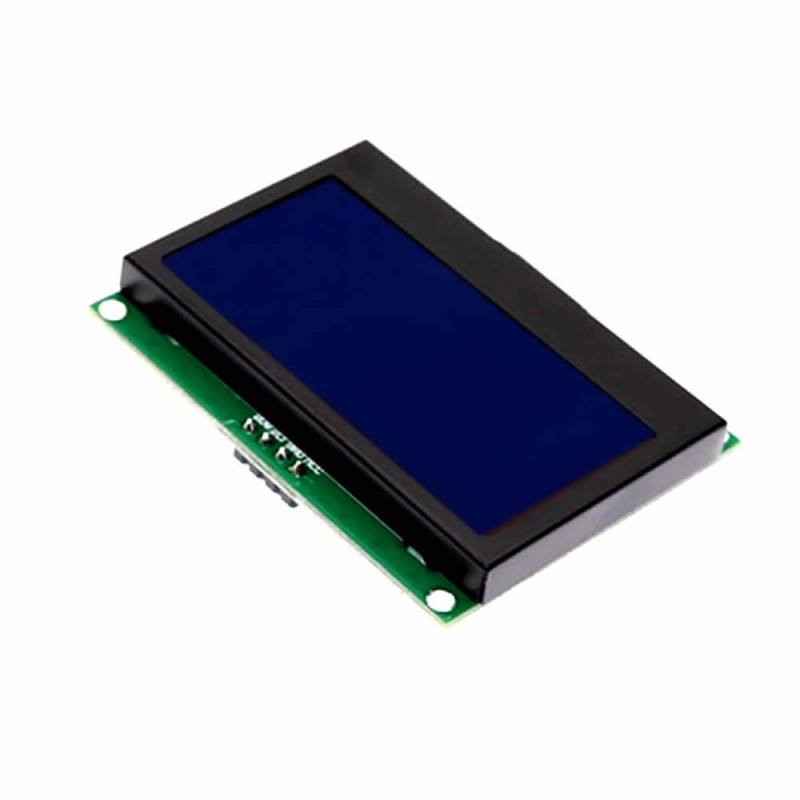
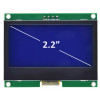
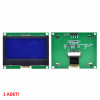
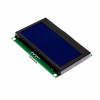
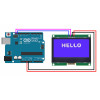
2.2 Inch I2C IIC GM12864 V2.0 Blue Glcd Module
ST7567S DC 3.3V 5V 128x64 Pixel Graphic Lcd Display Screen Electronic Circuit Indicator Menu Image Text COG LCM
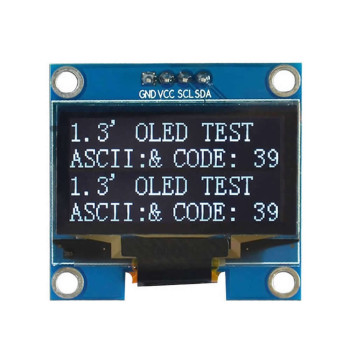
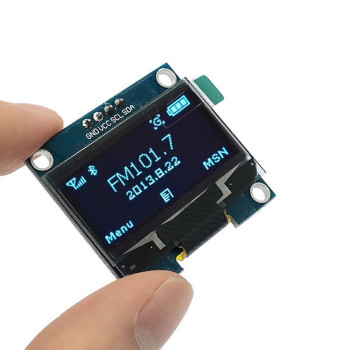
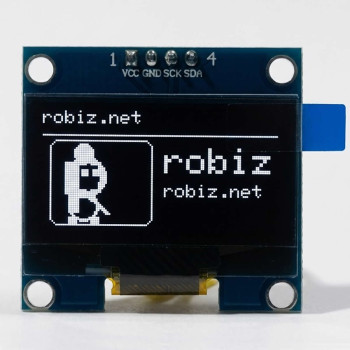
128x64 blue graphic lcd module. It is a lcd screen with 2.2 inch 128 column 64 row resolution. It has the ST7567S driver integrated circuit. The product is driven with serial communication over IIC. It can be used directly with 3.3 V boards such as ESP32, ESP32-S3 and Raspberry Pi Pico; 5 V Arduino boards require an I2C level shifter.
Unlike character lcds, text and graphics can be created in the desired sizes. 8192 Dots can be made active or passive as desired, giving the possibility of creating very nice images, menus and texts.
It is white on a blue base. With its small structure it takes up little space in circuits. It can operate in a wide temperature range. It has low power consumption. It can operate with DC 3.3V / 5V supply.
Features:
- Model GM12864 V2
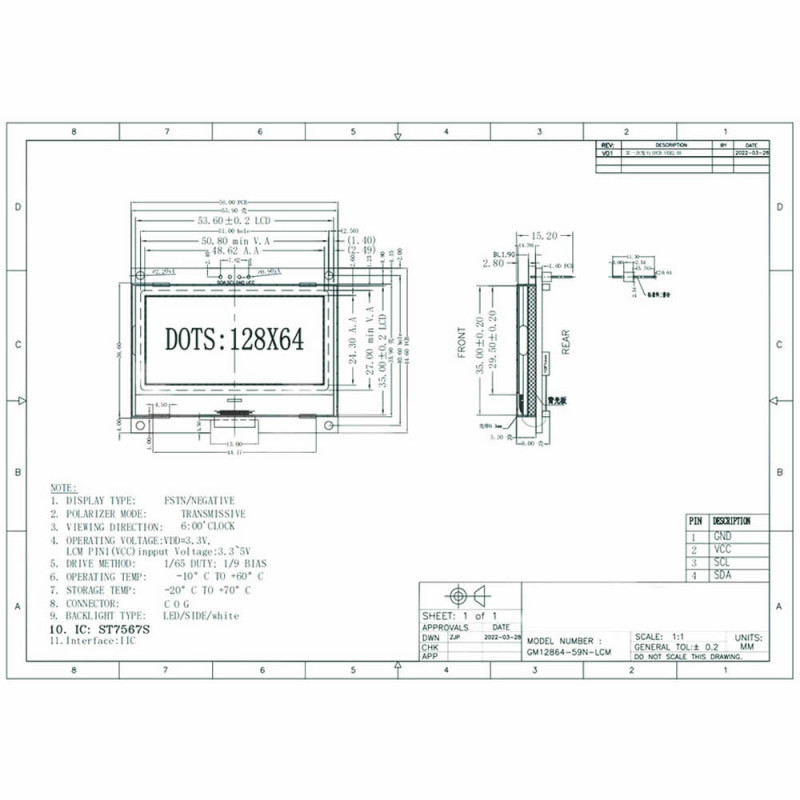
- Operating voltage: DC 3.3V / 5V
- Communication: IIC
- Driver: ST7567S
- Number of columns: 128
- Number of rows: 64
- Lcd color. Blue
- Text color: White
- Wide viewing angle
- High contrast
- Operating temperature: -20C / +70C
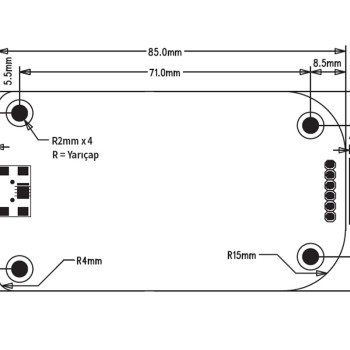
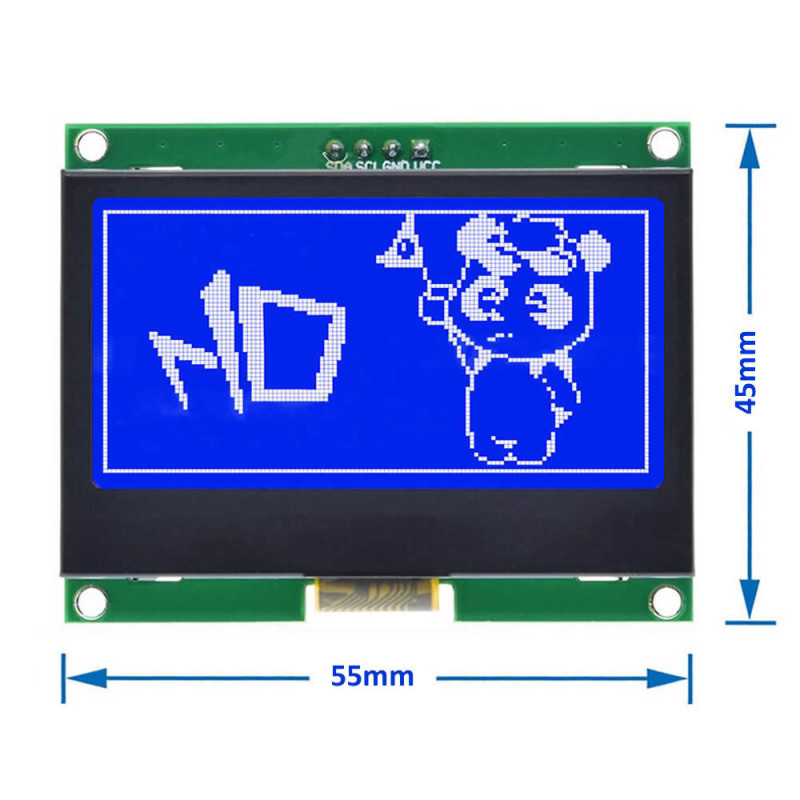
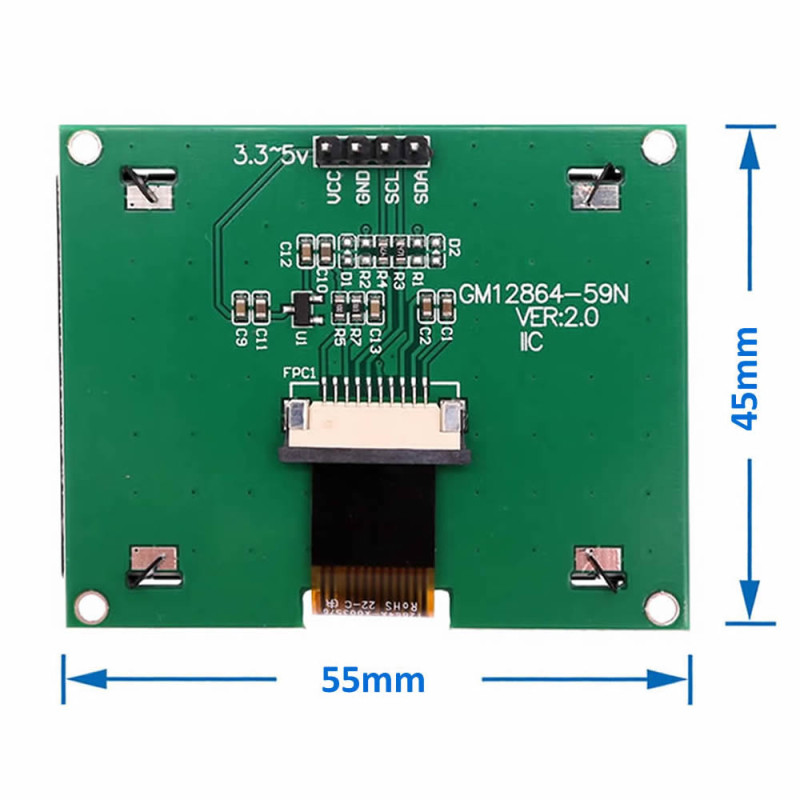
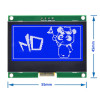
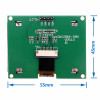
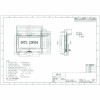
- Dimensions: 45mm x 55mm
- Weight: 28gr
Pin descriptions:
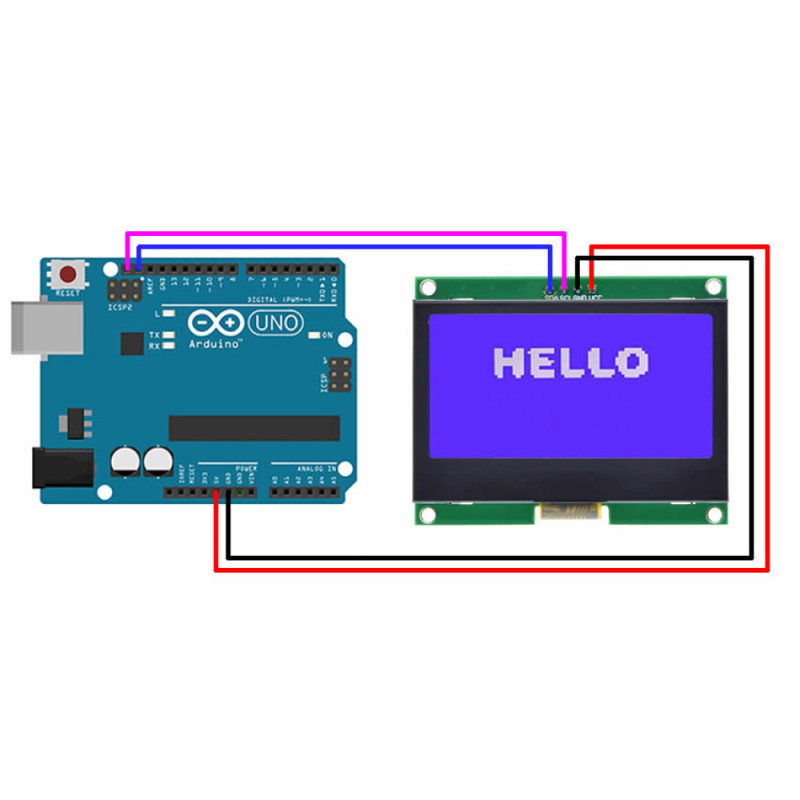
- VCC: DC 3.3V / 5V
- GND: Ground
- SCL: I2C clock
- SDA: I2C Data
Driver and sample code: github.com/luetee/ST7567S_128X64_I2C
Tested sample code (MicroPython, ESP32-S3):
The code below was tested at Robiz on an ESP32-S3 N16R8 board with MicroPython v1.28.0 on two separate displays; text, frame and a live counter worked without problems. I2C address 0x3F, no external pull-up resistors.
Wiring:
- VCC → 3V3
- GND → GND
- SDA → GPIO8
- SCL → GPIO9
Important: The module's I2C lines sit at about 2.1 V. It works directly with 3.3 V boards (ESP32, ESP32-S3, ESP32-C3, Raspberry Pi Pico). Connected directly to a 5 V Arduino Uno/Nano/Mega no communication was established; a bidirectional I2C level shifter is required for those boards.
glcd.py (driver, save on the board with this name):
# ST7567S 128x64 I2C (GM12864) - framebuf ile yazi. SDA=GPIO8, SCL=GPIO9.
from machine import Pin, I2C
import framebuf, time
class GLCD:
    def __init__(self, sda=8, scl=9, addr=0x3F):
        self.i2c = I2C(0, scl=Pin(scl), sda=Pin(sda), freq=100000)
        self.addr = addr
        self.buf = bytearray(1024)
        self.fb = framebuf.FrameBuffer(self.buf, 128, 64, framebuf.MONO_VLSB)
        self.cmd(0xE2); time.sleep_ms(10)
        for c in (0xA2, 0xA0, 0xC8, 0x25, 0x81, 0x20, 0x2C, 0x2E, 0x2F, 0x40, 0xA6, 0xA4, 0xAF):
            self.cmd(c); time.sleep_ms(5)
    def cmd(self, c):
        self.i2c.writeto(self.addr, bytes((0x00, c)))
    def show(self):
        for p in range(8):
            self.cmd(0xB0 | p); self.cmd(0x10); self.cmd(0x00)
            self.i2c.writeto(self.addr, b"\x40" + self.buf[p * 128:(p + 1) * 128])
main.py (example: text and live counter):
from glcd import GLCD
import time

lcd = GLCD()          # SDA=GPIO8, SCL=GPIO9, adres 0x3F
f = lcd.fb            # MicroPython framebuf: text, rect, line, fill...
f.fill(0)
f.rect(0, 0, 128, 64, 1)
f.text("ROBIZ.NET", 28, 4, 1)
f.text("GM12864 V2.0", 16, 16, 1)
f.text("ST7567S I2C 3F", 8, 28, 1)
f.hline(4, 39, 120, 1)
lcd.show()

n = 0
while True:
    n += 1
    f.fill_rect(2, 44, 124, 16, 0)
    f.text("SAYAC %d" % n, 8, 48, 1)
    lcd.show()
    time.sleep(1)
Usage:
- Flash MicroPython to the ESP32-S3 (micropython.org, ESP32_GENERIC_S3).
- Copy glcd.py and main.py to the board (Thonny or mpremote).
- Wire the display as above and reset the board; text and an increasing counter appear.
For other pins use GLCD(sda=..., scl=...). Contrast: the value after 0x81 in glcd.py (0x20) can be changed between 0x00 and 0x3F.
Başka pin için GLCD(sda=..., scl=...) kullanın. Kontrast: glcd.py'de 0x81'den sonraki değer (0x20) 0x00–0x3F arasında değiştirilebilir.

Package contents:
- 1 Piece IIC GM12864 Glcd Blue Module