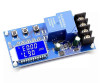
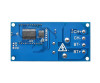
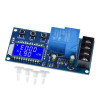
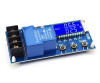
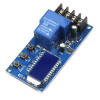
- Stok Durumu: Stok Var
- Marka: OEM
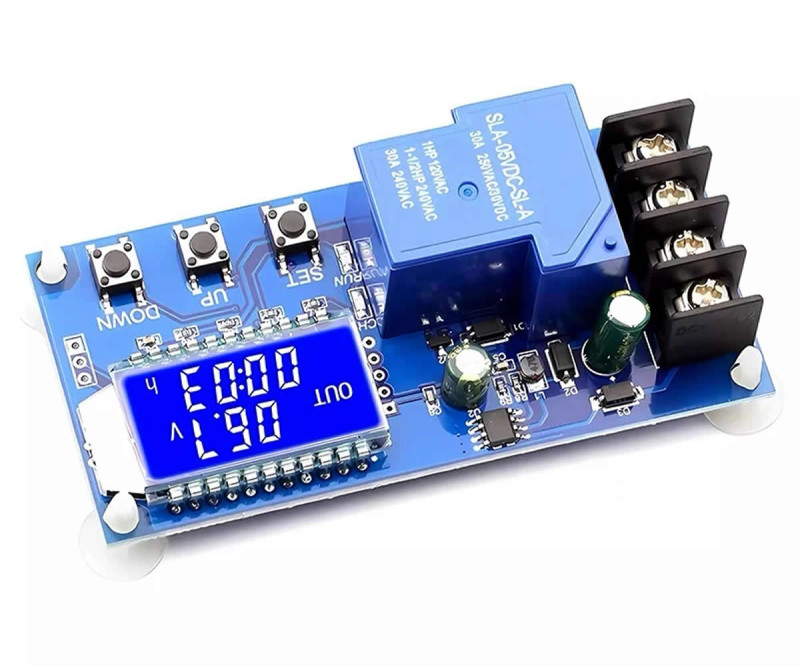
- Model: XY-L30A Pil Şarj Kontrol Kartı
- SKU: RBZ.101.685
XY-L30A 30A Battery Charge Control Protection Module
12V 24V Battery Lead Acid Gel Battery Lithium Li-lon Battery Digital Led Display
This product does not step down voltage. Connecting a charging adapter suitable for your battery is the user's responsibility.
With its current cut-off feature, it is a functional product that lets you charge your batteries safely. The product works with DC voltage in the DC 6-60V range. It is not used directly with 220V. This product is designed to be connected to a battery. When no battery is connected, the system warns the user with the 'nbE' indication on the bottom line.
If you long press the left button, you set the start voltage. If you long press the right button, you set the end voltage. There is no extra key for voltage adjustment. It automatically adjusts the output according to the voltage you supply at the input. For 12V and 24V batteries, it works by automatically detecting according to the voltage you supply.
The product has the ability to start and end the charging process by taking into account the voltage difference that occurs in full and empty batteries. For example, when a 12V battery reaches full charge, it can produce a voltage of up to 13.8V. When empty, this voltage value can drop to 11V.
The control voltage range is DC 6V-60V. However, the battery voltage must be 48V maximum. Because when a 48V battery is fully charged, its voltage rises to the 60V level. You cannot charge a 24V battery with a 12V input or charge a 12V battery with a 48V input. Because this module is only a simple ON/OFF switching controller, it cannot change the output voltage.
Features:
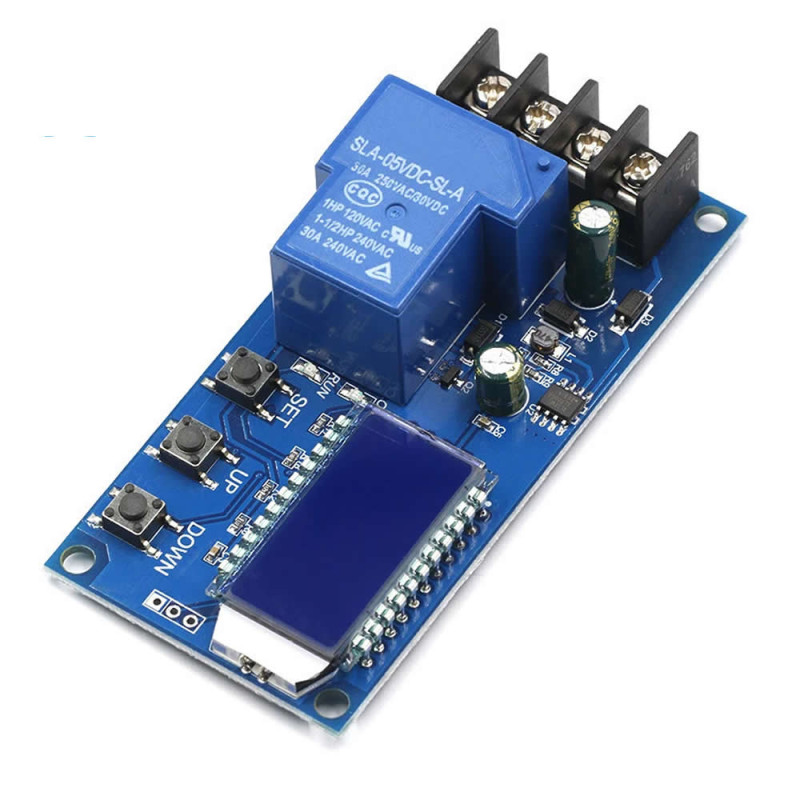
- XY-L30A battery charge control board
- Operating voltage: DC 6-60V
- Operating current: 30A ( Using with 2A for a long time may damage the relay. )
- Power: 400W ( Cannot be used at higher power. Not at 30x60=1800w power)
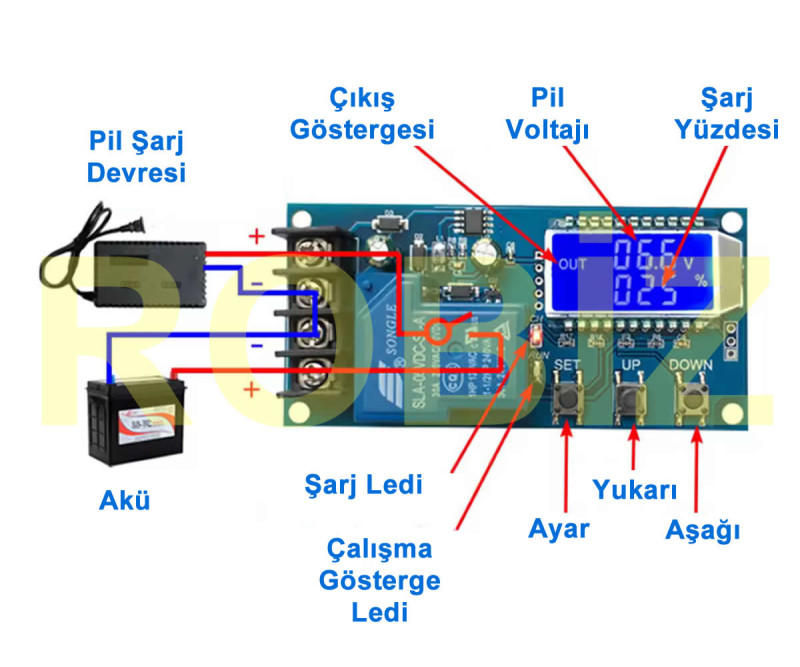
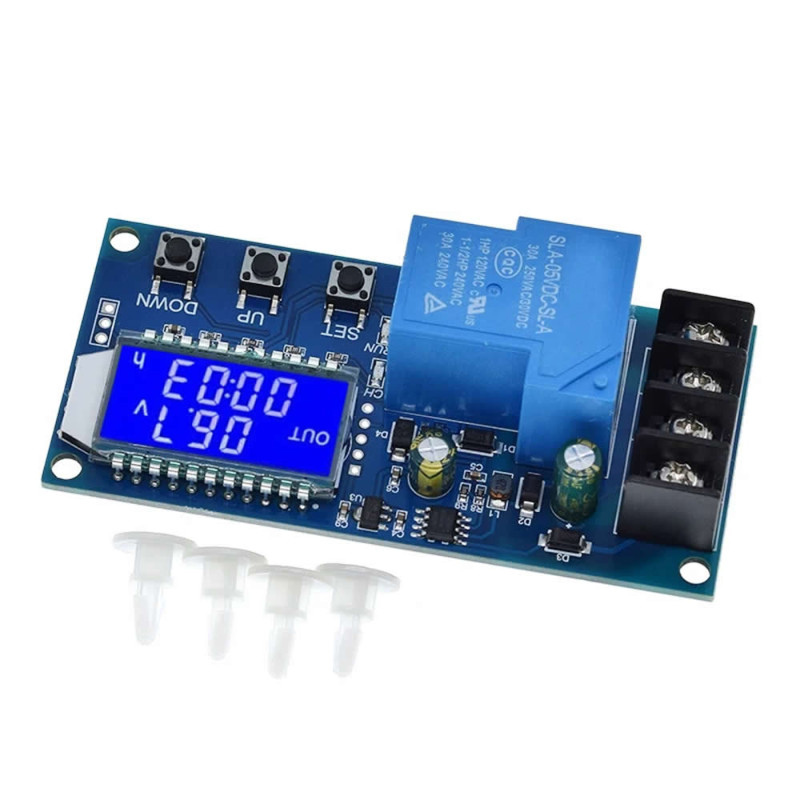
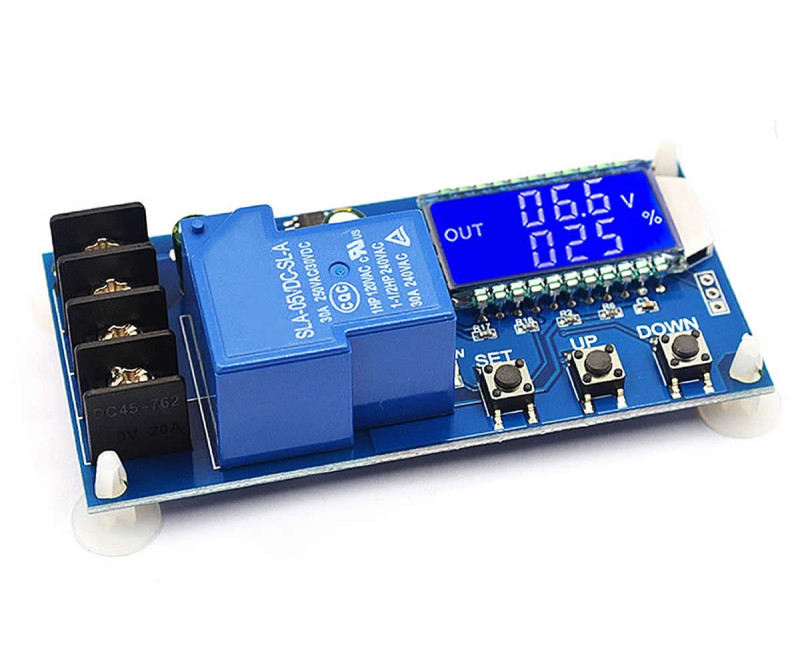
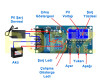
- Blue lcd display: Battery voltage, battery charge percentage, charging time
- Operating status led indicator
- Charging status led indicator
- Buttons: SET | UP | DOWN
- Relay: Songle 30A Relay, SLA-05VDC-SL-A
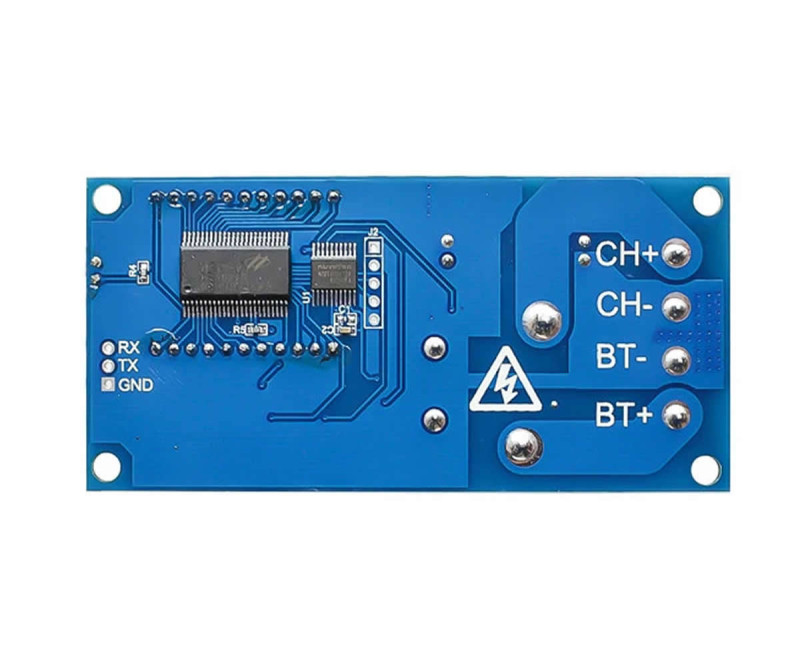
- Uart communication port ttl 115200, 8, 1
- Battery Compatibility: Lithium / Multi Cell Battery Packs (2S-14S) / Lead Acid
- Charging time recording function
- Voltage control precision: 0.1V
- Output voltage: Direct output
- Tolerance: +/-0.1V
- Application areas: Dc 6V / 60V battery
- 3 control buttons
- Uart communication socket
- Operating temperature: -20C / 65C
- Color: Blue
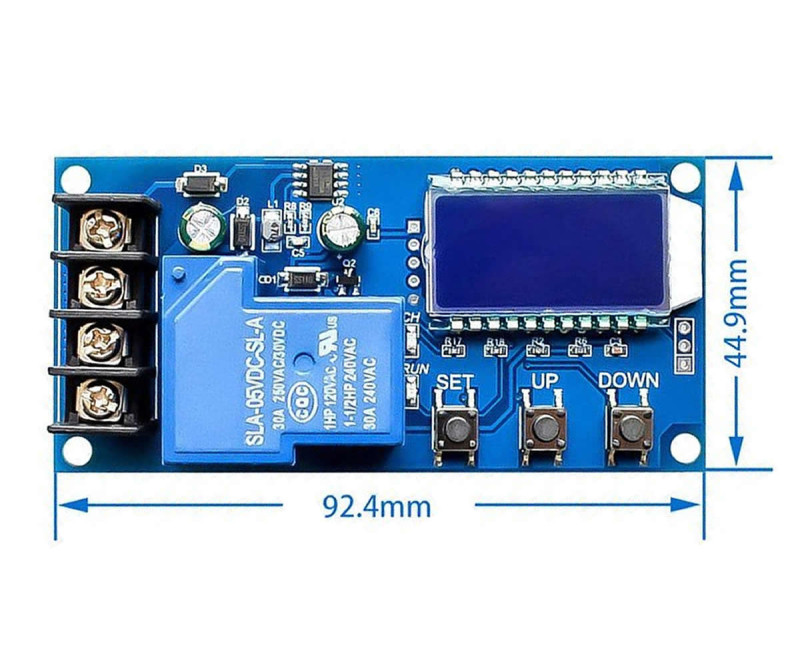
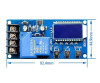
- 4 mounting holes
- 4 way connection terminal
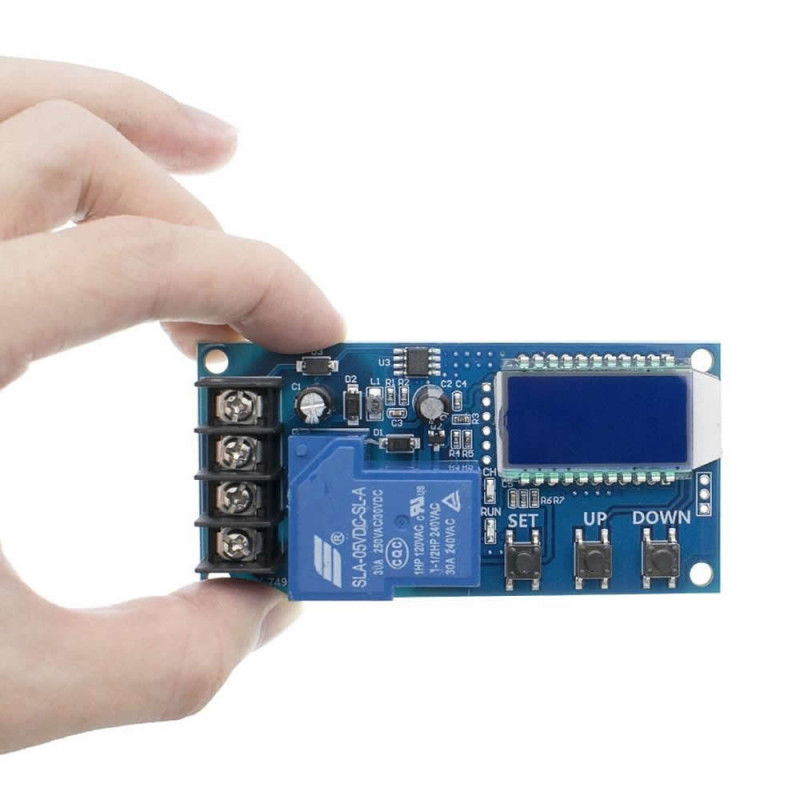
- Dimensions: 45mm x 93.5mm
- Weight: 58gr

Batteries must be charged with a current at the level of 1/10 or 2/10 of their capacity. It is appropriate to connect a current controlled power supply or charger to the product. You should not charge with a power supply that can deliver very high current. You may cause the relay on the device to fail.
Instructions for use: For example, while charging a 12V battery, a power supply connection in the range of 12V to 14.8V is made at the input. The charge start voltage (dn) is set to 11V, and the end voltage (up) to 13.8V. In this case, the charging process will continue while your battery voltage is in the range of 11V to 13.8V. For a higher charge level, you can also set the end voltage to 14.4V, but in this case you need to monitor the temperature of the battery and the circuit. Your battery may be damaged by high temperature.
Button description:
SET key: When long pressed, parameter setting mode is entered. Short pressing switches between parameters.
UP and DOWN keys: Used to increase or decrease the value of the selected parameter. Down turns charging on and off. The Up key shows the time and percentage charge status.
Parameters:
dn (Lower Voltage Limit): When the battery voltage drops below this value, the charging process starts.
UP (Upper Voltage Limit): When the battery voltage rises above this value, the charging process stops.
OP (Charging Time): Enables the charging process to be performed for a specific period.
Connection and operation:
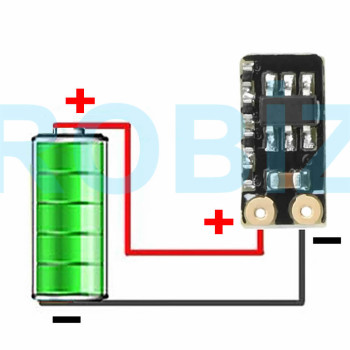
- Connect the module to the battery you want to charge and to a suitable dc power supply.
- Enter setting mode by long pressing the SET key and determine the appropriate dn and UP values with the UP/DOWN keys.
- You can set the charging time with the OP parameter; by default this feature is disabled.
- After making the settings, save by short pressing the SET key.
- When the battery voltage drops below the dn value, the charging process will start automatically and will stop when it reaches the UP value.
- If, during exit after parameter setting, the lower limit voltage 'dn' is set higher than the upper limit voltage 'UP', the system blinks by displaying 'ERR' as a warning.
- Charging time recording function:
- While charging time control is not enabled, the product records one full charging time.
- When the time display interface is entered, it shows the charging time by blinking.
- When the time display interface is exited or the next charge starts (when the relay pulls in), this data is deleted.
- Data upload message format: Battery voltage + battery percentage + charging time + charging status Example: 12.0V, 020%, 00:10, OP
Points to be considered:
- The module is not used directly with 220V AC; a suitable DC power supply is required.
- You cannot charge a 24V battery with a 12V input or charge a 12V battery with a 48V input. Because this module is only a simple ON/OFF voltage controller, it cannot change the output voltage.
- The voltage control mode only performs on/off control. It cannot limit the current; the charging current depends entirely on your charger.
- Generally, the charging current should be 10-15% of the battery capacity.
- Regularly check the temperature of the battery and the module during the charging process.
- Avoid using a power supply that can deliver very high current; this may cause the relay on the module to be damaged.
- If your charging current is too high or your battery capacity is too small, the relay switches on/off continuously and the light blinks. In this case you need to reduce the charging current.
Package contents:
- 1 Piece XY-L30A Battery charge Control Board
Automatic Charge Control Function:
- It is used by setting the voltage upper limit 'UP' and voltage lower limit 'dn' values.
- When the battery voltage drops below the voltage lower limit 'dn', the relay pulls in and the charger starts charging the battery.
- When the battery voltage reaches the voltage upper limit 'UP' value, the relay releases and one automatic charging cycle is completed.
Charging Time Control Function: How is the time control function enabled?
- After entering the parameter setting, if you set the OP parameter to a value other than zero, you enable the time control function.
- The OP default parameter is --:--h, in which case the time control function is off.
- After the time control function is enabled (when OP is other than zero):
- When the battery voltage drops to or below the lower limit 'dn' value, the charger starts charging the battery and the system starts counting time.
- When the battery voltage rises to or above the upper limit 'UP' value during timing, the relay releases.
- When the OP time expires, if the battery voltage is still below the lower limit 'dn' value, the relay continues to stay conducting, the charging time control function turns off automatically and H:ER blinks to remind the user that the time parameter has been set unreasonably.
- You can stop this blinking by pressing any key.
- Time format: 00:59 (00 hours, 59 minutes)
- The maximum time is 99:59, that is 100 hours.
Serial Data Upload and Parameter Setting Function: The system supports the data upload and parameter setting function over UART. UART: 115200, 8, 1
- Data upload message format:
- Battery voltage + battery percentage + charging time + charging status
- Example: 12.0V,020%,00:10,OP
Commands:
- on: Enable turning on the relays (enable)
- off: Disable turning on the relays (disable)
- start: Start data upload
- stop: Stop data upload
- read: Read the parameter settings
- dw10.0: Set the voltage lower limit 'dn' value to 10.0V
- up20.0: Set the voltage upper limit 'UP' value to 20.0V
- xx:xx: Set the charging time OP value
- OP: 00:00 : Turn off charging time control
Parameter Setting:
- The setting interface is entered by long pressing the SET key.
- With a short SET press, you switch between the parameters you want to set.
- After the parameter is selected, adjustment is made with the UP/DOWN keys; short press and long press (fast increase/decrease) are supported.
- The same steps are repeated to set the other parameters.
- After all parameters are set, save and exit by long pressing the SET key.
Above there is a video of the use of the product. It has been added to give information about its use. Charging batteries with sources that can deliver the correct voltage and limited current is the 1st requirement. The product does not have the goal of charging the battery with the correct current. It is intended to prevent charging for a long time and with high voltage.