- Stok Durumu: Stok Var
- Marka: OEM
- Model: XH-M609 Modül
- SKU: RBZ.100.153
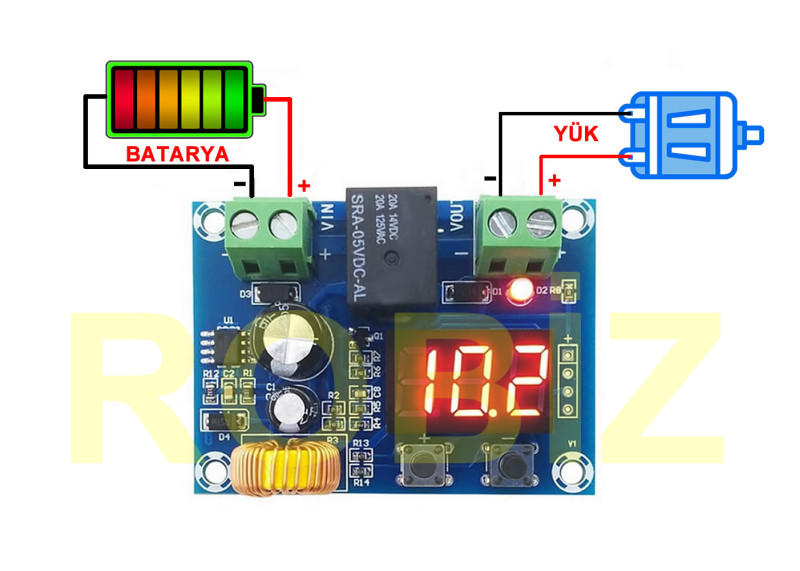
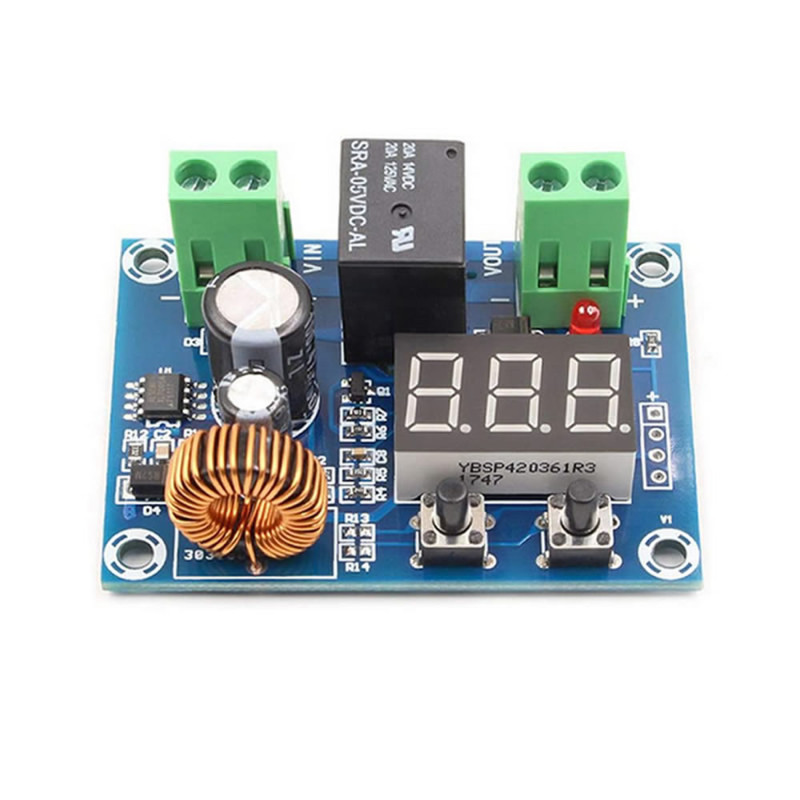
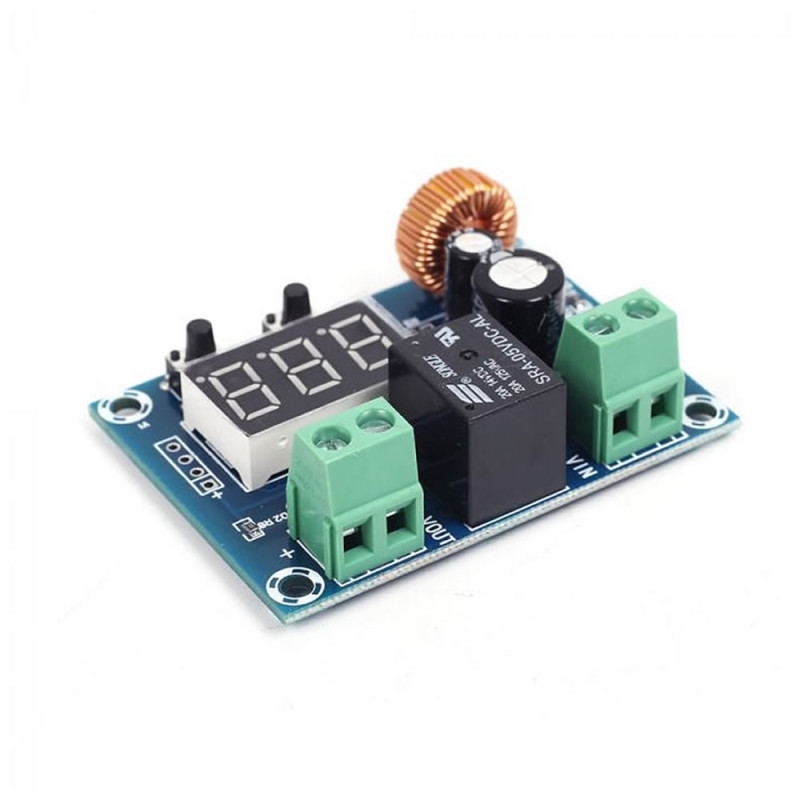
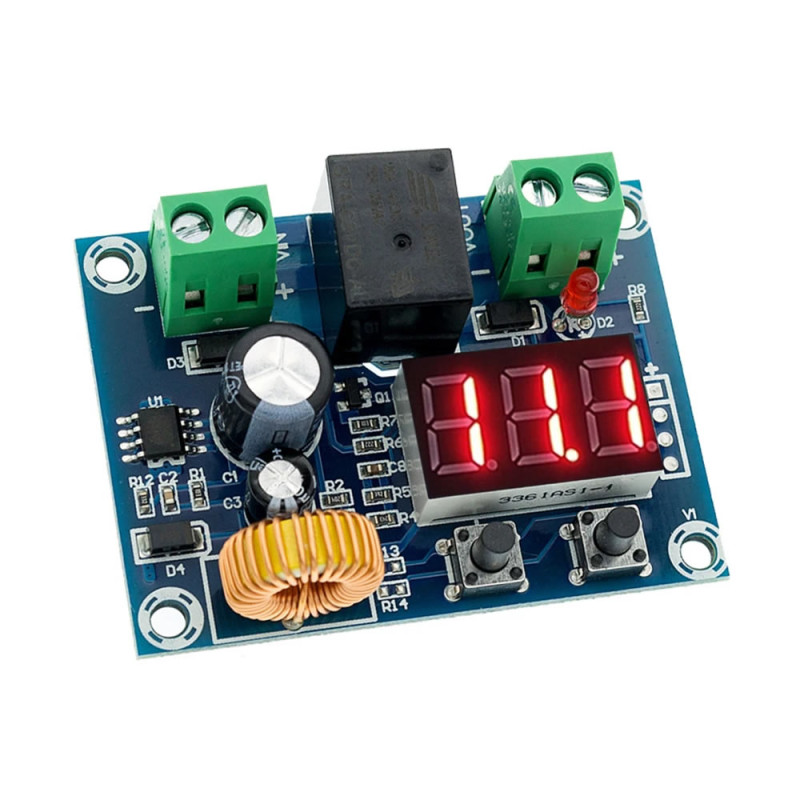
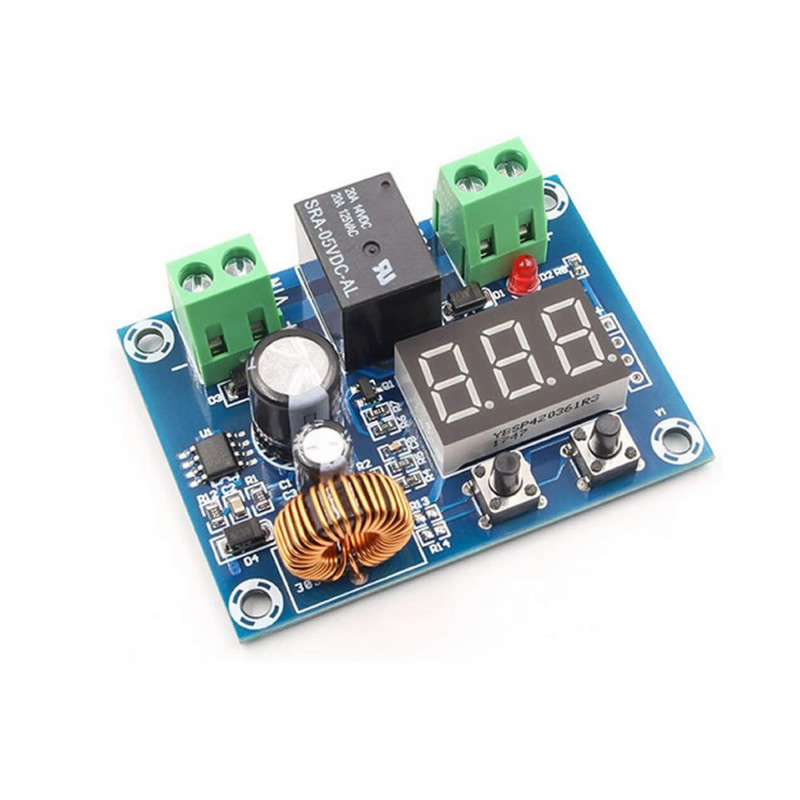
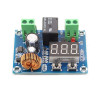
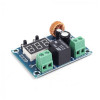
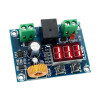
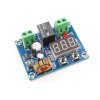
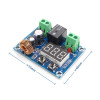
XH-M609 Battery Over Discharge Protection Module
DC 12/36V Battery Lead Acid Battery Low Voltage Protector Voltmeter Display
Over discharging of batteries damages the battery and the service life decreases. Xh-M609 is used to prevent the over discharging of batteries. The product takes its supply from the battery it is connected to. The voltage of batteries does not decrease linearly. For a 12V battery, for example at around 10V it drops very quickly to 0V levels. You cannot see intermediate voltages such as 8V, 6V, 4V. Completely drained batteries are physically damaged. Even if they are charged again, they cannot reach their old capacity. With XH-M609 you can prevent the battery from being drained and the battery life will remain long.
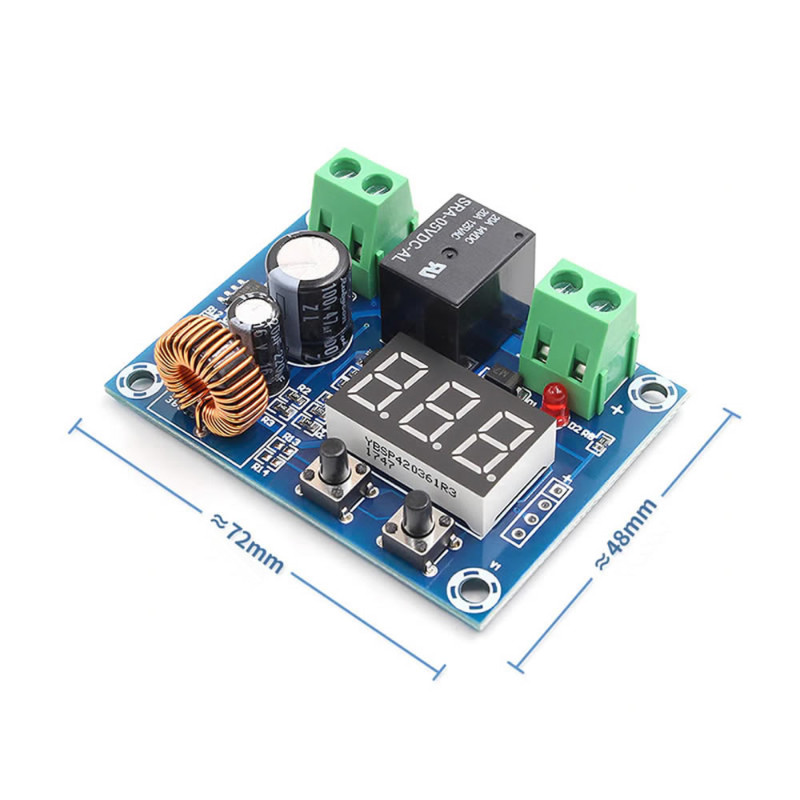
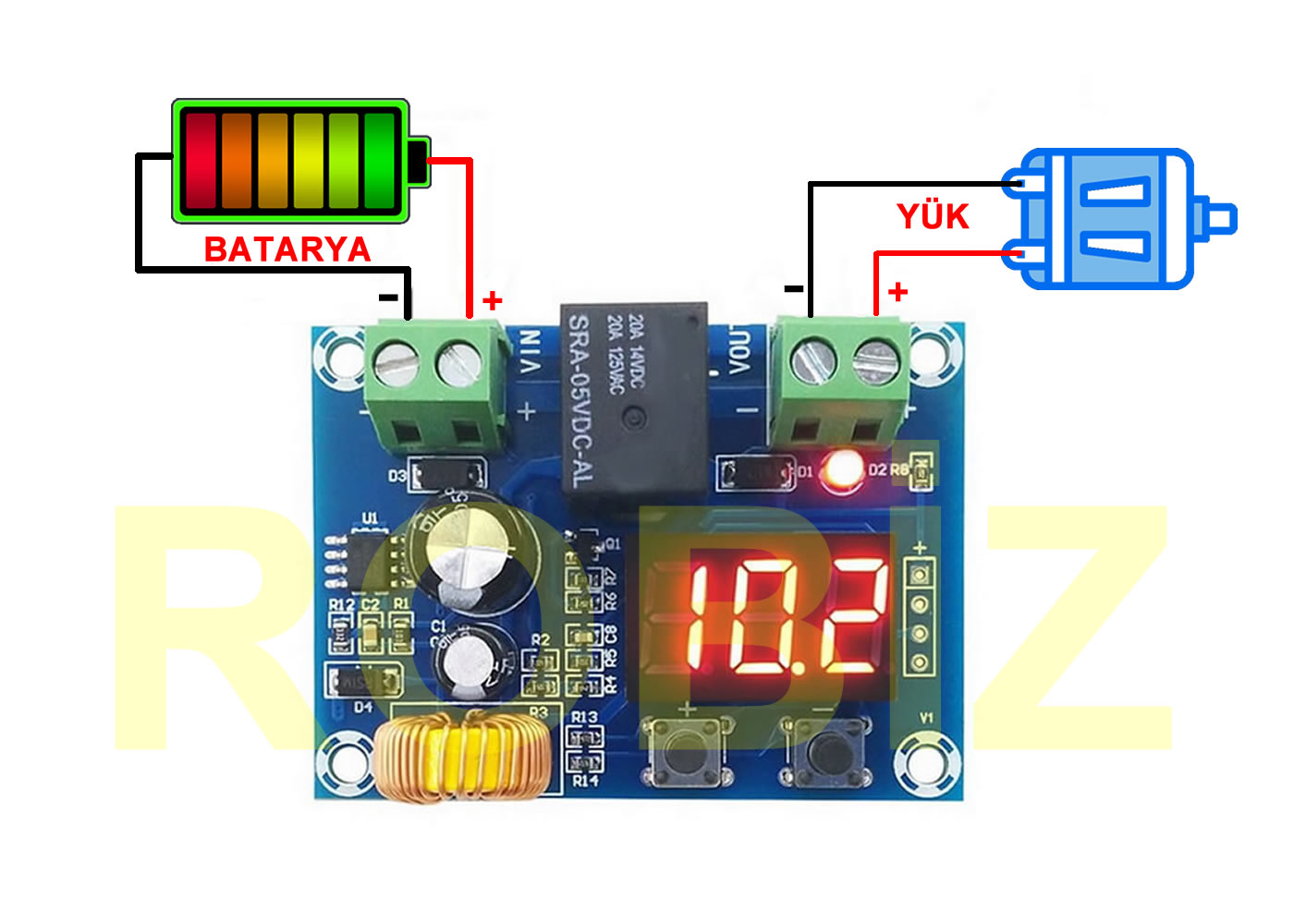
Usage: For the settings, the + ( left ) key and – ( right ) key on the board are used.
- The value seen on the board shows the instantaneous voltage of the battery.
- 1 Touch on the left key: shows the previously set low voltage level.
- 1 Press on the right key: shows the difference voltage for the relay output setting.
- Low voltage setting: You enter the menu by pressing the left key 2 times quickly. When the dot symbol on the display starts to blink, by pressing the left and right keys you set the lowest voltage at which you want the battery to operate.
- Restart voltage: When the right key is pressed 2 times, it enters this voltage setting menu. This difference voltage is set with the right and left keys. The voltage set here is added on top of the low voltage setting. If you set 12v for the low voltage and set 1,5V here; when the battery voltage rises again to 12+1,5= 13,5V it starts to give energy to the load.
- After the battery voltage rises and the relay turns on, it continues to give output until it reaches the low voltage point again.
- Voltmeter calibration: If the left key is pressed long, the setting menu where you can make voltmeter error correction opens. If there is an error in the measured voltage, you can set the correct voltage here. For example, if your battery voltage is 13V but the device shows 13.2V, when you enter this menu and set it as 13V, the error will disappear.
- Delayed start: ( Unless it is necessary, this should stay as 0.) If you press the right key long, the menu setting where you can enter time opens. Here the setting is made in minutes. For example, if you set 3. The battery starts to charge, the voltage rises and reaches the output voltage. Normally the relay should turn on in this case. However, it waits as many minutes as you set in this menu. At the end of this time, the output becomes active.
Warnings:
- These values may vary according to your battery. You need to know the lower voltage at which you will cut the discharge.
- If the 2 buttons are pressed at the same time for a long period, the device is reset. The records in the memory are deleted and it continues to work again with factory settings.
- If you are going to drive a high current load, you need to use a stronger relay or contactor. If you pass high current through the low current relay on this board, after a while the relay switches weld from the heat and stick. The device becomes unable to switch off the load.
Features:
- Model: XH-M609
- Operating voltage: DC 12V / 36V battery
- Output voltage: same as the input voltage
- Operating current: DC 30V 7A / AC 220V 7A ( If you use it with high current for a long period, the relay contacts may stick. )
- Accuracy: 0.1V
- 3 Digit voltmeter display
- Power consumption: 1.5 W
- It can be used with various cells and batteries.
- Automatic shutdown
- Discharge protection
- Voltmeter calibration support
- Delayed start support
- Extends the battery life.
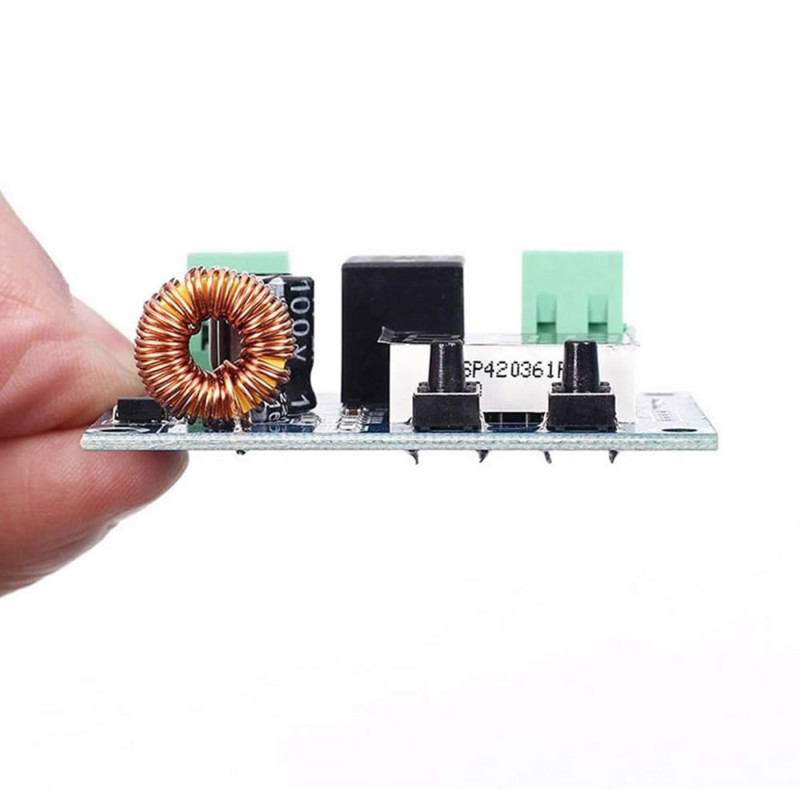
- 2 Setting buttons
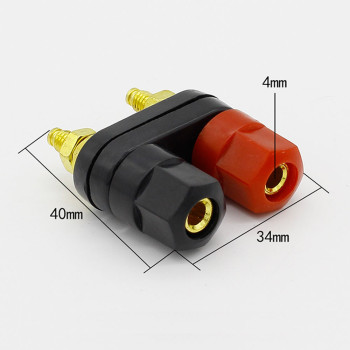
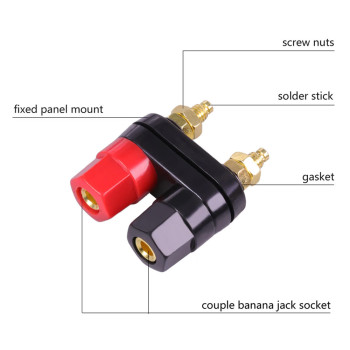
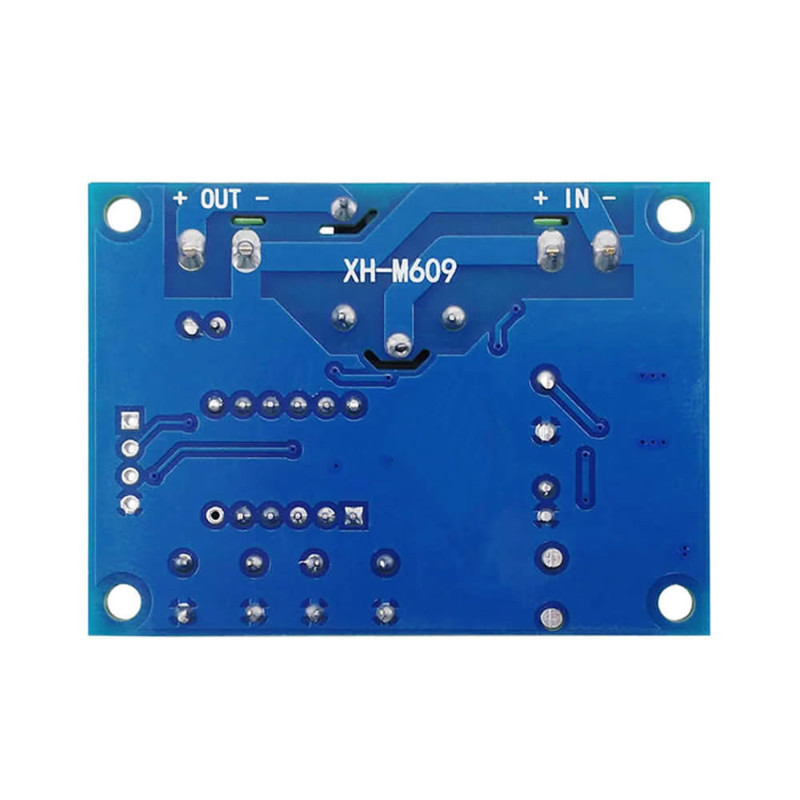
- 2 Input output terminal blocks
- Relay status indicator led.
- Color: blue
- Operating temperature: -10C / +80C
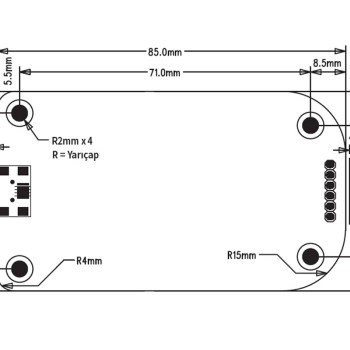
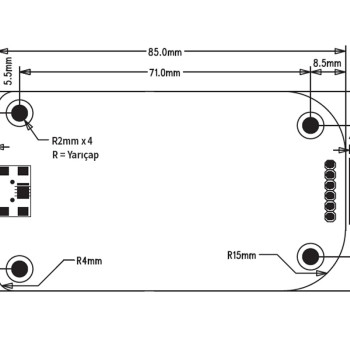
- 4 Mounting holes
- Dimensions: 19mm x 42mm x 57mm
- Weight: 28gr
Package contents:
- 1 Piece XH-M609 Module