- Stok Durumu: Stok Var
- Marka: OEM
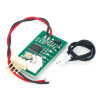
- Model: 12V Fan Hız Kontrol Devresi ZF1X4
- SKU: RBZ.101.069
DC 12V PWM Fan Speed Control Board
4 Wire Computer Temperature control Switch for PC CPU Cooler Fan Alarm STK IC
The module controls only the speed of four pin standard pwm supported fans. It does not turn the fan off. It performs fully digital control with accurate temperature setting and precise control. It combines manual speed regulation and automatic temperature control and speed adjustment function. Manual speed control can be done between %10 and %100, each %5 increase is one step. Automatic temperature controlled speed adjustment starts from 30C, there are 49 different temperature zone combinations. It supports controls from three wire to four wire and automatically saves the set parameters.
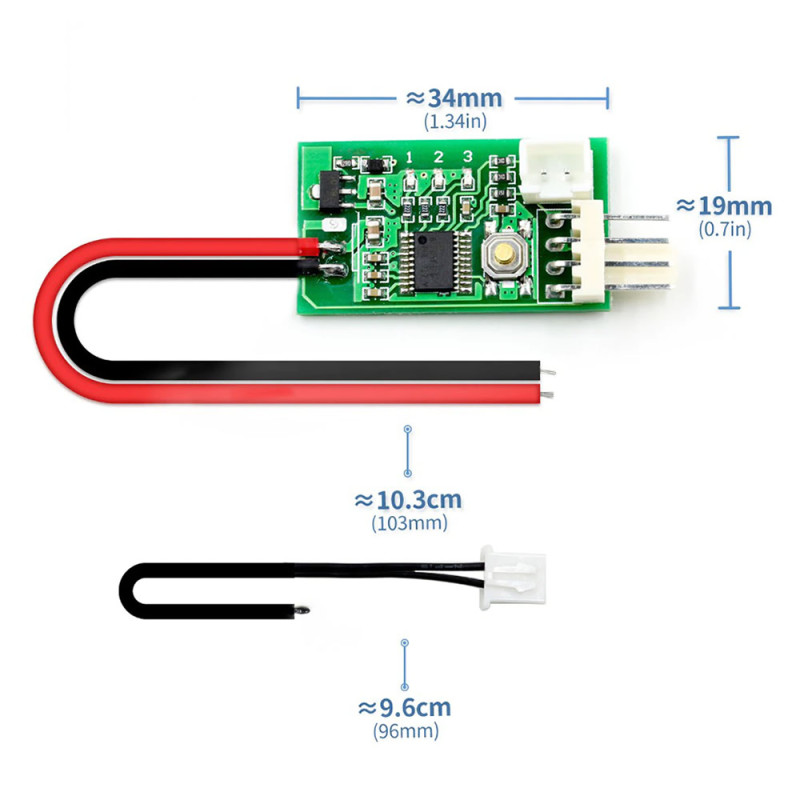
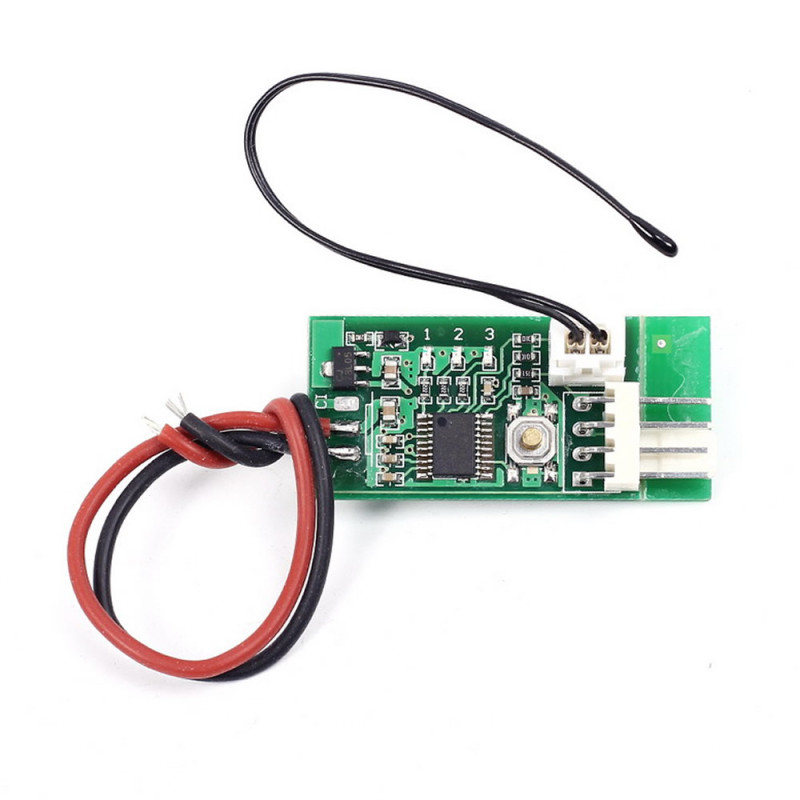
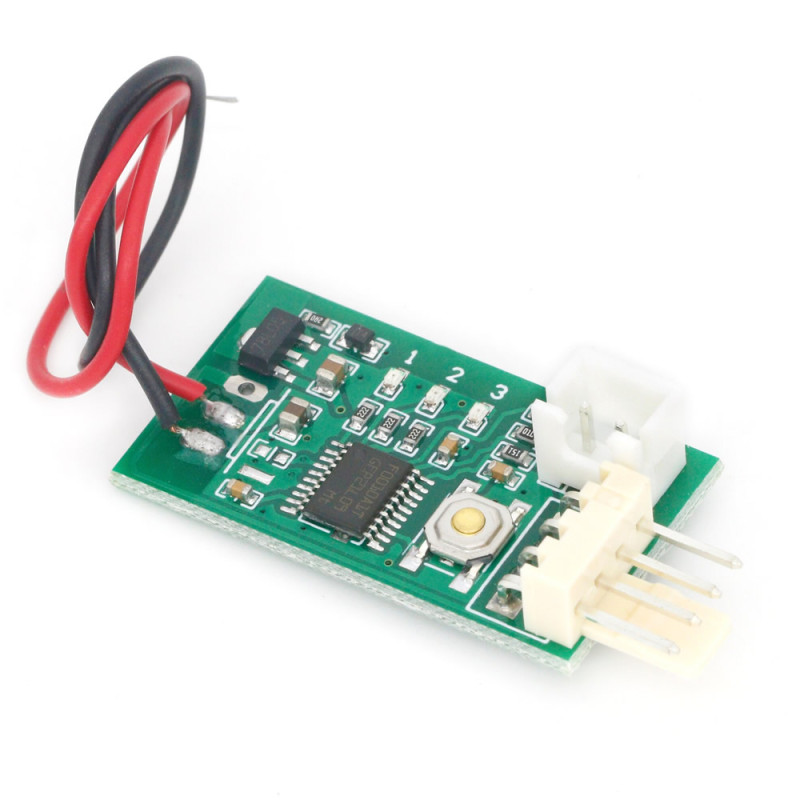
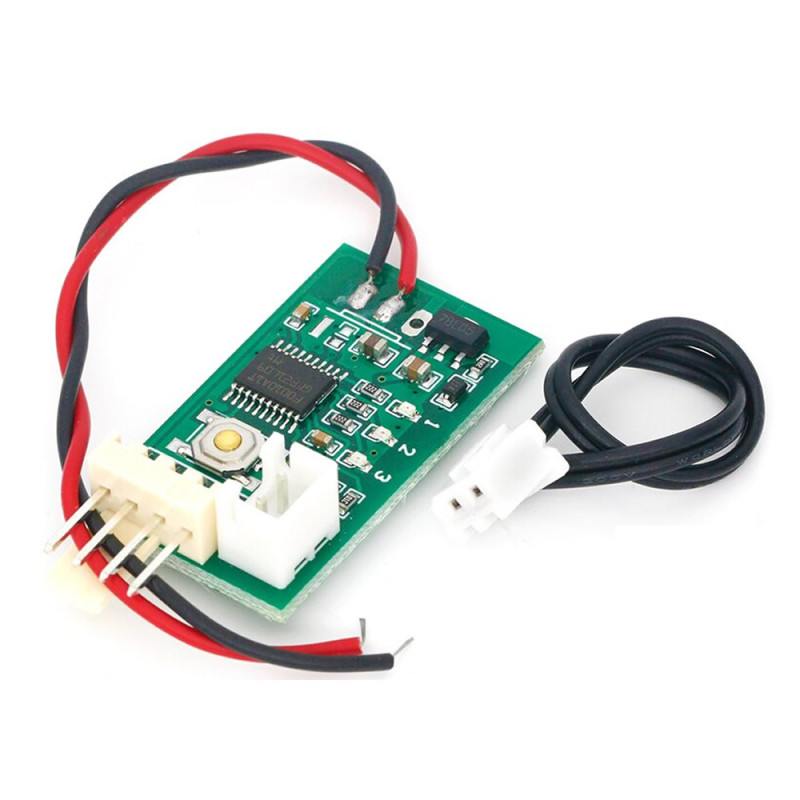
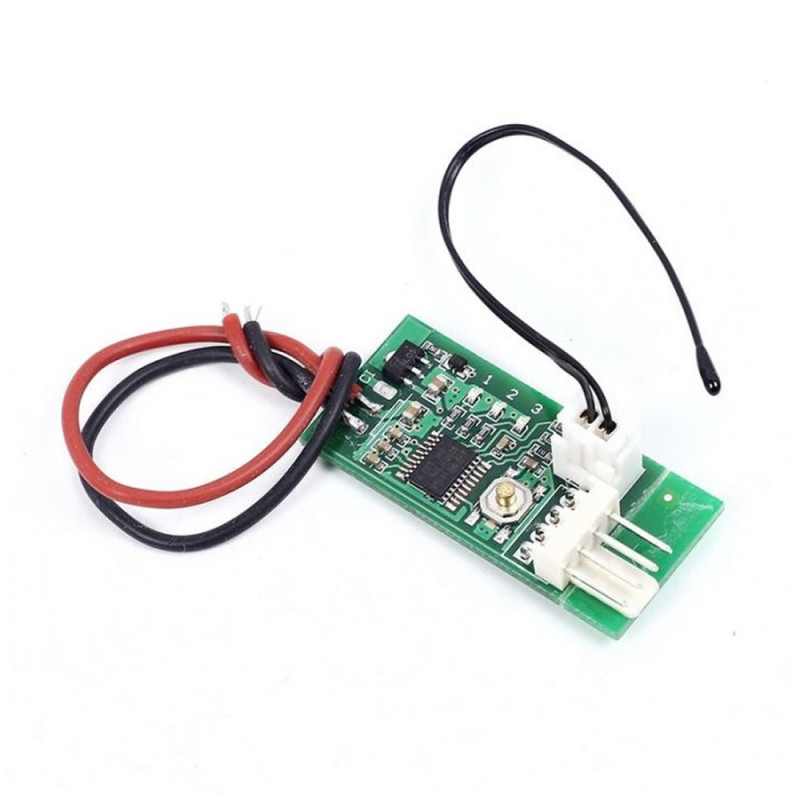
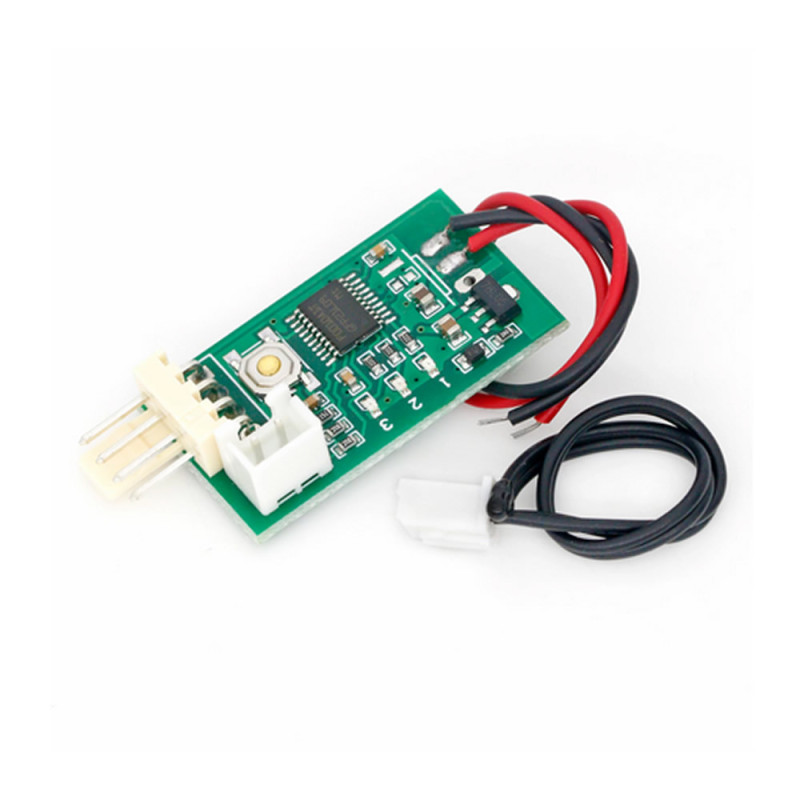
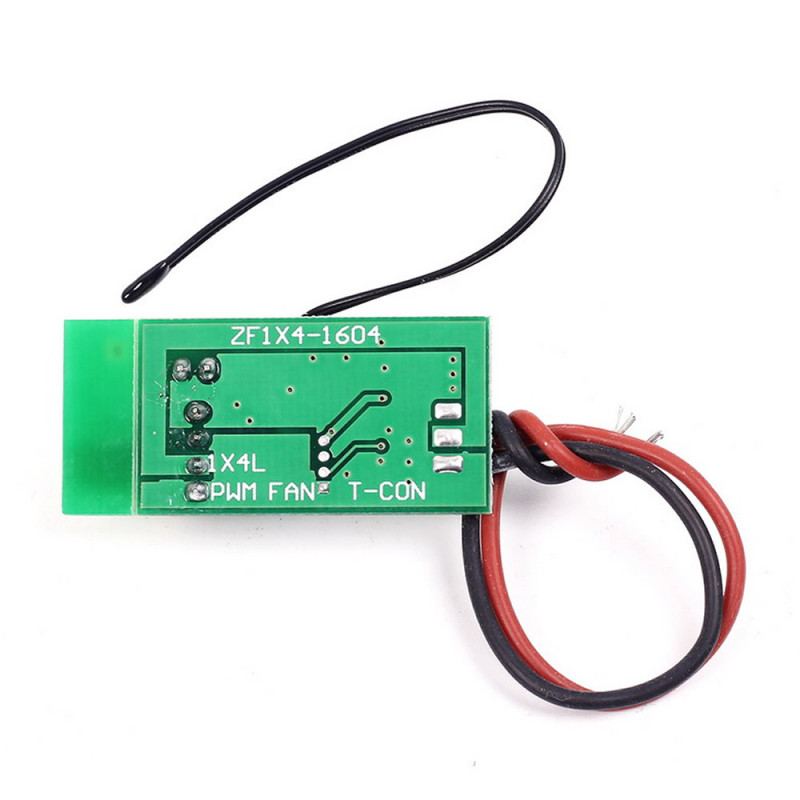
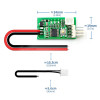
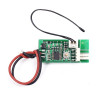
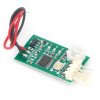
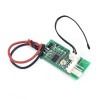
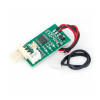
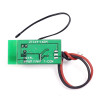
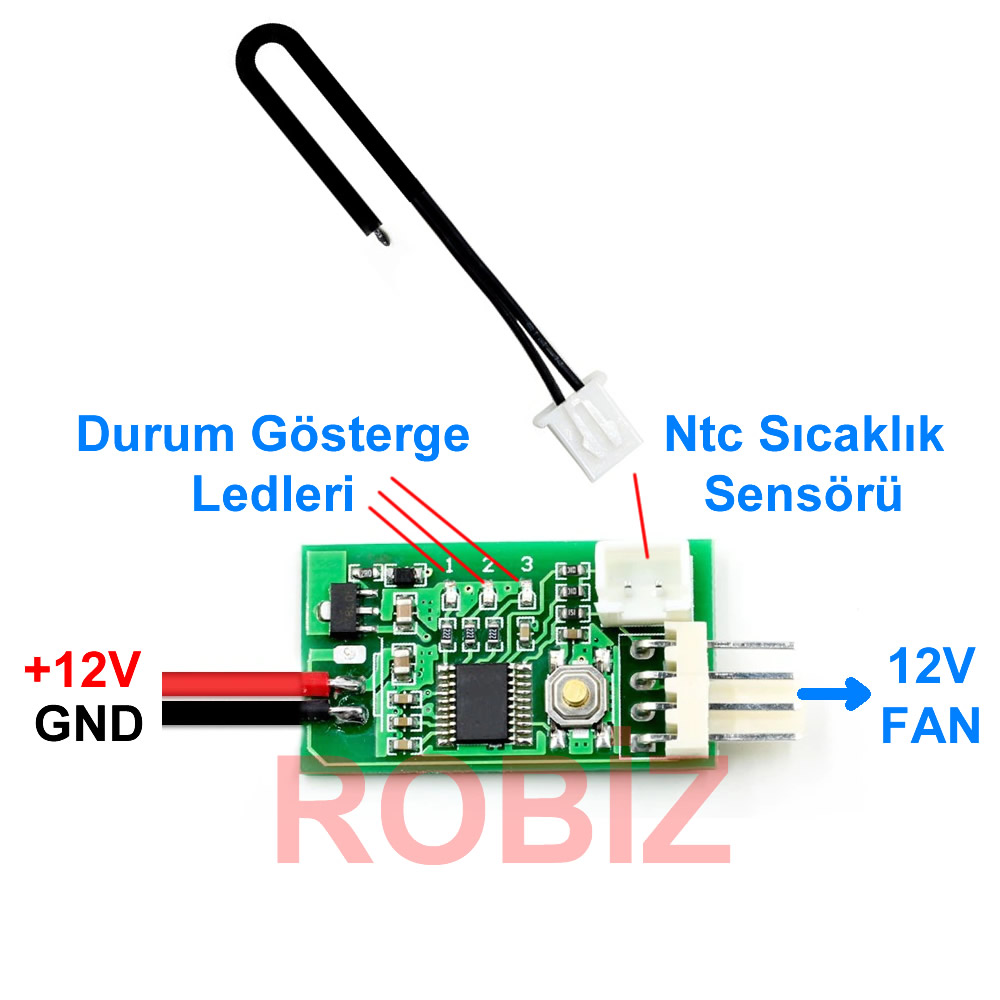
Input line: The red-black power cable is only for soldering the 12V positive and negative power cable and is for general purpose use. The three wire connector is equipped with a 2510-3P plug used to measure the speed of the three wire fan ports of some motherboards. The large 4P interface allows power to be taken easily from the case.
Temperature probe: The tip of the thin black cable is short and has low heat capacity. It is suitable for use in narrow areas and air temperature measurements, its response time is quite fast. The ring type probe is placed inside a ring shaped metal cap with a diameter of 4.2 mm. It is suitable for use by being fixed to the surface of a radiator or another heat source.
Features:
- Operating temperature: -10C / 60C
- Operating voltage: DC 12V ( 8V / 18V )
- Operating current: 20mA
- Fan current: must be less than 3A
- Speed range: %10 - %100
- Mode control button
- 3 Pieces status indicator led
- Sensor: NTC 50K B=3950
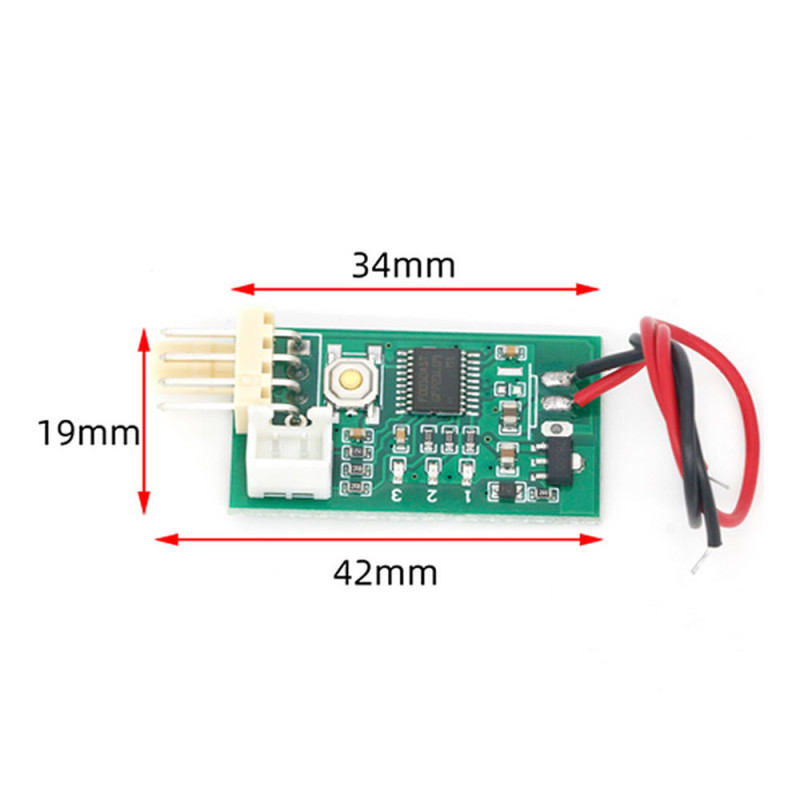
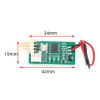
- Dimensions: 34mm*19mm*11mm
- Weight: 5gr.
Default factory values: Low speed 20%, Acceleration temperature 30C, Acceleration width 5C. Below this temperature setting, holding the thermal probe with the palm of your hand will speed up after a while and if the probe is clamped under the armpit, it will usually reach full speed within 2 minutes.
Automatic Control:
3 parameters can be set:
- Po: Starting speed
- Tu: The temperature at which the fan speed starts to increase
- TD: The temperature difference at which the speed reaches maximum
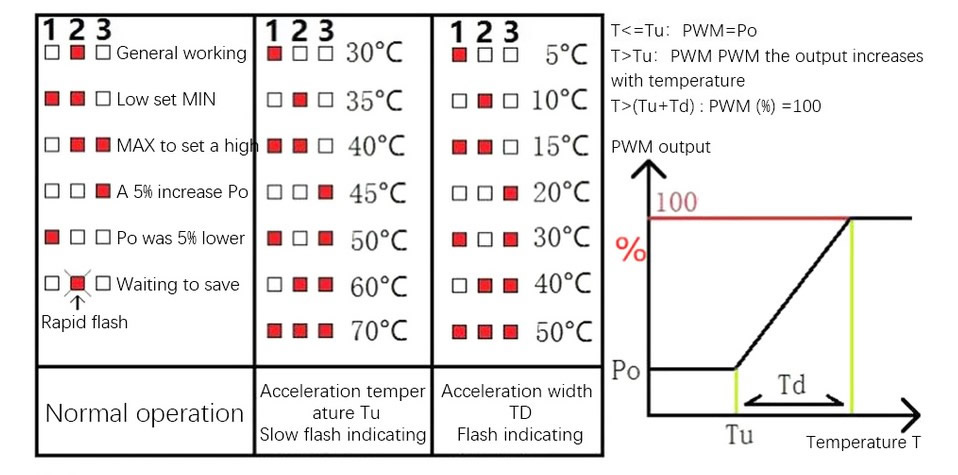
The Po value is set after the device is turned on. It is changed with a double click for down and a single click for up. Holding the 1 + 2 buttons reaches the minimum, holding the 2 + 3 buttons reaches the maximum speed. To set Tu, it is held for 3 seconds, it slowly starts to blink. It is clicked once more to enter the value and the value is entered into the table. When held for 3 more seconds it starts to blink fast, which allows TD to be set.
1>. Manual control without temperature probe:
The speed step is adjusted up/down with a single or double click of the button (the double click must not be too fast). After each change, the speed step is automatically saved within 20 seconds. Indicator light No. 2 blinks fast for 20 seconds (when temperature control is disabled). When the blinking stops it means the file has been saved. The 3 / 1 indicator light stays on continuously when the current step cannot be increased / decreased.
2>. When the temperature probe is attached:
The manually set speed is used as the starting (lower limit) speed. When the temperature exceeds the acceleration temperature, the fan speed increases proportionally with the temperature. When the temperature reaches or passes the sum of acceleration temperature + acceleration width, the fan runs at full speed.
The acceleration temperature and acceleration width parameters are set as shown in the schematic diagram below. The numbers 123 represent the indicator lights on the board (red) and (white) status in binary order.
Package contents:
- 1 Piece 12V Fan Speed Control Board