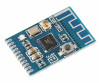
- Stok Durumu: Stok Var
- Marka: OEM
- Model: Kcx Emitter
- SKU: RBZ.101.709
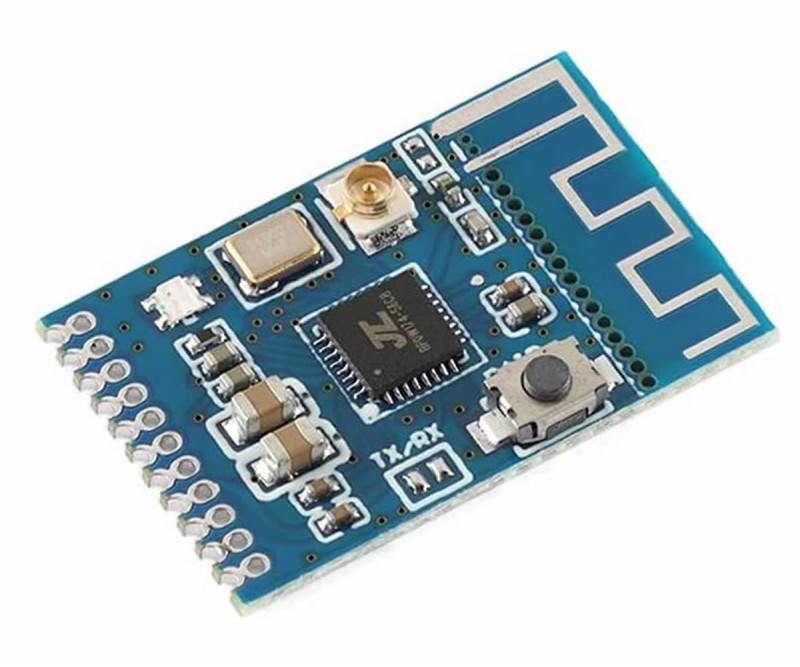
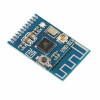
Kcx Emitter Bluetooth Stereo Audio Receiver Transmitter Module
2.4GHz Speaker Headphone Computer Tv Projector Game Console Mp3 Player
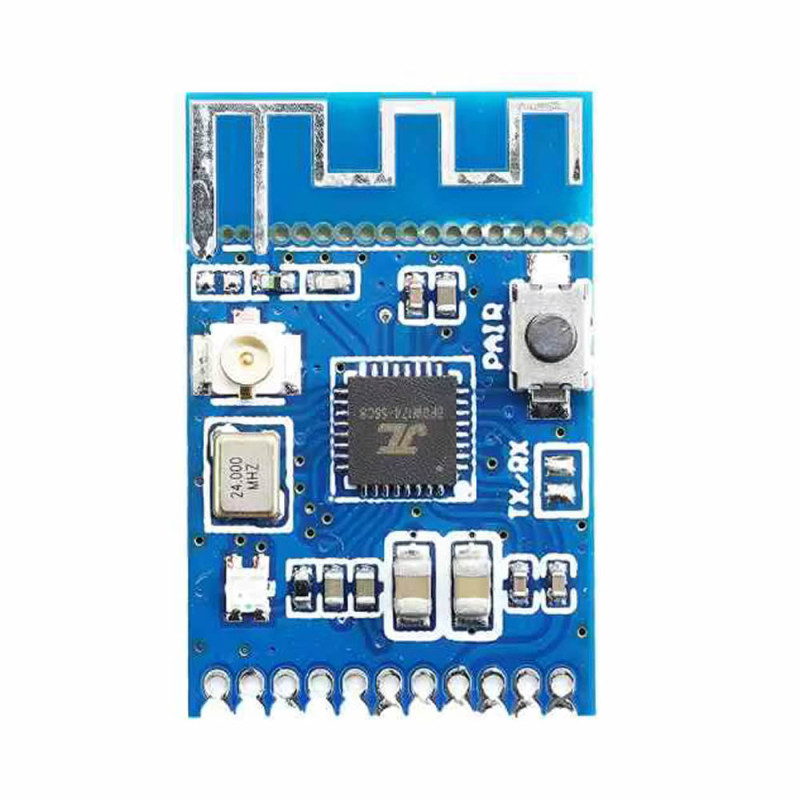
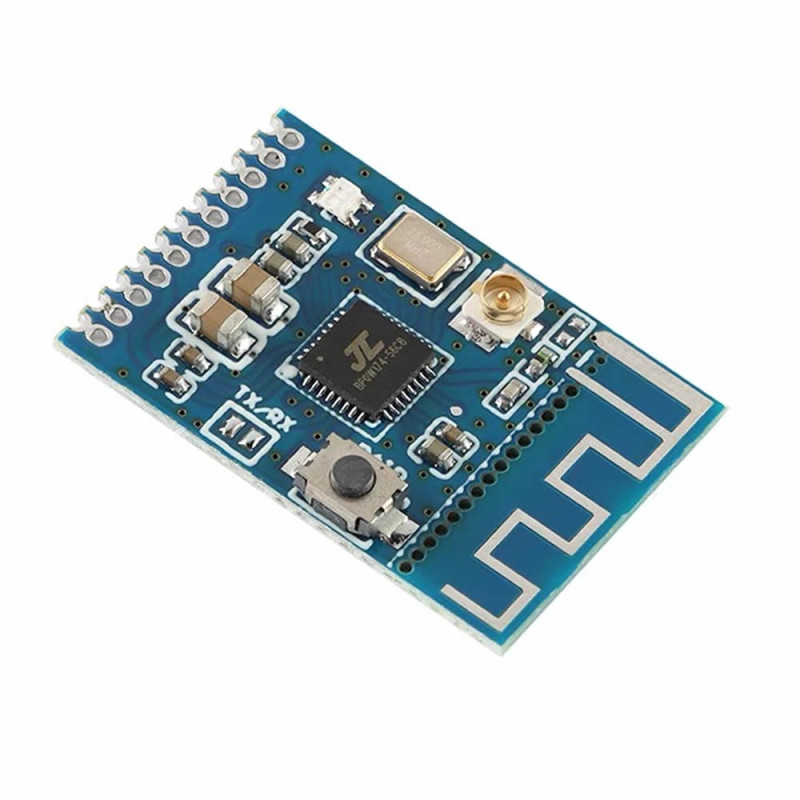
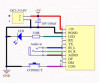
If you are going to use an external antenna, the pcb antenna section can be broken off and separated from the pcb.
Kcx Emitter is a multifunctional bluetooth module designed for high quality wireless audio transmission and reception. This module can work both as an audio transmitter and as an audio receiver using the bluetooth 5.3 protocol. It has a built in usb sound card feature for computers and can convert external audio inputs into a wireless signal. It transmits the stereo audio received from the analog line input over bluetooth. It can send audio to other modules set in ble receiver mode
The operating mode can be easily changed by short circuiting the solder points on the module. It is ideal for adding bluetooth capability to devices such as computers, speakers, headphones, tv, projectors, game consoles and mp3 players, or for receiving wireless music from smartphones.
Featured Specifications
- Bidirectional use: It can work in both receiver and transmitter mode.
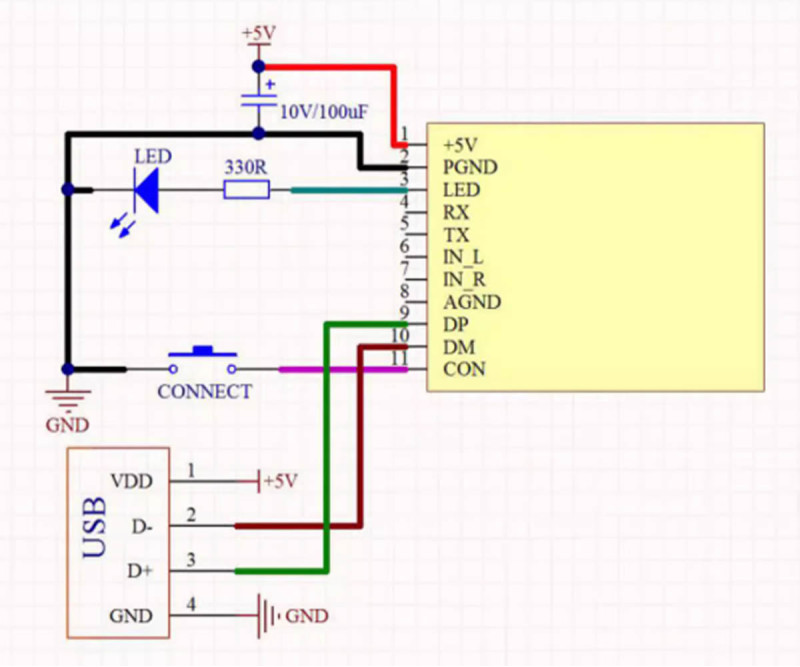
- Usb sound card support: When connected to a computer over usb, it is automatically recognized as a sound card.
- Advanced connection: It offers advanced controls such as changing the device name, connecting by mac address and getting search results over at commands.
- Wide compatibility: It is compatible with most bluetooth headphones and speakers that do not require a password (It is not compatible with car kits that require password entry).
- Automatic reconnection: It automatically connects to previously paired devices.
Application areas:
- Transferring computer and tv audio to wireless headphones.
- Diy bluetooth speaker making.
- Making wired audio systems wireless.
- Lossless audio transmission over the usb sound card.
Application notes:
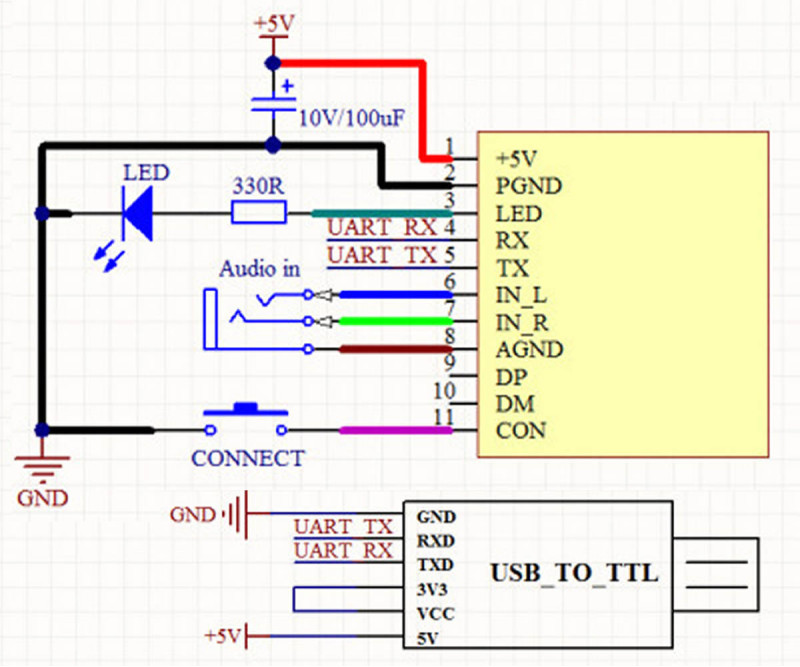
- Status Notifications: When the module connects to a device or the connection is lost, it automatically sends the CONNECTED or DISCONNECTED information over the uart line.
- Usb Sound Card Mode: When the module is connected to a computer, it processes the usb audio data with priority. If you are going to use the analog input (IN-L/IN-R), make sure that the usb connection is not plugged in.
Features:
- KCX_EMITTER
- Number of channels: 2 Channels (Stereo)
- Bluetooth version: BLE 5.3 (Compatible with Bluetooth 4.1)
- Operating voltage: Dc 3.5 / 5V
- Operating current: 35mA
- Communication distance: 10-20 meters
- Transmission latency: 250-300ms
- Control over TTL uart
- Pcb antenna (can be broken off and separated from the pcb)
- Ufl external antenna connection socket
- Pairing (pair) button
- Rf output power: +5dBm
- Audio frequency range: 20Hz-20KHz
- Audio dynamic range: 80dB
- Frequency range: 2.GHz
- Signal to noise ratio (SNR): 95dB
- Serial Port and AT Command Support
- Power indicator led
- Color: Blue
- Operating temperature: -10C / 65C
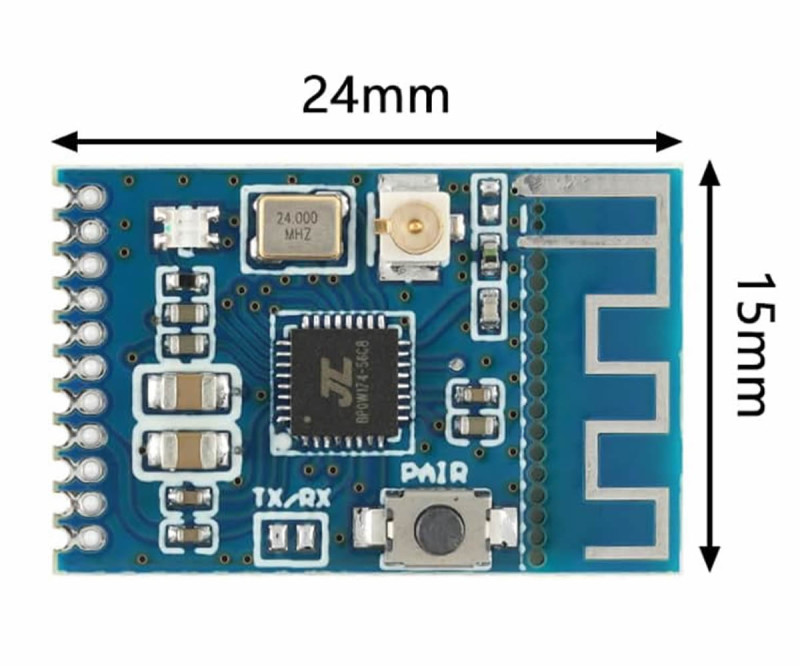
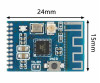
- Dimensions: 15.5mm x 23.5mm
- Weight: 1gr
Supported operations:
- Connecting to a specific device name
- Connection by MAC address
- Bluetooth device scanning
- Connection status query
- Disconnection
- Memory settings when power is cut
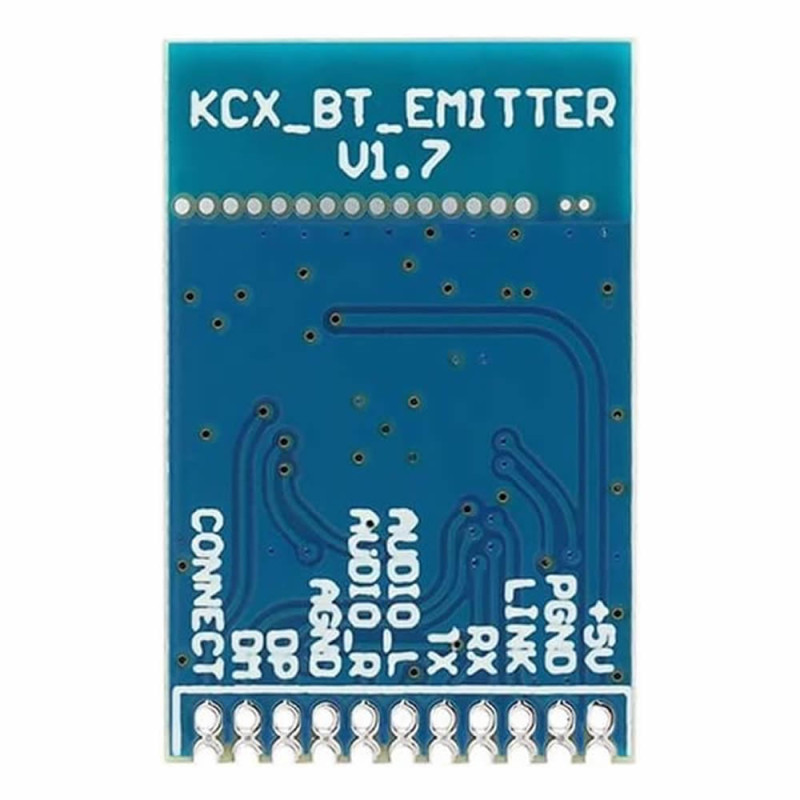
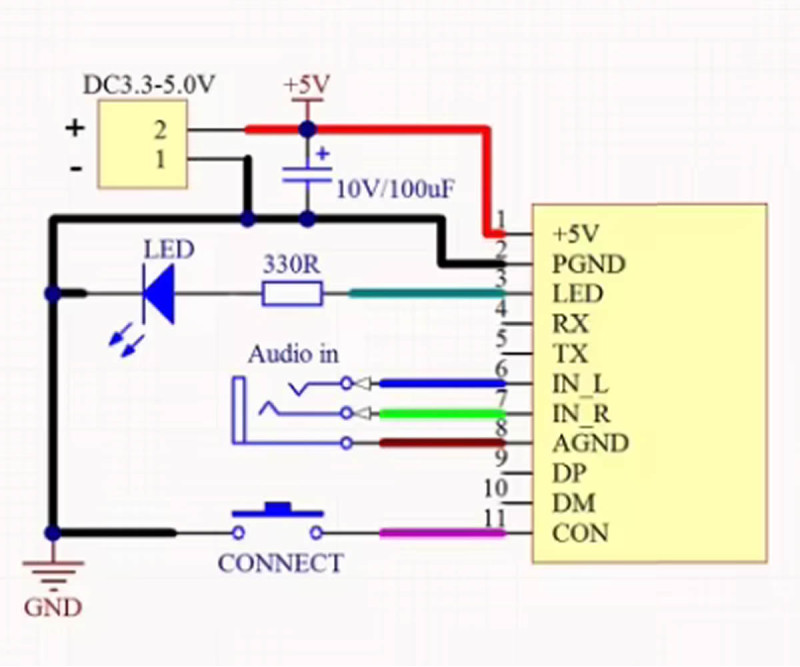
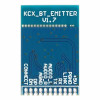
Pin descriptions:
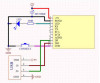
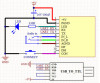
- +5V: Power input
- PGND: Power ground (-)
- Led: Status indicator light output
- RX: uart receive pin for stm and similar controllers
- TX: uart transmit pin
- IN-L: Left channel audio input
- IN-R: Right channel audio input
- AGND: Audio ground
- DP: usb data pin (D+)
- DM: usb data pin (D-)
- CON: External pairing button connection
Package contents:
- 1 Piece Kcx Emitter Bluetooth Module
UART Communication Parameters
- Baud Rate: 115200 bps
- Data Bits: 8
- Stop Bits: 1
- Parity: None
Basic AT Command Set
- Command Description Response Example
- AT+ Tests whether the module is ready. OK
- AT+GMR? Queries the software version. version: x.x.x
- AT+HELP Displays the available command list. (Command List)
- AT+RESTORE Returns to factory settings. OK+RESTORE
Connection and Control Commands
- AT+SCAN Starts searching for bluetooth devices in the environment.
- AT+STOP_SCAN Stops the device search process.
- AT+CONN=x Connects to the device with index "x" in the search list.
- AT+CONNAM=Name Connects to the device with the specified name (e.g.: "Bluetooth Audio").
- AT+CONADD=MAC Connects directly to the device with the specified MAC address.
- AT+DISCONN Disconnects the current active connection.
Configuration Commands
- Changing the Device Name: AT+NAME=Robiz_Audio -> Makes the visible name of the module "Robiz_Audio".
- Volume Level Control: AT+VOL=20 -> Sets the volume level to a value between 0 and 30.
- Mode Query: AT+MODE? -> Returns whether the module is currently in transmitter or receiver mode.